
Your moving company didn’t outgrow Supermove by accident. Usually the pain shows up in small ways first. Your office starts building side processes in spreadsheets, dispatch needs more hand-holding than it should, sales wants faster follow-up, or your team feels like the system is asking too much of them during the busiest part of the year. If that sounds familiar, you’re in the right spot.
A lot of movers hit this point when the business changes faster than the software does. Maybe you need a simpler setup. Maybe you need deeper storage or tariff logic. Maybe you just want a platform that matches how your office books, schedules, and closes jobs. During busy season, when moving activity typically peaks between March and September, those software gaps hurt more because slow intake and missed calls can turn into lost bookings fast, especially for smaller phone teams handling seasonal spikes (seasonality context from Supermove’s industry comparison). If you’re reworking your stack, this is also a good time to review the broader question of how to select a technology stack.
This guide gets to the point. These are the top Supermove alternative options for operators who care less about flashy demos and more about what helps them book more jobs, quote faster, and keep the office from falling apart in peak season.
1. SmartMoving
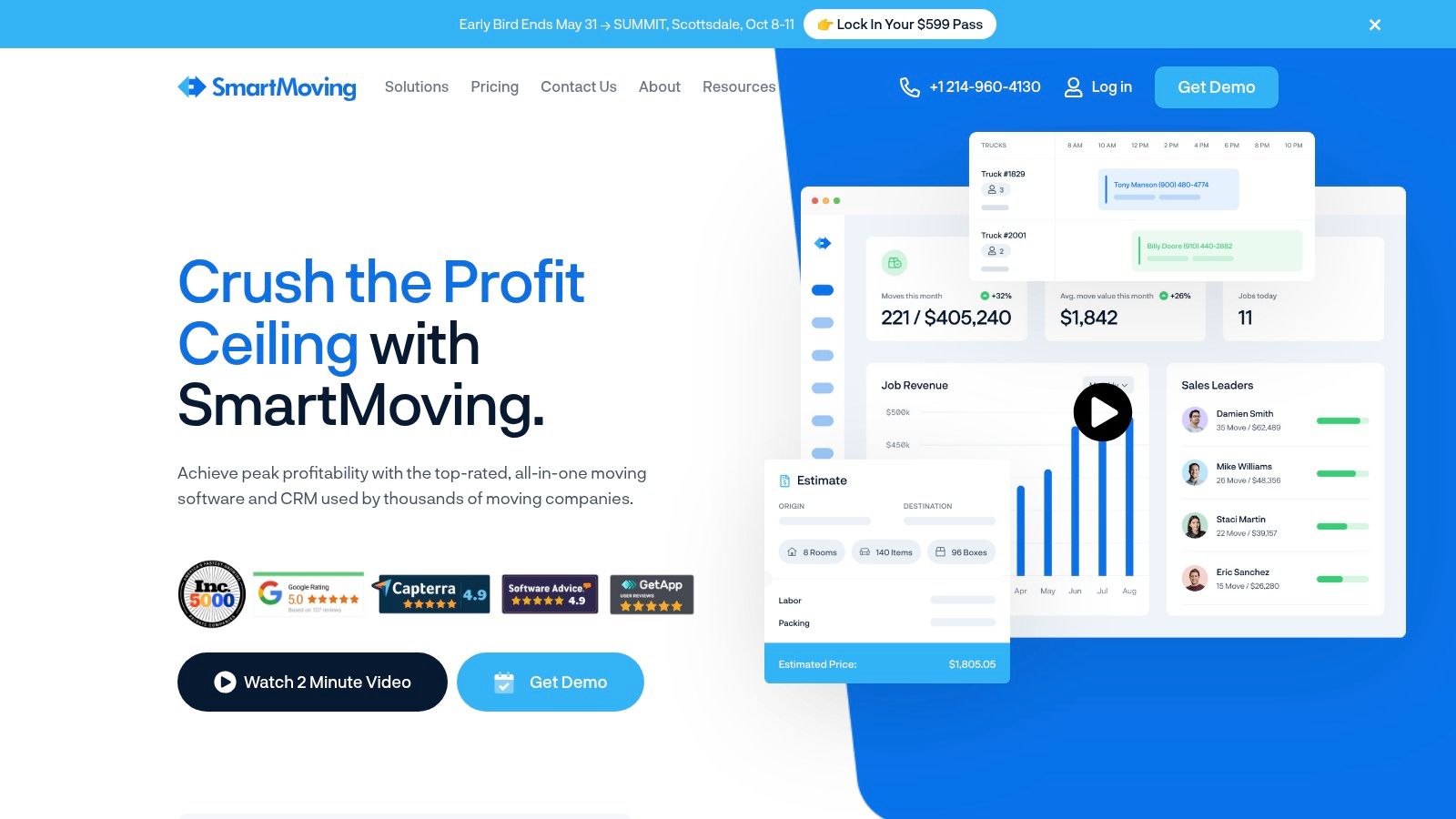
SmartMoving is usually the first name that comes up when a mover wants a true Supermove alternative without leaving the moving-specific software category. That makes sense. It covers estimating, dispatch, storage, reporting, and the day-to-day workflow most local and regional movers need.
If you run a growing residential operation and want one platform to hold sales, operations, and field execution together, SmartMoving is a serious option. It tends to fit companies that are past the “figure it out on the fly” stage and need more consistency in quoting and dispatch.
Best fit
The biggest strength here is depth without feeling fully enterprise-heavy. SmartMoving can work for smaller teams, but it makes the most sense when you’re actively standardizing process across office staff, estimators, dispatch, and crews.
A few practical reasons operators choose it:
- Mover-specific estimating: Rate tables, pricing rules, and move workflows feel built for actual moving jobs, not generic field service work.
- Operational coverage: Dispatch, storage, crew coordination, and reporting sit in one place.
- Integration potential: It connects into common office tools, which matters if accounting, phones, calendars, and marketing already live elsewhere.
For a side-by-side view of platforms in this lane, this breakdown of the best software for moving companies is useful if you’re comparing front-office fit as much as back-office features.
Practical rule: If your sales team still quotes one way, dispatch schedules another way, and crews document jobs a third way, a deeper platform helps only if you enforce one process inside it.
The trade-off is setup discipline. SmartMoving gives you enough flexibility to improve operations, but it also gives you enough flexibility to build a mess if nobody owns the rollout. If your team hates training or your office still relies on exceptions for every move, you won’t get the full benefit.
You can evaluate the platform directly at SmartMoving.
2. MoveitPro
MoveitPro has been around long enough that most experienced operators have either looked at it, used it, or competed against a mover who does. That matters. Longevity in moving software usually means the platform has seen enough weird operational edge cases to support real businesses, not just clean demo environments.
It covers CRM, estimating, dispatch, storage, eBOL, and payments. For owners who want broad functionality and don’t want to guess at whether the vendor understands moving workflows, MoveitPro is a credible Supermove alternative.
Where it works best
MoveitPro tends to make the most sense when you want the software to support a defined workflow from lead to finished job. That can be a strength if your office needs structure.
Here’s the practical upside:
- Clear buying process: Public-facing pricing resources make early evaluation easier than platforms that force a long sales cycle.
- Broad coverage: It spans lead handling, scheduling, field paperwork, and billing.
- Storage support: Helpful if you’ve got a business model that isn’t just local same-day jobs.
The caution is simple. A system like this works best when the office accepts that process consistency matters more than personal preference. If every coordinator has their own way of handling follow-up, documentation, and scheduling, adoption gets sloppy fast.
Some movers don’t need more features. They need fewer workarounds.
One reason buyers shortlist MoveitPro is that review-driven comparisons for 2026 identify it as the best overall Supermove alternative, while also pointing buyers toward ease of use and reliability as key decision factors when comparing options (G2’s 2026 alternative rankings). That’s the right lens. A feature list looks great in a demo. Reliability shows up on a Friday when dispatch is overloaded.
You can review the platform at MoveitPro.
3. Movegistics by Netensity
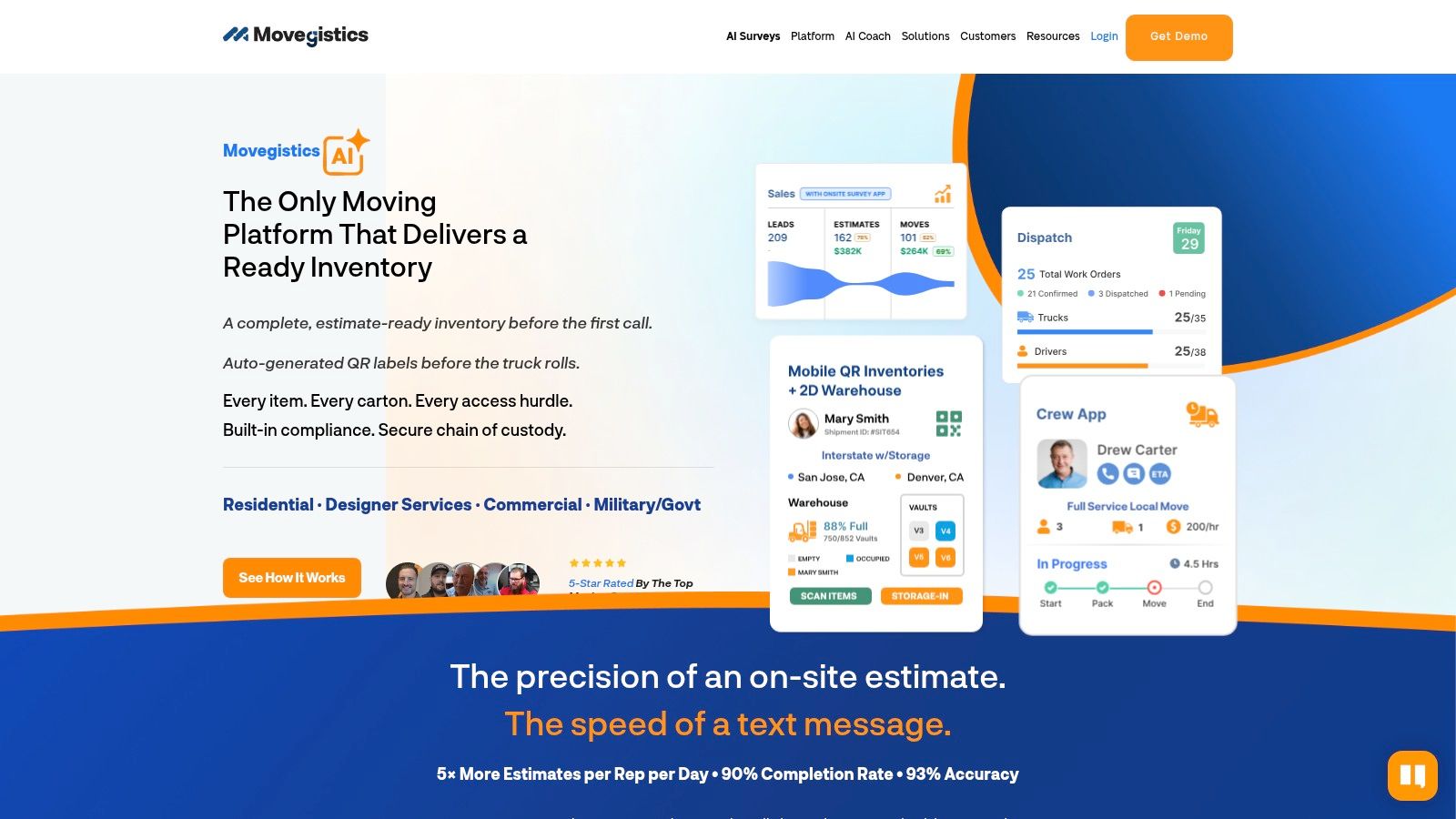
Movegistics is the option I bring up when a mover says, “Our jobs are getting more complex than our software.” Not just more volume. More complexity. Storage, longer-distance quoting logic, inventory handling, vaults, warehouse coordination, QR workflows, and mobile survey needs.
That’s where simpler platforms start to break. They can schedule the move, but they can’t manage the operational detail without office staff building manual patches around them.
Who should choose it
Movegistics is strong when your pricing and execution aren’t simple hourly local moves. If your team needs configurable quote logic and more detailed inventory or storage handling, it deserves a hard look.
Its practical strengths include:
- Configurable pricing logic: Better fit for teams using more than one pricing model.
- Warehouse and inventory depth: Useful when operations go beyond standard residential dispatch.
- Mobile support for field workflows: Helps crews and survey teams feed cleaner information back to the office.
If your growth plan includes faster booking, better quote flow, and cleaner handoff from call to schedule, this overview of what booking and quoting software serious moving companies use pairs well with a Movegistics evaluation.
Here’s the trade-off. Movegistics can solve harder operational problems, but it usually asks more from your setup phase. That means more configuration, more validation, and more training. If you’re a straightforward local mover with limited storage and a small office, you may end up paying for complexity you won’t use.
You can explore it at Movegistics.
4. Moverbase
Moverbase sits in a different category than the heavier moving CRMs. It’s lighter, simpler, and easier to grasp quickly. That’s exactly why some operators like it.
If you’re replacing Supermove because it feels like more platform than your office needs, Moverbase is worth considering. Quotes, scheduling, e-signatures, payments, calendar sync, and basic workflow coverage can be enough for some teams.
Where it falls short
This is where growth stage matters. A lighter system can outperform a fuller platform when the business needs speed and simplicity more than deep operational controls.
That’s not theory. Independent review comparisons regularly frame the buying decision around onboarding speed, ease of use, and reliability, and they also note that some alternatives are better suited to smaller fleets because Supermove can be more complex to deploy and run (Software Advice comparison context).
In practice, Moverbase makes sense when you want:
- Quick adoption: Less resistance from office staff who won’t tolerate a long learning curve.
- Straightforward quoting and scheduling: Enough structure to stay organized without enterprise overhead.
- Lower operational burden: A platform your team can readily use without a big rollout project.
The downside is feature ceiling. Once you need more advanced tariff logic, deeper storage workflows, or broader operational reporting, lightweight systems can start forcing manual work again. For a company trying to grow from basic organization into repeatable scale, that ceiling matters.
You can check it out at Moverbase.
5. Elromco MoveBoard
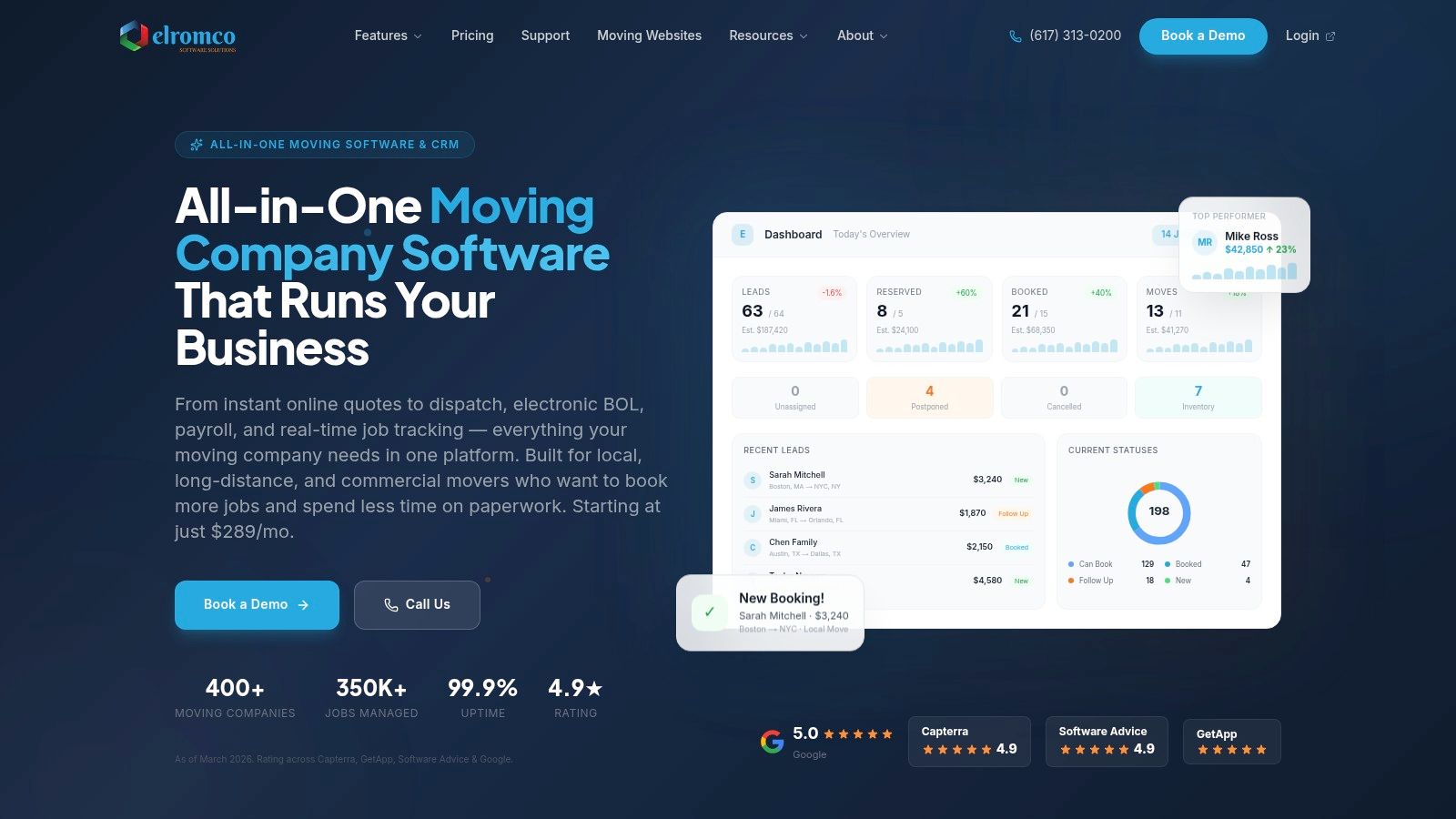
Elromco MoveBoard is one of those platforms operators often discover after getting tired of juggling paperwork, signatures, payroll handoff, and office follow-up across too many systems. Its appeal is operational clarity. The workflow from quote to signed paperwork to payment feels intentionally connected.
That matters in real life. If your foreman closes paperwork one way, payroll rebuilds hours another way, and the office reconciles the job later, your software isn’t reducing admin. It’s just relocating it.
Why operators like it
Elromco tends to resonate with local and intrastate movers who want modern paperless operations without buying into a giant enterprise stack.
What stands out in day-to-day use:
- Field-to-office flow: eBOL, signatures, invoicing, and payroll-related processes feel connected.
- Client-facing experience: Portals and payment tools can reduce office back-and-forth.
- All-in-one logic: Helpful for teams trying to remove duplicate data entry.
The main thing to validate in a demo is fit for your actual move mix. If you handle more specialized long-distance rating or unusual pricing structures, don’t assume every scenario maps cleanly. Test your real jobs, not the vendor’s sample jobs.
You can learn more at Elromco.
6. Vonigo
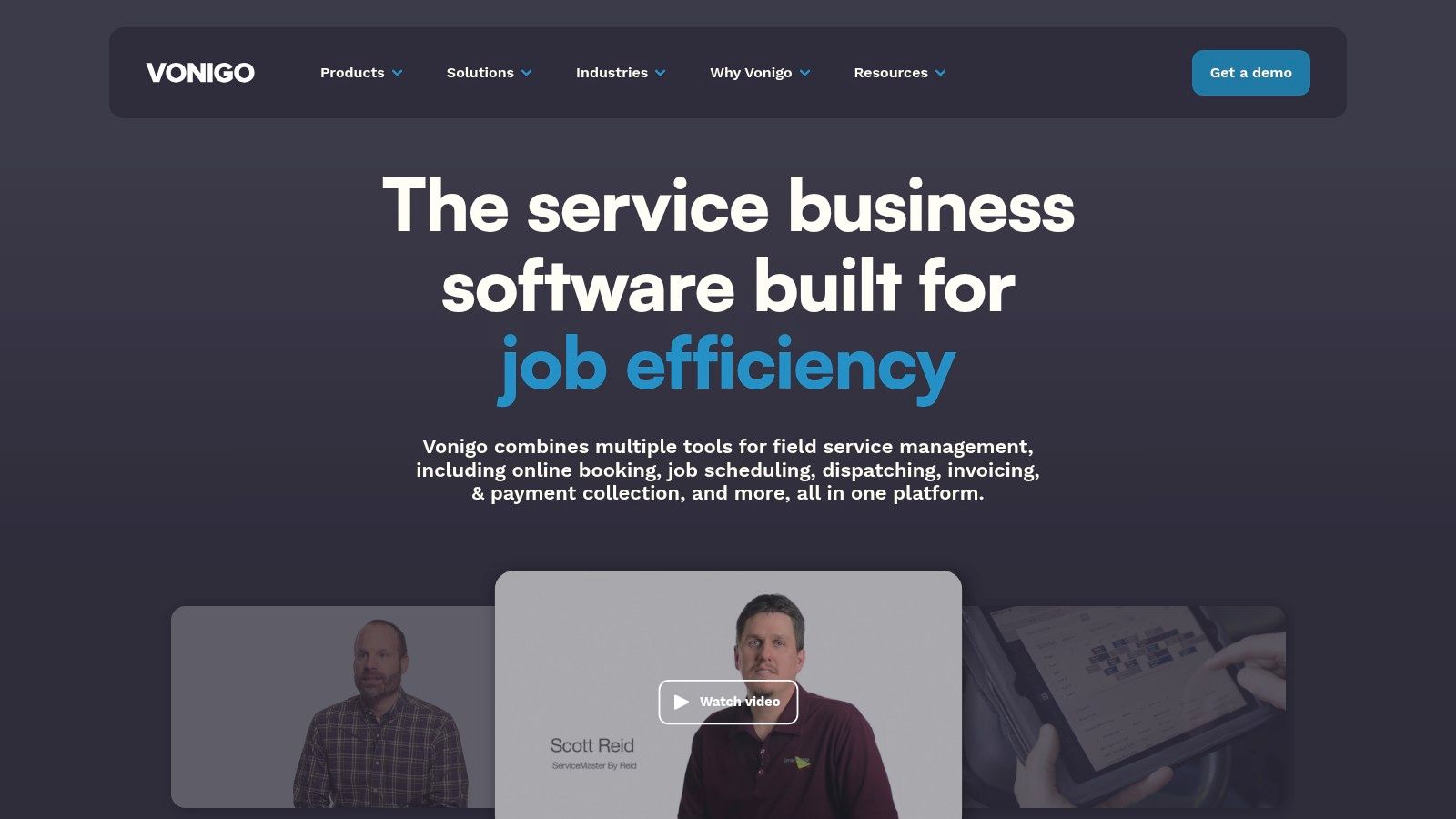
Vonigo is different from most tools on this list because it comes from the field-service world, not purely the moving-software world. That makes it a smart choice for some operators and a poor fit for others.
If you run multiple service lines, multiple locations, or a franchise-like structure, Vonigo can be more interesting than a moving-only platform. A mover that also handles junk removal, labor, delivery, or related home services may prefer one broader system over several specialized ones.
Ideal use case
Vonigo is worth a look if your business is operationally broader than “moving company” as a single category. It covers quoting, scheduling, route planning, dispatch, customer communications, and multi-location workflows.
That broader orientation helps when you need:
- Multi-brand management: Useful if different branches or services operate under one umbrella.
- Shared scheduling structure: Helpful when dispatching across more than one service type.
- Field-service flexibility: Better fit for operators blending moving with adjacent services.
The wrong software doesn’t always fail because it’s weak. Sometimes it fails because it’s built for a narrower business than the one you’re actually running.
The obvious caution is moving specificity. Generic field-service platforms can look efficient until you test moving-specific exceptions. Stairs, long carries, inventory-sensitive estimates, storage transitions, and crew documentation all need close review in the demo process.
You can evaluate it at Vonigo.
7. MoversSuite
MoversSuite belongs in the conversation anytime a mover says they need depth first and simplicity second. This is not the lightweight answer. It’s a more enterprise-oriented system with multiple editions, companion apps, and broader support for complex moving and warehousing environments.
That can be a huge advantage if your business has already grown into regional complexity, multiple operational layers, or van-line style requirements. It can also be too much system for a company that mainly needs cleaner lead handling and better local dispatch.
Who should avoid it
Most 5 to 20 truck operators should think carefully before buying software at this level of complexity. Not because it’s bad. Because implementation load is real.
A few signs it may be too heavy for you:
- You need speed, not a long rollout: Heavy platforms often reward patience more than urgency.
- Your office is still process-light: Deep systems expose weak habits. They don’t hide them.
- Your real problem is front-end conversion: If leads aren’t getting quoted and booked fast enough, enterprise back-office depth won’t fix that by itself.
For operators comparing deeper systems in this class, this review of moving company software options can help clarify whether your bottleneck is complexity management or booking conversion.
MoversSuite is best approached like an operational platform decision, not a software swap. You’re changing process, not just replacing screens. You can review it through EWS Group.
8. Moveware
Moveware is for movers who care a lot about financial control, warehousing, and broader operational management. It’s closer to an ERP-style move management platform than a simple CRM.
That’s why it often fits multi-branch operators, international workflows, fine-art handling, storage-intensive businesses, and companies that want accounting tied tightly into operations. If that’s your world, Moveware can be a compelling Supermove alternative.
What to validate in a demo
The question isn’t whether Moveware is capable. The question is whether your organization is ready to use that capability without bogging itself down.
Focus your demo on these issues:
- Accounting fit: Native financial controls are valuable only if your finance process will actually use them.
- Warehouse reality: Test your real storage and inventory scenarios, not the default setup.
- Implementation effort: Ask who on your team owns rollout, training, and data cleanup.
One useful pricing reality check when reviewing platforms in the broader Supermove-adjacent market is that listings show a wide spread. One 2026 market comparison places SmartMoving at about $199 per month, while other alternatives in that comparison are listed around $79, $99, $199, $280, and even $895 per month, which shows how sharply pricing changes based on workflow depth, automation, and implementation complexity rather than just moving-industry branding (2026 market pricing comparison).
Moveware usually enters the conversation when buyers are already thinking in that deeper-complexity category. You can explore it at Move Connect.
9. Chariot
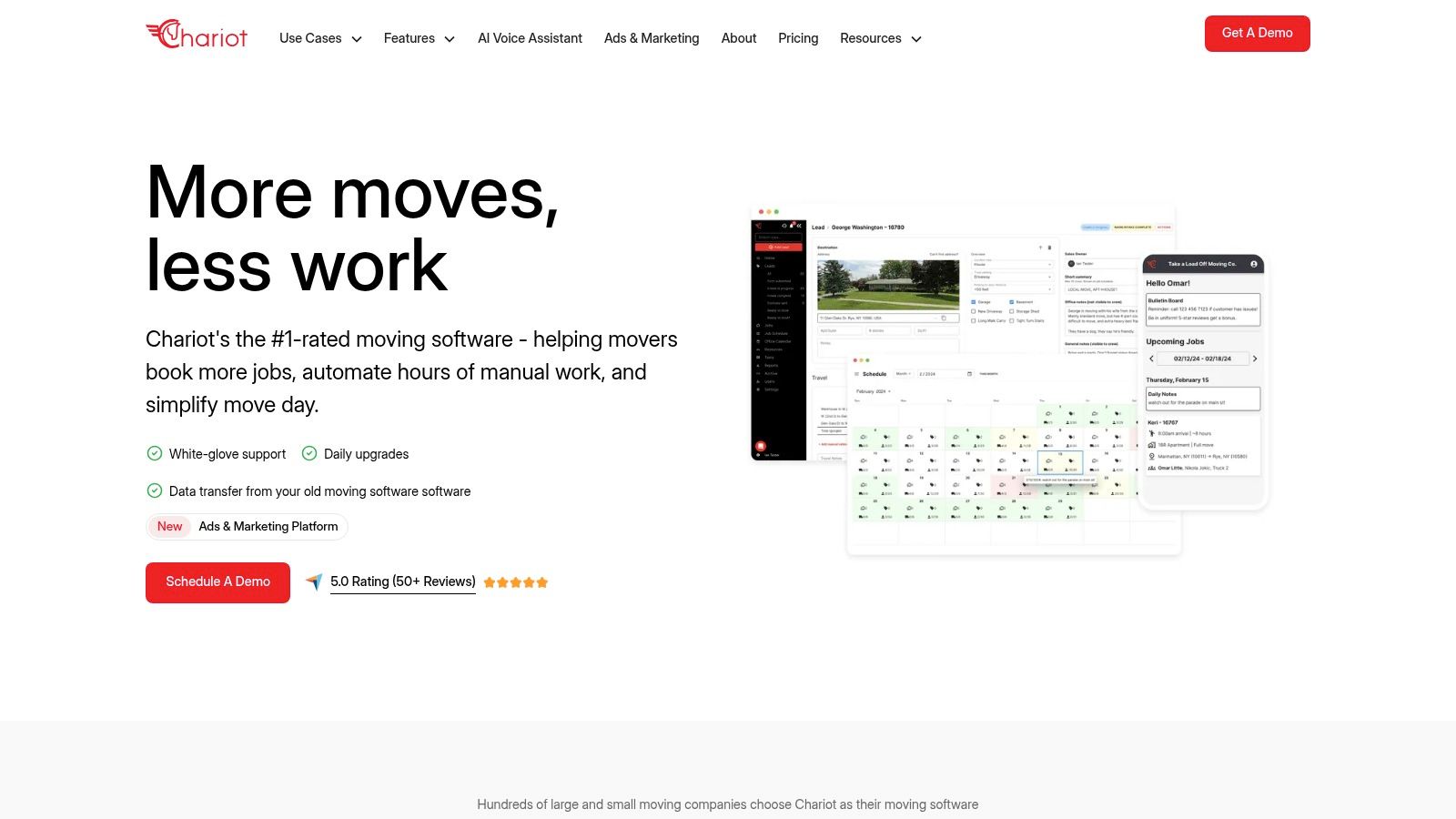
Chariot is one of the cleaner choices for operators who want moving-specific software without buying something that feels old, bloated, or hard to pilot. The appeal here is simplicity plus automation. That combination matters a lot for small and mid-sized teams trying to reduce admin without creating a training project.
For many movers, Chariot feels easier to understand than the more layered platforms. That makes it attractive when the office wants one system for quoting, dispatch, eBOL, invoicing, and payments with less overhead.
What stands out
Chariot works best for teams that want to standardize workflow without turning software implementation into a side business.
Its strongest use cases include:
- Straightforward all-in-one operations: Helpful if you want fewer disconnected tools.
- SMB usability: Better fit for teams that need adoption fast.
- Modern workflow feel: Good for offices tired of clunky systems and duplicate entry.
The limitation is ecosystem depth. If your stack depends on lots of third-party integrations or highly specialized operational modules, make sure Chariot connects where you need it to. For many local movers, it’s enough. For more specialized operators, “enough” may not stay enough for long.
You can review it at Chariot.
10. MoveNinja
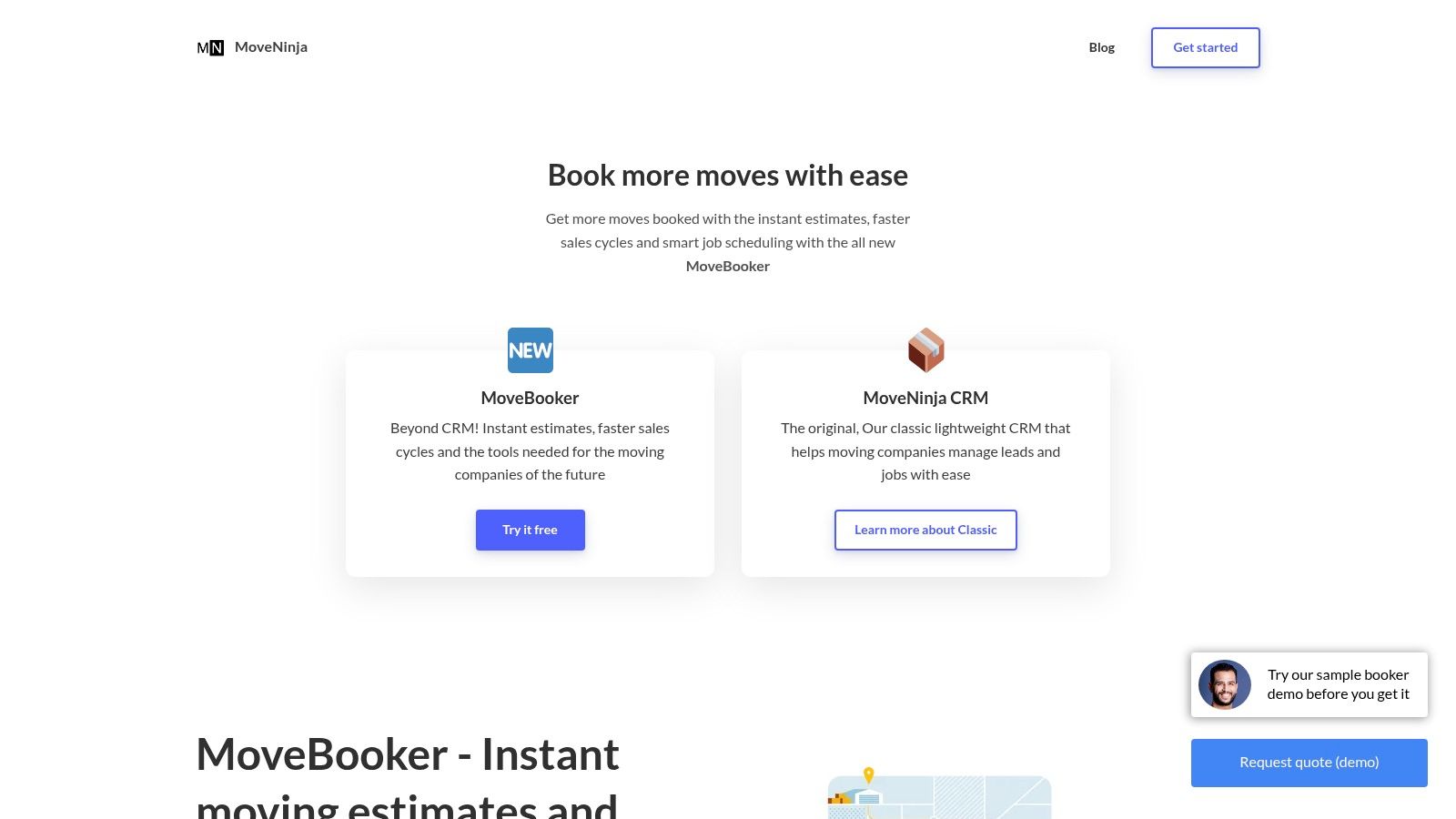
MoveNinja is the kind of Supermove alternative that makes sense when your main priority is speed to quote and speed to booking. It’s lighter than the enterprise suites and easier to test, which matters when you don’t want a long buying cycle.
Its online booking and instant estimate positioning make it interesting for movers who know the main leak in the business happens before dispatch ever sees the job. If leads wait too long, they keep calling other companies.
Best for speed
MoveNinja is strongest when a company wants to move from inquiry to estimate to booking with less office friction. That’s especially useful for operators who are still missing opportunities after hours, on weekends, or when the team is tied up with active jobs.
A few reasons it earns consideration:
- Easy to trial: Published pricing and a free trial lower the evaluation risk.
- Booking-focused workflow: Better fit for teams prioritizing intake speed.
- Lighter admin load: Useful when your office doesn’t need a warehouse-grade platform.
The trade-off is breadth. A system built for faster booking may not give you the same depth in storage, warehousing, or highly specialized operational controls. That’s fine if your real bottleneck is conversion. It’s a problem if you buy it expecting back-office depth it was never designed to deliver.
You can test it at MoveNinja.
Top 10 Supermove Alternatives Comparison
| Product | Core features ✨ | UX / Quality ★ 🏆 | Value & Pricing 💰 | Best for 👥 | Unique selling point ✨ |
|---|---|---|---|---|---|
| SmartMoving | Estimating (tariffs/rate tables), dispatch, storage, reporting ✨ | ★★★★ · Dedicated onboarding 🏆 | 💰 Quote‑based tiers + onboarding | 👥 Owner‑operators → mid‑market teams | ✨ Deep mover‑specific estimating & open API |
| MoveitPro | CRM, estimates, scheduling/dispatch, eBOL, storage | ★★★★ · Mature platform, variable UX | 💰 Public pricing resources; tiered plans | 👥 Small → multi‑truck fleets | ✨ Transparent pricing + broad coverage |
| Movegistics (Netensity) | CPQ/quoting (hourly/tariffs), mobile crew/surveys, QR inventory | ★★★★ · Very configurable (requires setup) | 💰 Module‑based, confirm total cost | 👥 Ops with complex jobs & storage | ✨ Highly configurable quoting & QR inventory |
| Moverbase | Quotes, scheduling, e‑signatures, payments, calendar sync | ★★★★ · Fast to adopt, lightweight UX | 💰 Low published pricing + free tier | 👥 1–5 truck teams / startups | ✨ Free tier & quick setup |
| Elromco (MoveBoard) | eBOL (time‑stamped), CRM, dispatch, invoicing, payroll from BOL | ★★★★ · Paperless workflows, clear ops | 💰 Competitive entry price (vendor‑quoted) | 👥 Local & intrastate movers | ✨ eBOL → payroll automation |
| Vonigo | Estimates, route planning, scheduling/dispatch, API/integrations | ★★★ · Scales for multi‑location/franchise | 💰 Custom, quote‑based | 👥 Franchises / multi‑location operators | ✨ Multi‑location & franchise tooling |
| MoversSuite (EWS) | Lead‑to‑cash, dispatch, warehouse, companion apps | ★★★★ · Enterprise‑grade, deep functionality | 💰 Enterprise pricing (scoped) | 👥 Larger/regional & van‑line operators | 🏆 Broadest feature depth & van‑line integrations |
| Moveware | End‑to‑end move ops, storage/warehousing, native accounting | ★★★★ · Strong financial controls | 💰 Enterprise/scoped pricing | 👥 Multi‑branch / international movers | ✨ Native GL/multi‑currency accounting |
| Chariot | Lead/CRM, online booking, eBOL, dispatch, payments | ★★★★ · Streamlined, automation‑first UX | 💰 Vendor‑quoted; easy pilot | 👥 SMB movers wanting simplicity | ✨ Simple automation to cut manual work |
| MoveNinja | Instant estimates, MoveBooker online booking, dispatch, inventory | ★★★★ · Quick setup + 14‑day free trial | 💰 Published plans + free trial | 👥 Startups & small fleets | ✨ MoveBooker widget for instant web‑to‑booking |
Your CRM Is Your Foundation, Not Your Entire House
Choosing the right Supermove alternative is a real business decision, not a software hobby. For most movers, the wrong choice shows up in one of two ways. Either the platform is too light and your office starts rebuilding missing workflows by hand, or it's too heavy and your team never fully adopts it. Both outcomes cost money.
The smarter way to choose is by growth stage and operational complexity. If you run a relatively straightforward local operation, a lighter platform can outperform a more advanced one because your team will use it consistently. If you've added branches, storage, more complex estimating, or layered dispatch needs, then deeper software starts paying for itself because it prevents office chaos and manual patchwork.
This is why I push operators to think beyond feature checklists. The question isn't “Which platform has the most tools?” It's “Which one fits how we sell, quote, schedule, document, and collect payment right now, while giving us enough room to grow?” That's also why guidance from other industries on intake and CRM still applies. Good systems support the handoff from first contact into execution, and Formzz's advice on legal intake and CRM makes the broader point well. Intake friction upstream creates operational friction downstream.
There's another issue many software comparisons miss. Your CRM manages jobs after they enter the system. It does not automatically solve the front-end revenue leak. A moving company can have solid dispatch, clean paperwork, and organized reporting, then still lose jobs because calls were missed, follow-up lagged, or the customer couldn't get a quote fast enough. That gap gets worse during busy months when call volume spikes and office teams are stretched thin.
A lot of movers think they have a CRM problem when they really have a conversion problem before the CRM ever sees the lead.
That's where pairing your chosen platform with revenue-focused automation matters. The most effective setup is usually not “replace everything with one tool.” It's “choose the right operational system, then close the intake gap with something that answers every call, gives accurate quotes using your real rate card, and books directly into the system your team already runs.” That approach reduces missed opportunities without forcing the office to babysit every lead.
For many growing movers, that's the practical role MoveJoy fills. It doesn't just answer the phone. It helps close the job by generating an accurate quote on the call and booking directly into platforms like SmartMoving, Supermove, MoveitPro, or even Google Calendar. That's a different category of value than a generic answering tool or a basic AI voice layer that captures a message and leaves your staff to finish the work.
If you're evaluating a Supermove alternative right now, choose the CRM that matches your current operating complexity. Then fix the front end too. That's how you stop losing jobs before they ever reach dispatch.
If you want to pair your next CRM with a system that helps you recover missed calls, quote accurately on the call, and book jobs straight into your workflow, take a look at MoveJoy. It's built for moving companies that care about booked revenue, not just answered phones.