The 10 Best Moving Company Software for 2026

Stop Leaking Revenue: Your Guide to the Best Moving Company Software
It's 2 PM on a Tuesday in July. Your phone is ringing, your dispatcher is juggling three crews, a new lead just hit the website, and someone on hold wants answers about paperwork from a move already on the board. That's normal for a growing moving company. The problem is that most operators are still trying to run a real business on a patched-together system of spreadsheets, Google Calendar, sticky notes, and whatever one office person can remember.
That setup works until it doesn't. Calls get missed. Quotes go out late. Dispatch has to re-enter information sales already collected. A job gets booked, but the crew notes live in one place and the billing details live somewhere else. The leak usually starts in the front office, then shows up in lower close rates, more admin time, and avoidable day-of-move mistakes.
The best moving company software fixes that by providing you with an operational advantage. In a broader industry estimated at about $18 billion annually and serving roughly 31 million Americans who relocate each year, software isn't a nice extra. It's infrastructure for lead capture, scheduling, routing, and reducing manual errors in a high-volume seasonal business, as outlined in Detrack's moving software overview.
If you're also comparing software outside the moving niche, this roundup of top CRMs for service companies in 2026 is a useful side read.
Table of Contents
- 1. MoveJoy
- 2. SmartMoving
- 3. Supermove
- 4. MoveitPro
- 5. Oncue
- 6. Movegistics
- 7. Moverbase
- 8. Vonigo
- 9. MoversSuite by EWS Group
- 10. Elromco
- Top 10 Moving Company Software Comparison
- How to Choose A Buyer's Checklist for Your Moving Company
1. MoveJoy
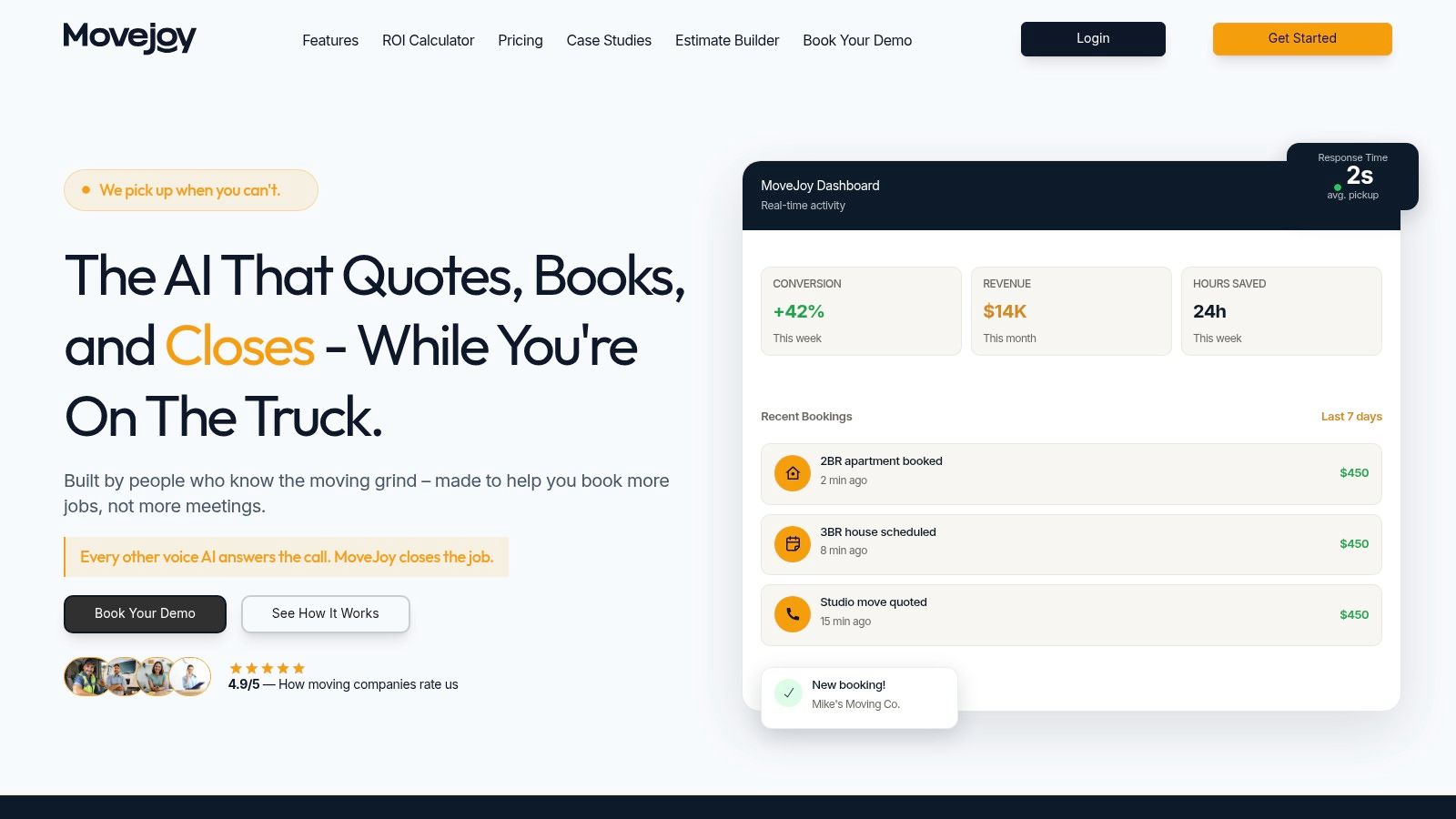
A prospect calls at 4:45 p.m. while your coordinator is juggling tomorrow's route, a crew callout, and two claims. If nobody can quote the move on that first conversation, the lead often goes shopping. For companies that lose business at the top of the funnel, MoveJoy addresses a specific problem: lead leakage during intake and quoting.
MoveJoy earns attention because it focuses on speed to quote and speed to booking. It handles inbound calls, qualifies the job, applies your pricing logic, and pushes the result into the rest of your workflow. For operators trying to tighten the gap between first contact and paid work, that is its primary benefit.
Why it stands out
I would put MoveJoy in the revenue capture category, not the broad all-in-one operations category. That distinction matters for buyers. If your biggest issue is dispatch sprawl, crew tracking, or storage complexity, this is not the first problem to solve. If missed calls, slow callbacks, and inconsistent phone quoting are costing you bookable jobs, it deserves a hard look.
It is also relevant for owners comparing front-end quoting tools. The fit is strongest for teams that want faster intake without forcing every lead to wait for a salesperson. For more context on quoting workflows, see this guide to best estimating software for moving companies.
A few operational strengths stand out:
- Built around booking, not message taking: The workflow is designed to move the caller toward a quote and a confirmed job.
- Pricing logic that fits moving work: It can account for variables office staff deal with every day, such as stairs, long carries, local hourly pricing, and job details that generic call tools often miss.
- Cleaner handoff into your stack: It works well for companies that already have a CRM, calendar, or dispatch platform but keep dropping the ball before the job is booked.
Practical rule: If your office cannot quote while the team is busy running moves, your sales process is underbuilt for your call volume.
Best fit
MoveJoy fits best in a 5 to 20 truck business where ownership already knows the phones are a weak point. That usually shows up in busy season. The same people are answering calls, confirming crews, chasing paperwork, and calming down customers. Good leads come in. Response time slips. Revenue follows.
It also makes sense as a layer on top of a mature back-office system. Many movers do not need to replace their entire software stack. They need to fix the part where leads stop turning into booked work.
The trade-off is straightforward. MoveJoy will not replace an experienced estimator on every high-touch or unusual move. Military relocations, complex commercial work, and edge-case jobs still need human review. But for standard residential inquiries, it can remove a bottleneck that keeps many growing movers stuck.
2. SmartMoving
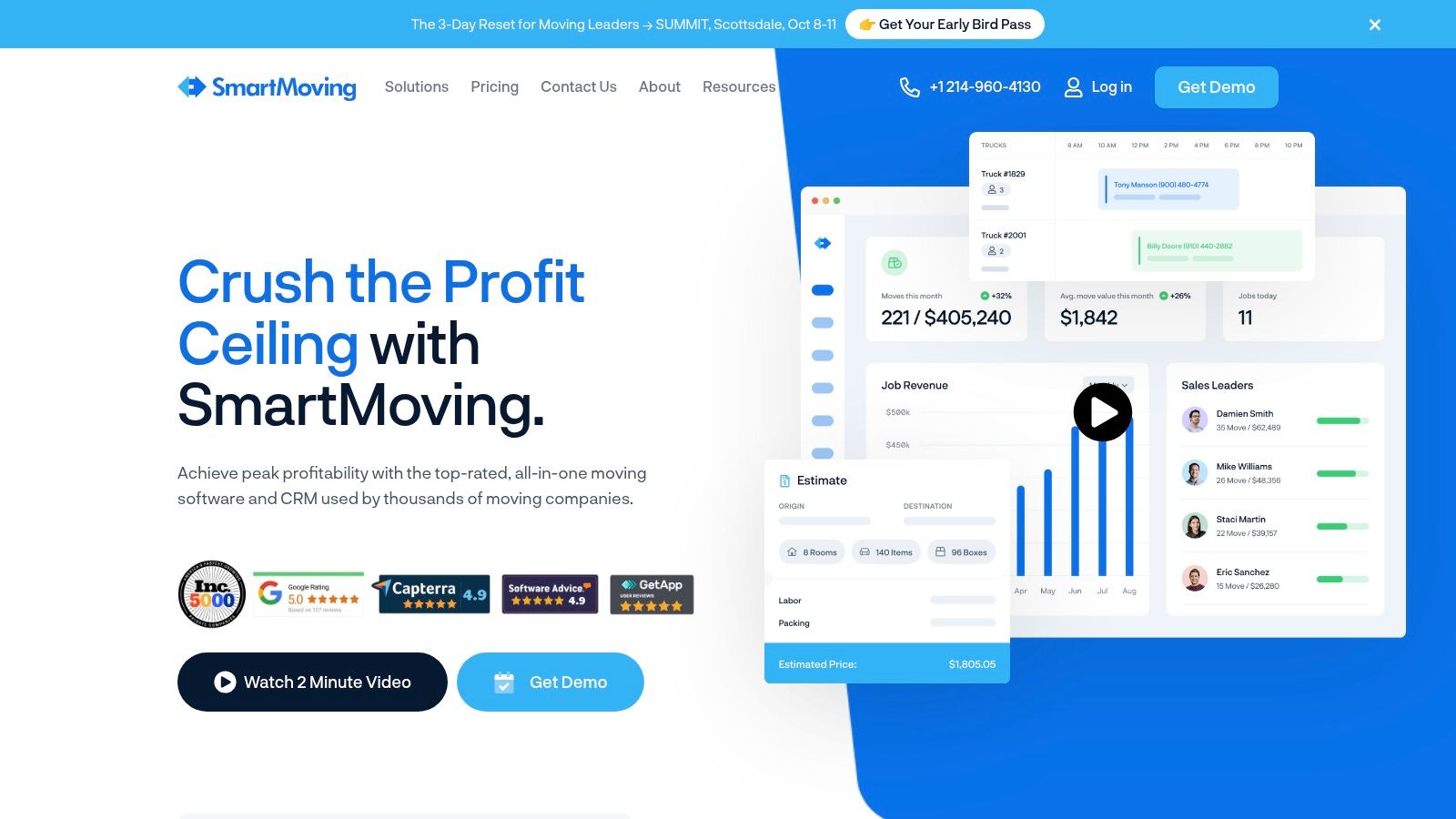
SmartMoving usually enters the conversation when a mover has outgrown patchwork operations. The office is still booking jobs, but too much lives in separate places. Quotes sit in one system, dispatch notes in another, storage records somewhere else, and invoicing depends on who remembers what for accurate billing.
That is the problem SmartMoving is built to solve. It gives growing movers one mover-specific system for sales, estimating, dispatch, billing, and storage, which matters once volume gets high enough that handoffs start costing jobs and slowing cash collection.
Where it fits
SmartMoving fits best for owners trying to clean up CRM mess before it turns into dispatch mess. In a 5 to 10 truck operation, that often means replacing spreadsheets, shared inboxes, and disconnected calendars. In a 10 to 20 truck operation, it starts to matter for consistency. The same job should be quoted, scheduled, and billed the same way no matter which coordinator handled it.
That consistency is where its true value shows up.
The platform has enough depth to support configurable rate tables, pre-move surveys, automations, and integrations. That gives management more control over how jobs are priced and moved through the pipeline. It also creates a real implementation burden. If your team has loose habits, SmartMoving will expose them fast.
I have seen this trade-off in real operations. Owners buy an all-in-one system expecting the software to standardize the office by itself. It does not work that way. If one estimator builds local quotes one way and another adds fees differently, the software records the inconsistency. Management still has to set the rules.
- Best for: Residential movers that need one system to run sales, estimating, dispatch, billing, and storage without stitching together separate tools.
- Watch for: Setup time, training discipline, and whether your office consistently follows one quoting and job workflow.
- Operational win: Better visibility from lead to final invoice, especially for teams that lose time reconciling what sales promised and what dispatch scheduled.
For buyers, the decision usually comes down to growth stage. A smaller operator may use SmartMoving to get control of the office before lead volume increases. A larger operator may choose it because disconnected systems are already creating rework, missed notes, and billing delays. If your main issue is front-end lead response, another tool may solve the bottleneck faster. If the bigger issue is keeping sales, operations, and admin in sync after the job is booked, SmartMoving is a serious contender.
3. Supermove
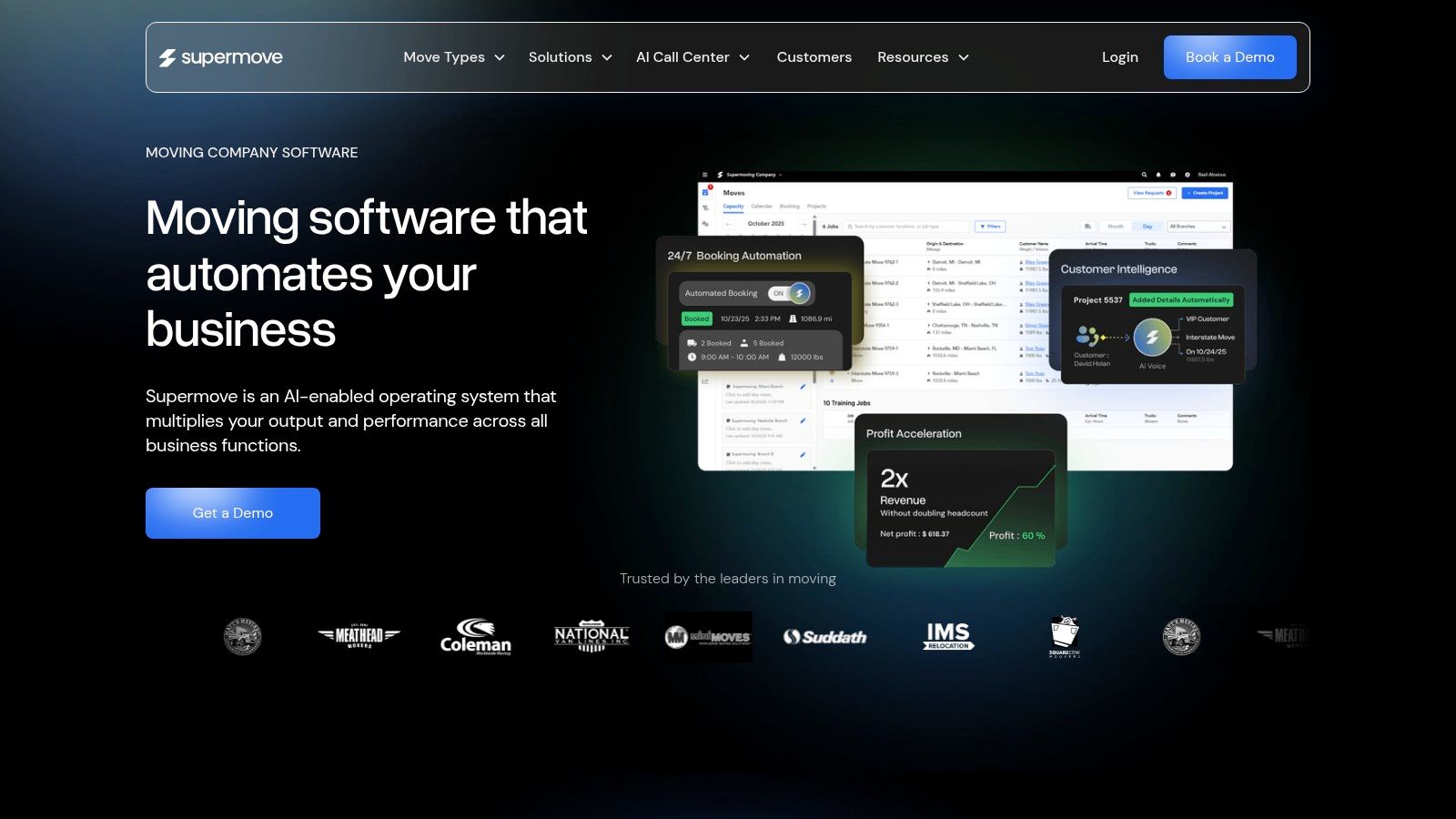
Supermove fits a specific operational problem. The phones are ringing, estimates are getting booked, but the office is starting to lose control of schedule quality, truck utilization, and pricing discipline. At that stage, software stops being a CRM decision and becomes a capacity decision.
That is where Supermove stands out. It is built for movers who need tighter control over dispatch, branch visibility, crew planning, and how quoted work fits into available capacity. If your main pain is lead leakage, this is probably not the first tool I would fix. If your bigger issue is taking the right jobs at the right margin without overloading the calendar, Supermove deserves a hard look.
What it does well
Supermove is strongest for companies that have outgrown whiteboards, scattered spreadsheets, and dispatcher memory. Centralized scheduling, pricing workflows, capacity management, and reporting all push toward the same goal. Better operational throughput with fewer bad bookings and fewer avoidable scheduling mistakes.
That matters more once you get past the early growth stage. A 5-truck company may still be solving for speed and basic process control. A 10-truck operator starts to feel the cost of mispriced jobs, dead time between crews, and branches or coordinators working from different assumptions. At 20 or more trucks, those problems show up in margin fast.
One practical strength here is visibility across tomorrow, not just today. Good moving software should help the office decide whether a new job belongs on the board in the first place. Supermove appears designed around that reality.
The trade-off is weight. Teams with inconsistent office habits can find a system like this harder to adopt because it asks for cleaner inputs, tighter scheduling rules, and better management follow-through. Owners should go into the demo with a clear question: are we buying this to organize a growing operation, or are we hoping software will fix a team that still has no standard process?
- Best for: Mid-sized and larger movers dealing with dispatch complexity, capacity planning, and pricing control across a busy schedule.
- Watch for: Implementation discipline, workflow fit, and whether your office is ready to standardize how jobs are priced and assigned.
- Operational win: Better control over utilization and schedule quality, especially for companies where growth has already exposed cracks in dispatch and quoting consistency.
4. MoveitPro
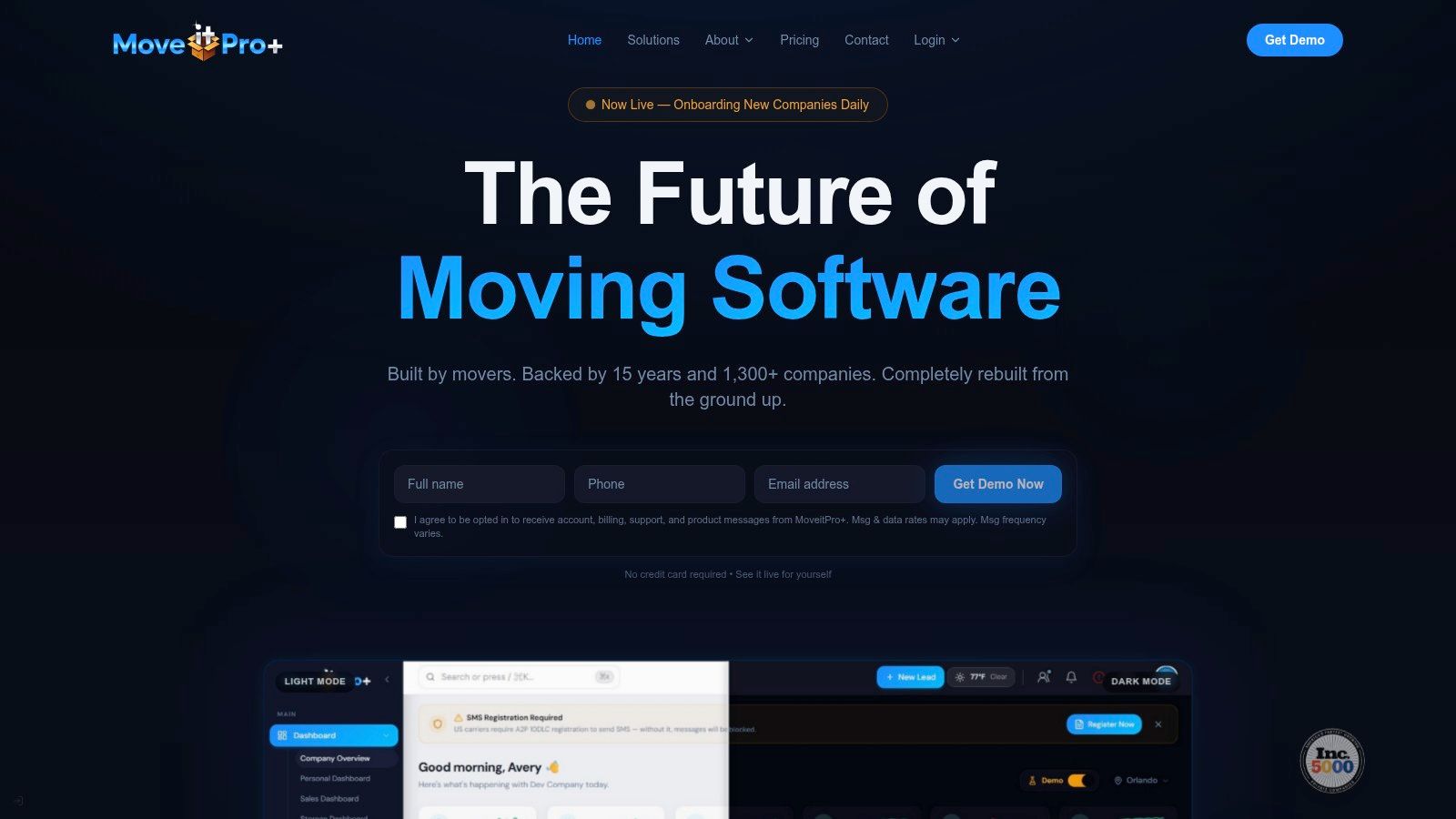
MoveitPro has been around long enough that a lot of movers know the name before they ever schedule a demo. That matters. In this business, longevity usually means the software has seen enough operational edge cases to build around operational needs, not just the sales side.
It's an end-to-end platform that covers CRM, estimating, dispatch, digital paperwork, customer communications, analytics, and storage support. For companies that want one mover-specific system with deep modules, it deserves a serious look.
Operational strengths
MoveitPro is strongest when you want sales handoff, dispatch, paperwork, and customer communication tied together without relying on general-purpose tools. The digital bills of lading, e-signatures, and customer portal are especially useful for reducing paper-chasing and keeping office staff from spending half the day answering status questions.
- Good fit: Full-service local movers that need broad mover-specific functionality in one stack.
- Main advantage: Strong operational modules beyond just lead tracking.
- Main caution: Verify what's included by default and what sits behind add-ons or separate services.
A recent industry guide groups MoveitPro among the core purpose-built platforms in the category and highlights why generic CRMs often fall short. Moving software needs to handle things like truck-capacity-based scheduling, crew dispatch, itemized inventory estimating, and storage billing across multiple units. Those are moving-company workflows, not generic sales workflows, as explained in Virtual Estimate AI's moving software guide.
If your current system handles leads but falls apart on move-day documentation and dispatch coordination, MoveitPro is usually where the conversation gets more practical.
5. Oncue
Oncue sits in a different lane than most software on this list. It combines booking software with an optional human booking service, which changes the buying decision. You're not just choosing a platform. You're choosing whether to offload part of the phones and follow-up function.
For some owners, that's exactly the point. If the office can't consistently answer and work every inbound opportunity, the fastest fix isn't always another internal tool. Sometimes it's support that helps keep the pipeline from going cold.
Best use case
Oncue makes the most sense when lead handling itself is the bottleneck. Maybe your dispatcher is also taking estimate calls. Maybe the sales rep is in the field. Maybe nights and weekends are where the best opportunities die because nobody is available to respond properly.
That model isn't for everyone. If you want pure software and full in-house control, another platform may fit better. But if your immediate pain is unworked leads, outsourced booking support can be more valuable than a bigger feature list.
A lead that gets logged but never quoted isn't a lead. It's a missed booking with paperwork attached.
This is especially relevant for smaller operators and lean office teams. One gap in most buying guides is implementation complexity and speed-to-value for small moving businesses. That's important because many software comparisons emphasize broad suites but don't spend enough time on migration burden, staff adoption, and whether the system works when the owner is also the salesperson and dispatcher, as discussed in Supermove's guide to choosing moving software.
6. Movegistics
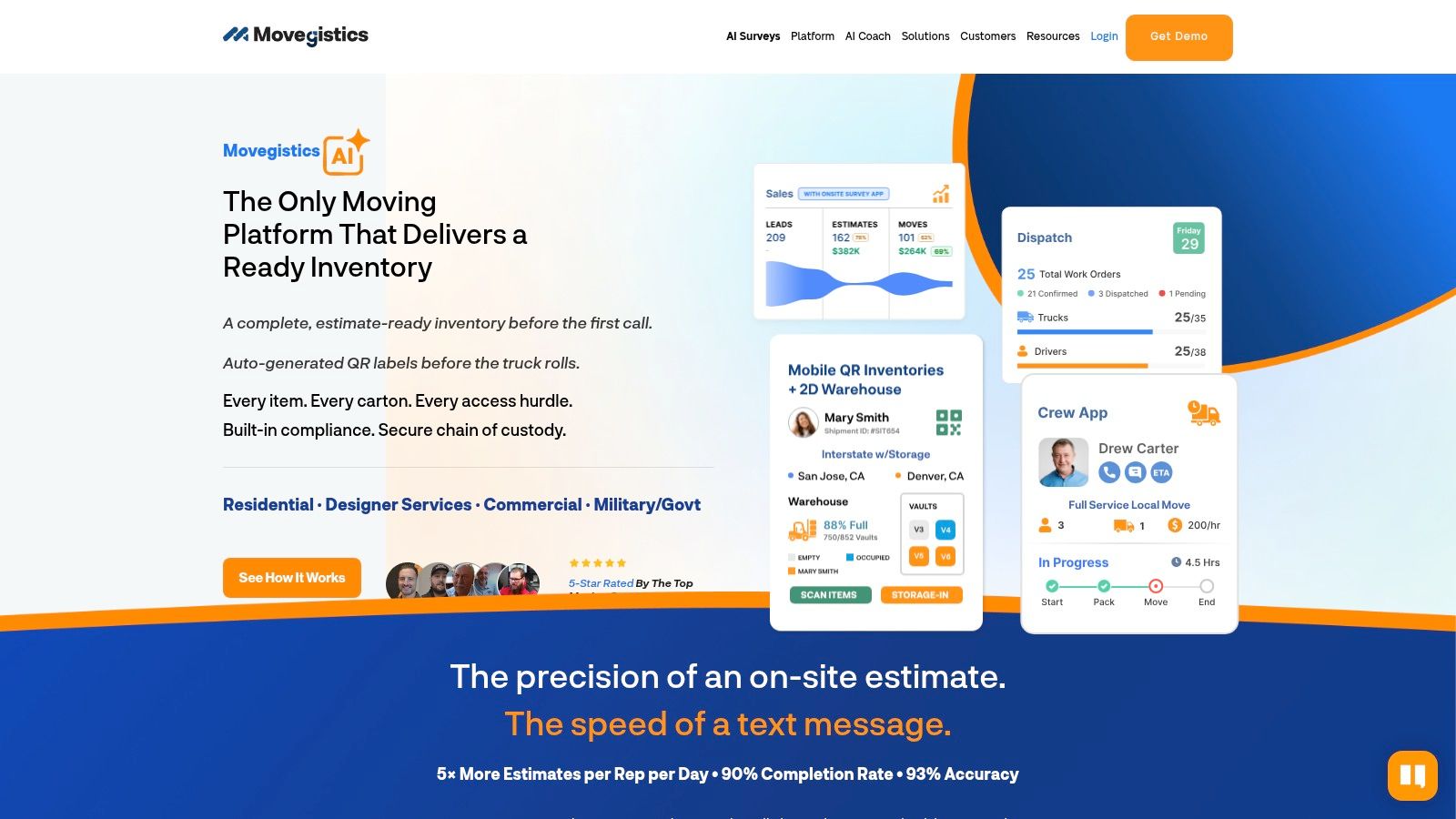
Movegistics is the platform I'd look at when quote complexity is starting to hurt margin. A lot of companies think they have a dispatch problem when they really have a pricing-discipline problem upstream. The crew shows up, the job takes longer than quoted, materials weren't scoped right, or access charges weren't captured cleanly.
Movegistics leans hard into pricing structure, tariffs, rate tables, multipliers, virtual surveys, and reconciling estimated versus actual job performance. That's useful if your office already wins jobs but too many of them don't land where they should financially.
Who should look hard at it
This is a better fit for operators who want to tighten estimating controls, not just speed up lead response. Its virtual survey and mobile workflow can help reduce reliance on in-home estimates for many jobs, and its deeper pricing options help companies that don't fit simple hourly quoting.
- Strong point: Detailed pricing logic for companies with more complex jobs.
- Good operational use: Comparing what was sold versus what happened in the field.
- Potential drawback: Setup takes time if your current rate card lives in messy spreadsheets or tribal knowledge.
The larger market context supports that emphasis on scheduling, resource allocation, and routing. Business Research Insights estimates the global moving-company-software market at USD 17.48 billion in 2026 and projects it could reach USD 38.11 billion by 2035, with a 9% CAGR over that period. The same report highlights automated scheduling, resource allocation by staff and vehicle availability, and route optimization as core technical functions, as outlined in Business Research Insights' moving software market report.
If your problem is bad job economics more than raw lead volume, Movegistics deserves a close look.
7. Moverbase
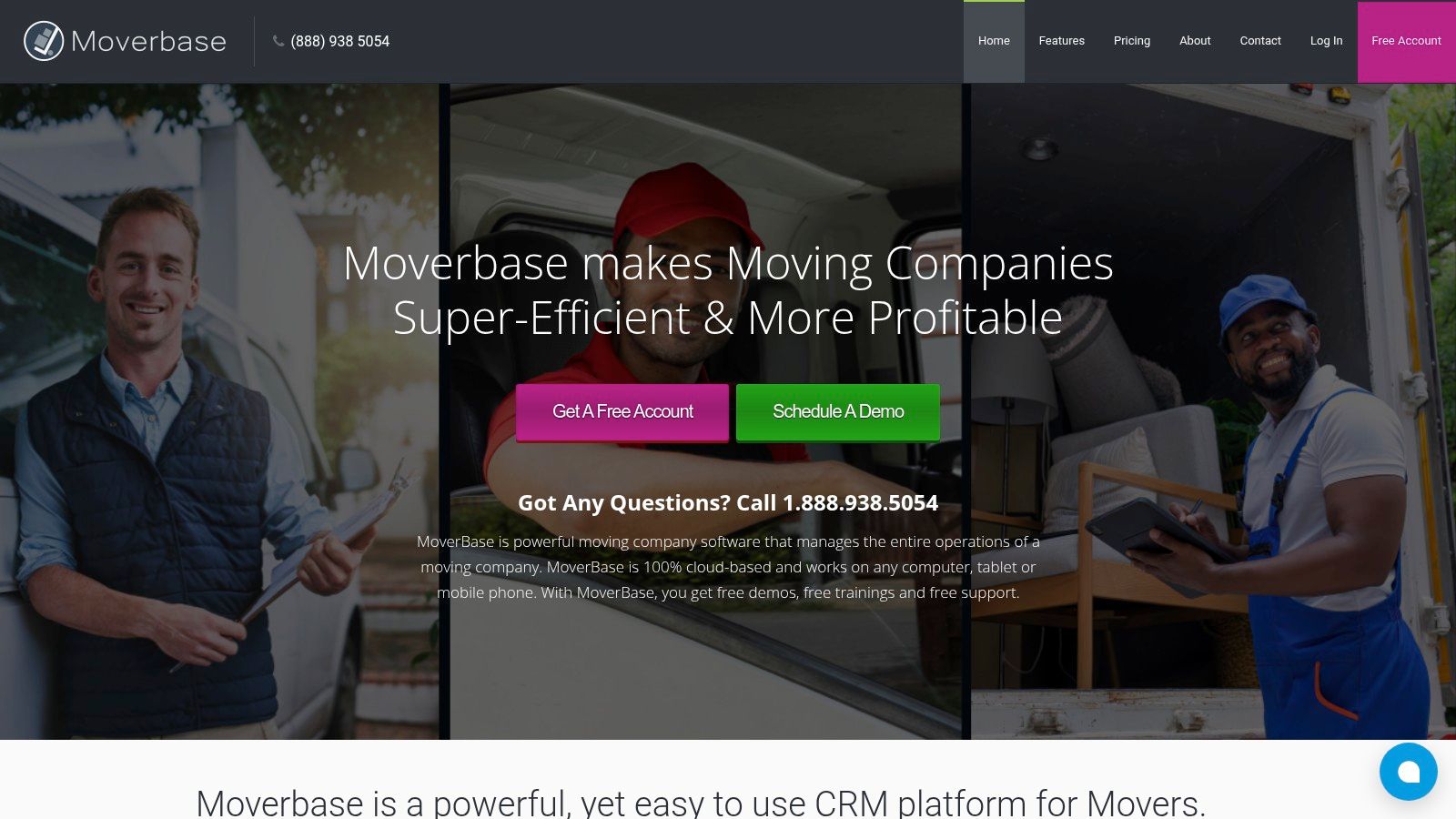
Moverbase is one of the easier platforms to understand quickly. That's a real advantage. Some software looks impressive in a demo and then dies during implementation because the office never fully adopts it.
Moverbase is lighter than the heavier all-in-one systems, but that can be a feature, not a flaw. If your team needs scheduling, estimating, digital documents, payments, and basic integrations without a large software project, this is the kind of tool that can get traction faster.
Why some teams choose it
The appeal here is straightforward deployment and transparent packaging. Unlimited users on paid tiers, mobile apps, estimator tools, payment integrations, QuickBooks connections, and simple scheduling make it practical for smaller growing teams that don't want to overbuy.
The trade-off is depth. If you have more complex storage workflows, custom tariff logic, or multi-branch operational needs, you may hit the ceiling sooner than you would with a larger platform.
A few reasons movers choose it:
- Faster adoption: Simpler systems usually get used more consistently by office staff.
- Lower complexity: Less process overhead for teams that are still building internal discipline.
- Useful integrations: Calendar, payments, accounting, and web lead capture cover the basics most independents need first.
For a company in the 5-truck to early-growth stage, that simplicity can be worth more than a giant feature list nobody touches.
8. Vonigo
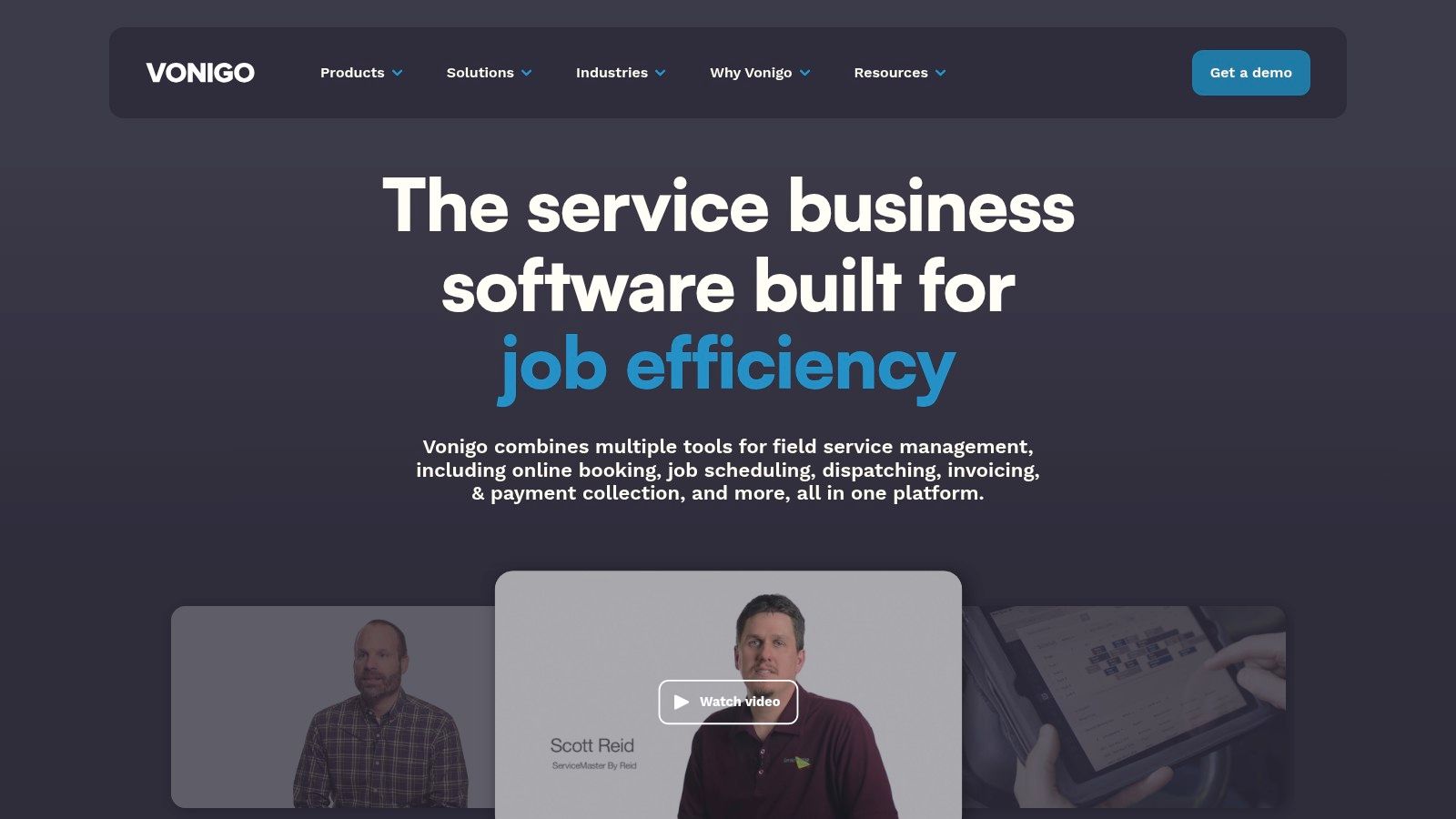
Vonigo comes from the broader field-service world, which shows up in how it handles scheduling, dispatch, routing, invoicing, and multi-location operations. For some movers, that's a downside because it isn't built exclusively around moving terminology. For others, especially companies with multiple locations or franchise structure, it can be a strength.
Its scheduling and dispatch capabilities are what stand out most. If your operational pain is route planning, crew assignment, and keeping multiple branches aligned, Vonigo earns attention.
Where it earns its keep
Vonigo is a practical option when moving is part of a larger service operation or when the company needs stronger branch-level coordination than a simpler local-mover tool provides. The multi-location support and field-service DNA can make it a better fit for complex service coverage than for a single-location mover looking for deep moving-specific estimating logic.
If your office runs one branch, one main rate structure, and mostly local residential work, don't pay for complexity you won't use.
That's the core trade-off. You may need to tailor the system to match moving workflows more closely, but in exchange you get broad scheduling and dispatch structure that can support expansion.
9. MoversSuite by EWS Group
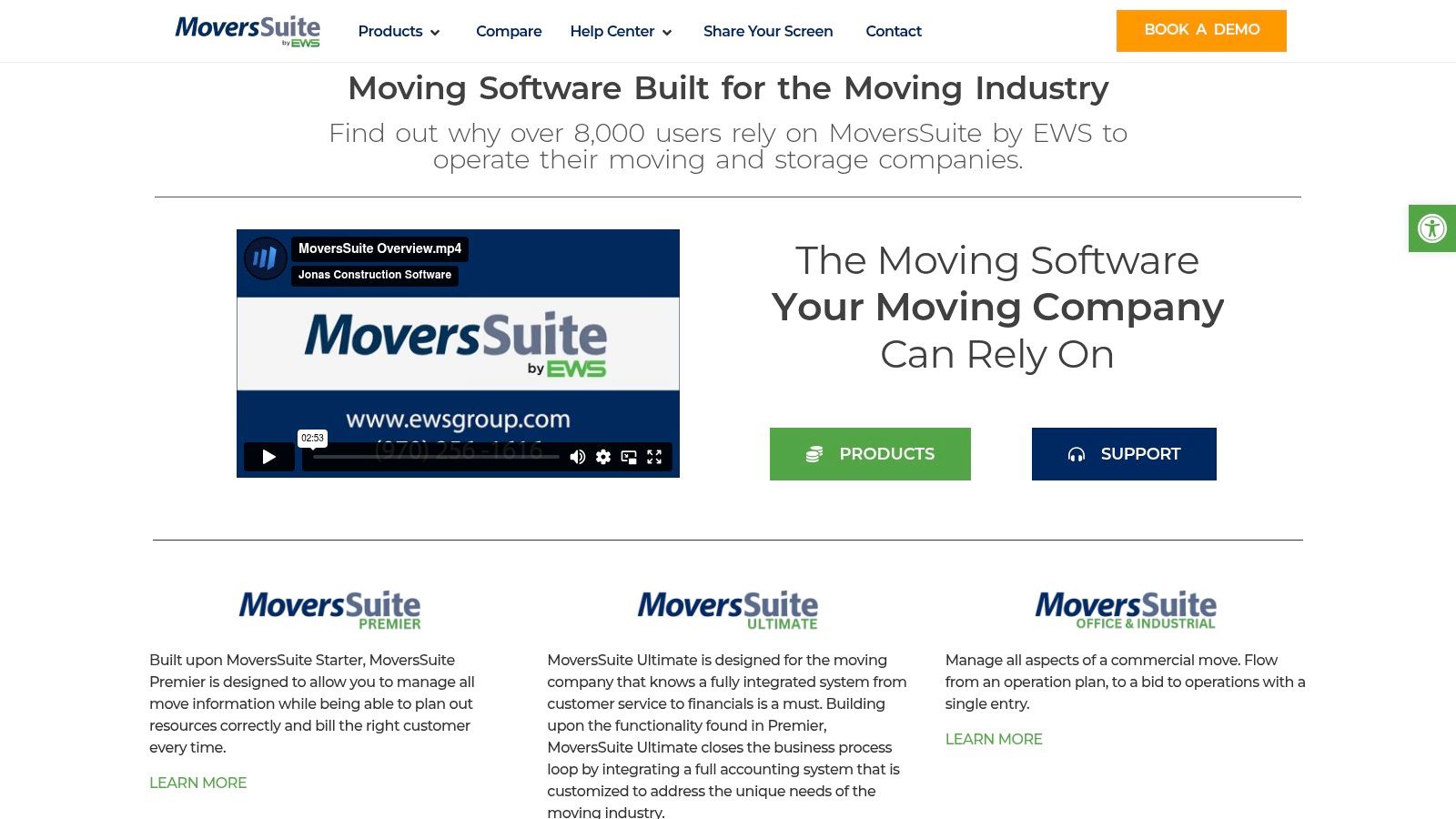
MoversSuite by EWS Group is not where I'd send the average 5 to 20 truck independent first. It's heavier, more enterprise-oriented, and built for larger, more regulated environments with multiple departments, formal processes, and more complex compliance needs.
That said, it belongs on a serious list because some operators are evaluating not just current fit, but long-term system architecture. If your company is already operating at a larger scale or tied into more complex residential and corporate workflows, MoversSuite plays in that arena.
Who it is really for
This platform is for companies that need deep move management across lead to order, storage, claims, billing, integrations, and formal release cadence. In that environment, implementation weight is expected. Nobody buys a system like this because they want something quick and light.
- Best for: Large movers, van-line-oriented operations, and companies with more complex compliance and integration demands.
- Not ideal for: Mid-sized independents that primarily need cleaner quoting, dispatch, and front-office execution.
- Real-world consideration: Make sure you need enterprise controls before taking on enterprise complexity.
If your business still wins or loses mostly on speed to quote, call handling, and basic dispatch discipline, this is probably too much system for the current problem.
10. Elromco
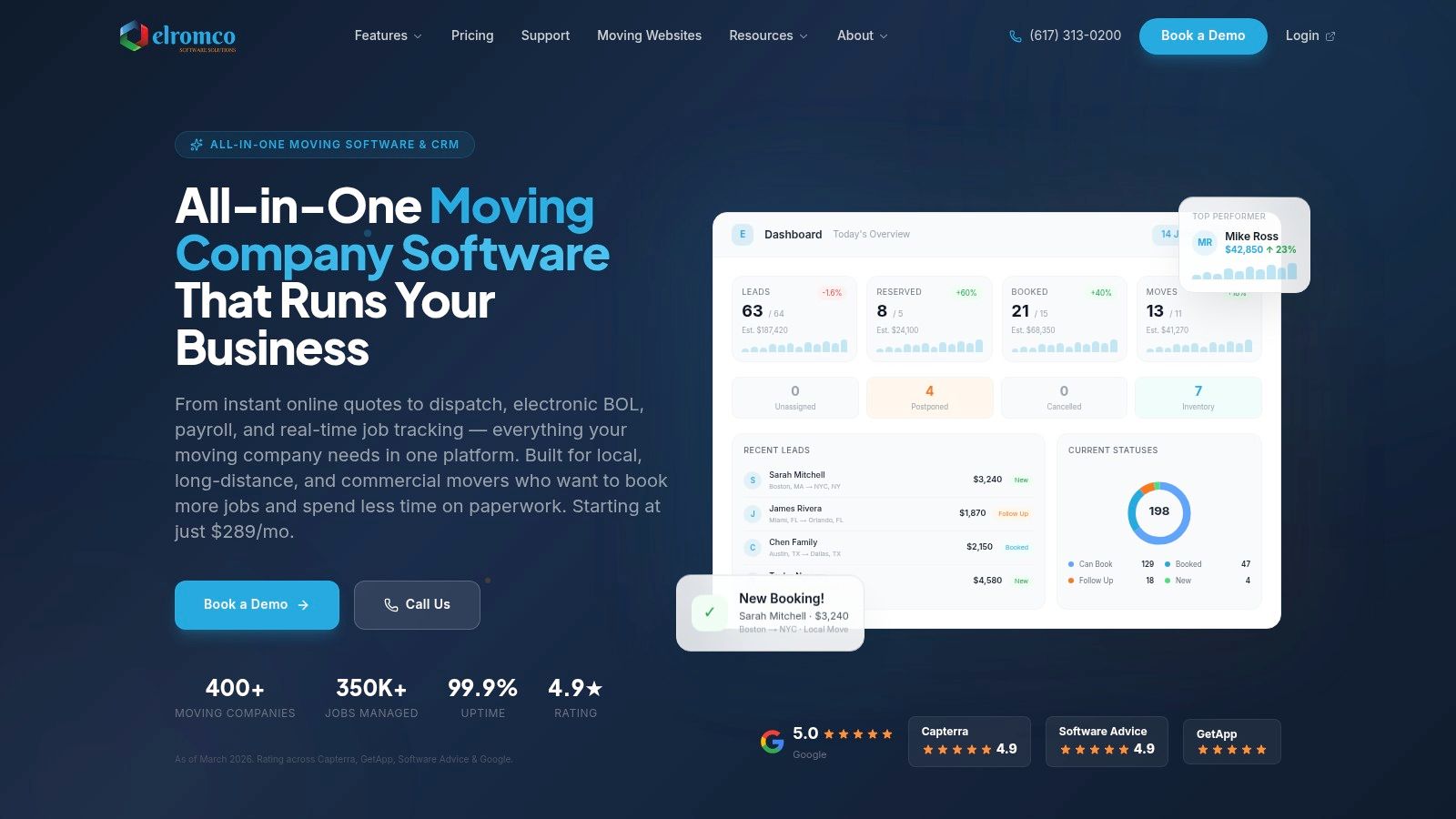
Elromco is one of the more interesting options for operators who want an all-in-one platform but also care about transparent packaging. A lot of moving software still requires a sales process before you can even get a rough sense of fit. Elromco has leaned into clearer positioning around CRM, quoting, dispatch, online booking, eBOL, invoicing, portals, and automation.
That combination makes it appealing to small and mid-sized movers who want one system and don't want every implementation detail to feel custom-built from scratch.
What makes it worth considering
Elromco does a good job connecting sales and operations. The lead pipeline, automated follow-up, seasonal pricing logic, online booking workflow, client portal, crew portal, invoicing, payroll support, and reporting create a fairly complete operational picture.
What I like about it for growing companies is that the platform seems designed with paperless execution in mind. That matters when the office is trying to reduce handoffs and speed up the path from inquiry to booked move to completed billing.
A few practical considerations:
- Strong fit: SMB movers that want one platform with visible structure around booking, dispatch, and back-office workflow.
- Worth checking closely: How much setup your pricing rules and automations will require.
- Operational upside: Good alignment between customer-facing steps and office execution.
For owners who are tired of stitching together disconnected systems, Elromco is one of the cleaner all-in-one options to evaluate seriously.
Top 10 Moving Company Software Comparison
| Product | Core features | UX & accuracy (quality) | Price & ROI | Target audience | Unique selling points |
|---|---|---|---|---|---|
| MoveJoy 🏆 | AI answers <2s, rate‑card quoting, auto‑book to CRM/Calendar, native SmartMoving/Supermove/MoveitPro/Google Calendar | ★4.9/5 · 2s avg pickup · ~95% quote accuracy · 98% booking rate | 💰 $149–$499/mo · pays for itself with one recovered booking · no long contracts | 👥 Independent US movers (1–20 trucks) losing missed‑call revenue | ✨ Industry‑trained moving AI · real‑time recovery dashboard · <5‑min setup |
| SmartMoving | OS for sales, ops, dispatch, billing; configurable rate tables & pre‑move surveys | ★Well‑established mover workflows; requires onboarding | 💰 Sales‑led / custom pricing | 👥 Movers needing broad mover‑specific workflows & API | ✨ Configurable pricing logic · open API · review automation |
| Supermove | CRM, booking, automated pricing recommendations, capacity & profit tools | ★Automation‑focused; frequent product updates | 💰 Contact sales | 👥 Teams wanting automated pricing, capacity planning & analytics | ✨ Smart tariffs & capacity manager · revenue visibility |
| MoveitPro | End‑to‑end CRM, estimating, eBOL, dispatch, analytics; MoveitPro+ AI add‑ons | ★Long history in moving; deep ops features | 💰 Sales‑quoted; many add‑ons | 👥 Movers needing full ops + storage/compliance modules | ✨ eBOL & customer portal · optional call center & AI dispatch |
| Oncue | Moving CRM + optional human booking team that answers 7 days/wk | ★Boosts conversion by offloading phones; quality varies by region | 💰 Pricing not public; service component | 👥 Small teams that need outsourced lead handling | ✨ Integrated live booking team · focus on conversion lift |
| Movegistics | Virtual AI surveys, estimating, rate tables, crew app, load‑board | ★Strong pricing controls; setup effort to match tariffs | 💰 Modular pricing / add‑ons | 👥 Movers with complex pricing/tariff needs | ✨ Virtual surveys + quote vs actual variance tracking |
| Moverbase | Job/inventory estimator, scheduling, e‑signature, QuickBooks/Stripe integrations | ★Transparent & lightweight; quick deployment | 💰 Free tier + low‑cost paid plans · unlimited users on paid tiers | 👥 Very small to growing movers seeking predictable costs | ✨ Clear pricing + free tier · fast setup |
| Vonigo | Estimates, inventory, crew scheduling, routing, invoicing, multi‑location support | ★Robust scheduling & field tools; generalist field‑service scope | 💰 Sales‑quoted; module‑based | 👥 Single to multi‑branch / franchise operations | ✨ Multi‑location reporting · strong route & dispatch features |
| MoversSuite (EWS) | Enterprise move management: dispatch, billing, storage, claims, integrations | ★Enterprise‑grade; heavy implementation & formal releases | 💰 Enterprise contracts | 👥 Large US movers & van lines needing scale | ✨ Deep van‑line integrations · compliance & formal release cadence |
| Elromco | CRM, pricing engine, instant online booking, eBOL, dispatch, payroll from BOL | ★Transparent plans with included onboarding/support | 💰 Transparent pricing · predictable total cost | 👥 SMB movers wanting included onboarding & support | ✨ Instant booking + payroll from BOL · unlimited support included |
How to Choose A Buyer's Checklist for Your Moving Company
Choosing the best moving company software isn't about finding the tool with the longest feature list. It's about fixing the most expensive bottleneck in your business. If you solve the wrong problem first, you'll spend months on implementation and still feel like the office is on fire.
Start with your actual pain point. If the team is missing calls, responding slowly, or failing to quote leads while they're hot, front-end revenue capture should come before deeper back-office upgrades. If jobs are booking fine but dispatch is chaotic, then crew scheduling, routing, and job visibility matter more. If the problem is margin erosion, focus on estimating discipline and pricing logic before you buy more communication tools.
Match the system to your stage
A 5-truck operator, a 10-truck growth company, and a 20-plus truck operation shouldn't buy software the same way.
For a 5-truck company, simplicity matters. The owner is often still wearing multiple hats, so the best system is the one the office will use every day. Fast setup, clear workflows, and fewer moving parts usually beat enterprise depth.
For a 10-truck company, coordination starts becoming the issue. Sales handoff, dispatch visibility, quote consistency, and customer communication all need to tighten up. In such instances, a stronger all-in-one mover platform often starts paying off.
For a 20-plus truck operation, visibility and standardization matter more. You need to know capacity, keep multiple crews aligned, reduce admin rework, and make sure every booking moves cleanly from inquiry to invoice. At that stage, integrations and reporting become much more important because one weak handoff creates problems all across the operation.
What to check before you sign
Use this filter when you evaluate any platform:
- Identify your top revenue leak: Missed calls, slow quotes, weak follow-up, dispatch chaos, billing delays, or margin slippage.
- Test the actual workflow: Don't just watch a demo. Walk through an actual lead, quote, booking, dispatch handoff, and invoice.
- Check implementation load: Ask who has to build rate tables, move documents, automations, and customer communications.
- Make sure systems connect: Your software should work with your calendar, accounting tools, and lead intake process.
- Ask what your team will use weekly: A feature nobody touches isn't value. It's software clutter.
Buy the tool that removes friction from your busiest day, not the one that sounds best in a demo.
For most independent movers, software is now a core infrastructure decision rather than a back-office accessory. The category has matured into dedicated moving platforms because this business needs specialized estimating, dispatch, inventory handling, storage billing, and move-day coordination that generic tools often miss. That's why the right choice usually comes down to operational fit, not brand familiarity.
If your biggest leak is at the top of the funnel, focus on automation that doesn't just answer the phone but helps close the work. Capturing a lead is useful. Quoting accurately and booking the job is what moves revenue.
If you want to see how a moving company can use automation to quote with its own rate card, recover missed opportunities, and book jobs directly into tools like SmartMoving, Supermove, MoveitPro, or Google Calendar, take a look at MoveJoy. It's built for operators who care less about adding another tool and more about closing more jobs.