The 12 Best Business Process Automation Tools for Movers in 2024
As a moving company owner, you're juggling a dozen tasks at once. Quoting new leads, dispatching crews, handling customer calls—it never stops. But what's the real cost of handling everything manually? Every missed call during peak season is a lost job. Every delayed quote gives a competitor the chance to win that customer. Speed determines who wins in the moving industry, yet administrative bottlenecks are slowing you down and costing you thousands in lost revenue.
This article is designed to fix that. We've compiled the ultimate list of business process automation tools specifically for small and mid-sized movers with 1-20 trucks. We'll help you reclaim your time, eliminate missed calls, and create a seamless booking experience that wins customers before the competition even calls back. To fully grasp how these solutions address challenges like manual follow-ups, a good starting point is understanding what is business process automation and its benefits. This guide will move beyond theory and into practical application for your moving business.
You'll find an honest breakdown of each platform, complete with links and screenshots. We'll analyze key features, pros, and cons from a mover's perspective. Most importantly, we'll provide specific use cases tailored to your operations, showing you how to automate critical tasks in:
- 24/7 Call Answering & AI Assistants: Never miss a lead again, even when your crews are on a job or it's after hours.
- Automated Scheduling & Booking: Let customers book themselves directly into your calendar, day or night.
- Lead Management & Follow-Up: Automate follow-ups to nurture leads from quote to contract, so nothing slips through the cracks.
- Workflow Automation: Connect the apps you already use (like your CRM and accounting software) to create powerful, custom workflows.
- Instant Quoting & Estimating: Generate and send accurate quotes in minutes, not hours, to win the job faster.
This resource is your roadmap to finding the right business process automation tools to streamline operations, increase your booking rate, and finally get ahead of the constant administrative workload.
1. MoveJoy
MoveJoy is an AI-powered front-office assistant engineered specifically for moving companies. It functions as a powerful piece of business process automation, designed to capture, qualify, quote, and book inbound leads 24/7. This ensures that even a 1-truck operator never misses a revenue opportunity while crews are out on a job, effectively eliminating voicemail and recovering revenue from missed calls.
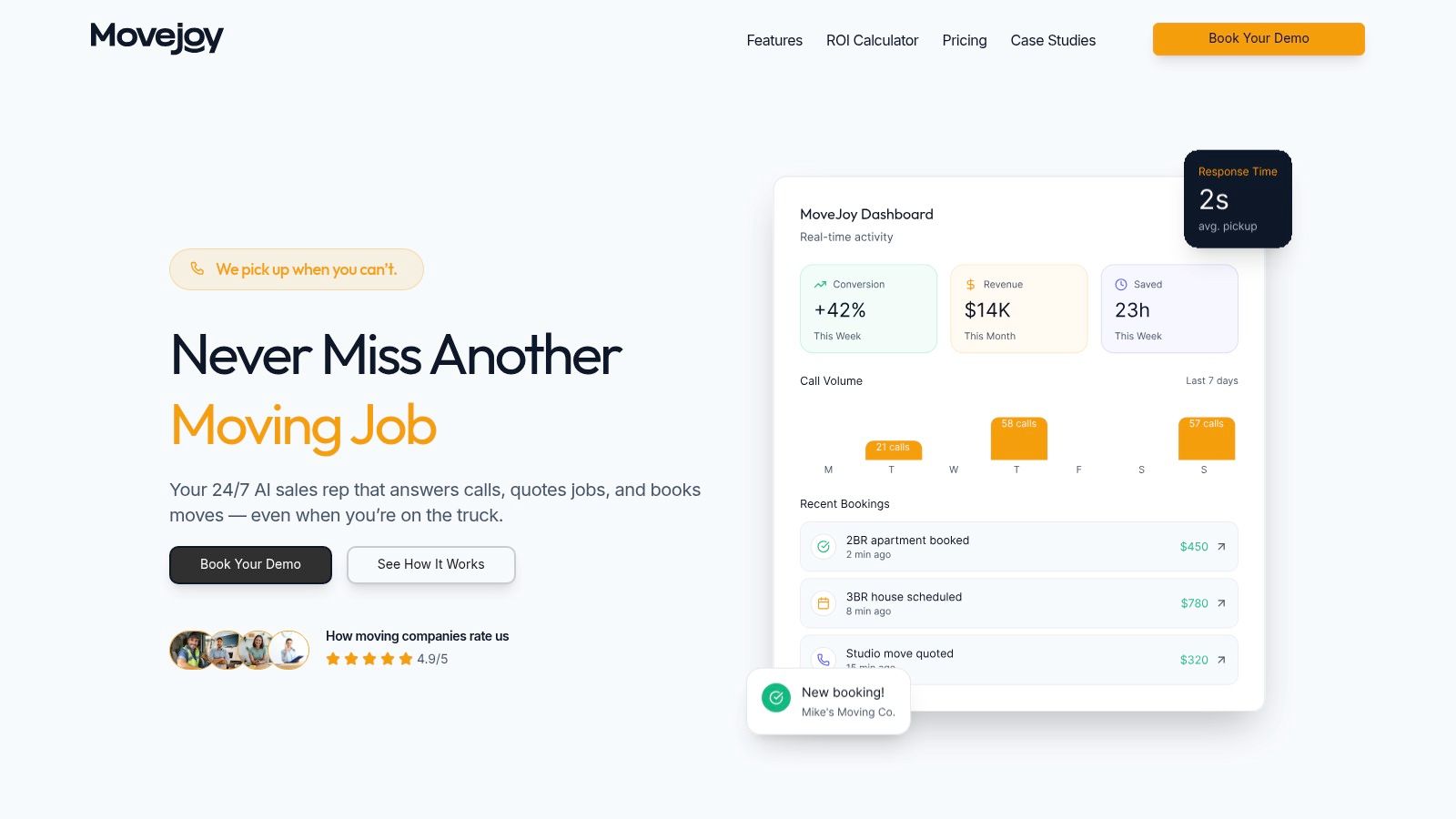
Trained on thousands of real moving company conversations, its AI understands the specific language of your industry, from "two-bedroom apartments with stairs" to "long-carry fees." It answers calls in about two seconds, maintains a near-perfect answer rate, and delivers accurate quotes using your company's custom rate card. The system seamlessly integrates with your calendar and industry CRMs, automatically pushing booked jobs into your existing workflow without manual data entry.
Key Features & Analysis
MoveJoy stands out by combining its industry-tuned AI with a remarkably fast setup that takes only 5-10 minutes. It captures leads from calls, SMS, and web forms, centralizing your front-office operations. After a job is complete, it automatically prompts customers for reviews, helping to fuel your local marketing and growth.
The platform provides a complete solution that goes beyond simple call answering. It offers enterprise-grade security, supports over 30 languages, and includes a real-time analytics dashboard to track key metrics like calls answered and jobs booked. This level of data-driven insight is crucial for owners looking to optimize their sales and operations. For a deeper dive into how this technology translates to growth, you can learn more about improving operational efficiency with MoveJoy.
- Ideal Use Case: Perfect for owner-operators drowning in calls, growing fleets (5-12 trucks) that need a scalable front-office without hiring more staff, and established companies wanting to provide consistent after-hours and weekend coverage to capture every lead.
- Pricing: Tiered plans are designed to scale with your fleet size. A free trial is available without a credit card. One booked job typically pays for the monthly cost of the service.
- Pros:
- True 24/7 lead capture with a ~2-second response time, preventing lost revenue from missed calls.
- Accurate, automated quoting and booking using your rate card, integrated directly with your calendar and CRM.
- Highly cost-effective compared to human receptionists or the cost of 3-7 lost jobs per month.
- Fast, no-code setup and automated post-job review requests to boost your online reputation.
- Cons:
- Quote accuracy is entirely dependent on the correct initial setup of your rate card; incomplete data can lead to errors.
- Plans have monthly minute caps, so monitoring usage during peak season is important to avoid overage fees.
Website: https://getmovejoy.com
2. Microsoft Power Automate
For moving companies already using Microsoft 365 for email (Outlook), documents (Excel), and internal communication (Teams), Microsoft Power Automate is a logical next step into business process automation. It excels at connecting the Microsoft apps your team uses daily, turning manual, repetitive tasks into automated workflows. Its visual interface makes it one of the more accessible business process automation tools for owners who are not tech-savvy.
A small moving company could use it to automatically save quote request attachments from Outlook to a specific folder. Another practical use case is creating an automated follow-up. When you add a new lead's email to an Excel sheet, Power Automate can trigger a personalized follow-up email sequence through Outlook, ensuring no lead goes cold.
Key Features & Use Cases for Movers
- Native Microsoft 365 Integration: Create seamless workflows between Outlook, Excel, Teams, and SharePoint. For instance, a new email with "quote request" in the subject can automatically create a task for your sales manager.
- Cloud & Desktop Flows: Automate both cloud-based tasks (like sending emails) and desktop-based actions on your local computer (like copying files from an old program).
- Large Connector Library: Connects to hundreds of non-Microsoft apps, allowing you to link tools like QuickBooks Online or your social media accounts.
Analysis for Moving Companies
| Criteria | Assessment |
|---|---|
| Ideal Use Case | Best for movers deeply embedded in the Microsoft ecosystem. Perfect for automating administrative tasks like email sorting, data entry from forms into Excel, and internal team notifications via Teams. |
| Pros | Strong value if you already have a Microsoft 365 subscription, as many plans include a free or low-cost version. Enterprise-grade security provides peace of mind. |
| Cons | The user interface can have a steeper learning curve than competitors like Zapier. Advanced features and bots can become costly. |
| Pricing | Limited free version included with many Microsoft 365 plans. Paid plans start around $15 per user/month, with premium connectors and capabilities costing more. |
Website: https://powerautomate.microsoft.com
3. Zapier
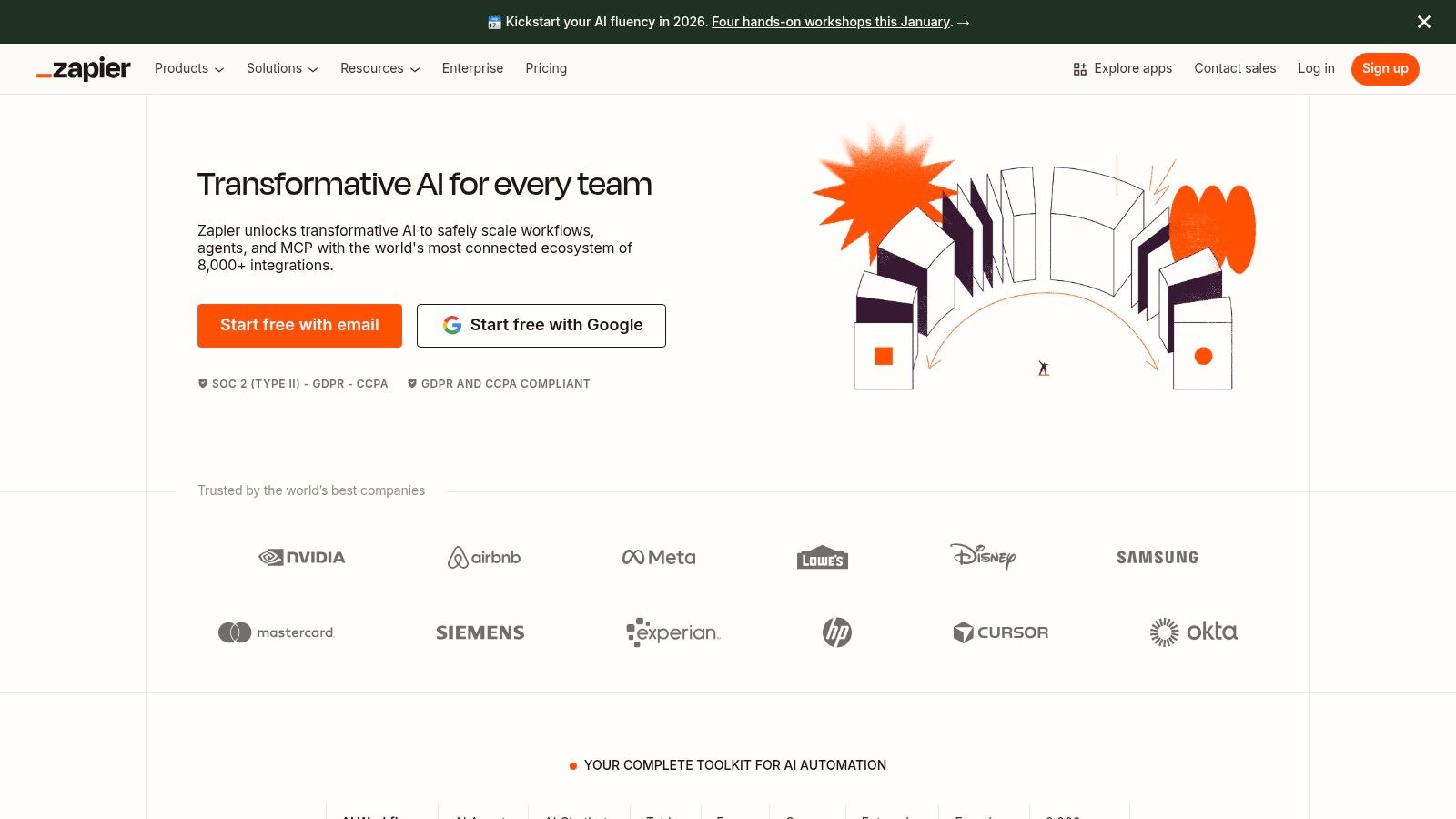
Zapier is the digital glue that connects thousands of different web applications. For moving companies, it offers one of the fastest ways to automate workflows without writing a single line of code. Its visual "if this, then that" editor allows owners to create automated processes in minutes, making it a cornerstone for businesses looking to implement business process automation tools for the first time.
A moving company could create a "Zap" that instantly sends a text message to a lead the moment they fill out a quote form on your website. Another powerful use case involves connecting your CRM to your accounting software; when a job is marked "complete" in your CRM, Zapier can automatically create an invoice in QuickBooks Online. You can learn more about how Zapier helps connect the dots in your lead management by exploring this sales process flowchart.
Key Features & Use Cases for Movers
- Vast App Directory: Connects to over 5,000 apps, including Google Sheets, QuickBooks, Slack, and most popular CRMs, ensuring your entire tech stack can communicate.
- Simple Visual Builder: The trigger-and-action model ("Zaps") makes it incredibly easy for non-technical users to build and understand workflows, from lead capture to customer follow-up.
- Built-in Tools: Features like Tables (for data storage) and Interfaces (for creating simple forms) allow you to build complete workflows entirely within the Zapier ecosystem.
Analysis for Moving Companies
| Criteria | Assessment |
|---|---|
| Ideal Use Case | Perfect for movers needing to quickly connect two or more cloud-based tools without IT support. Excellent for automating lead follow-up sequences and simple data transfers between systems. |
| Pros | Extremely easy to learn and implement, making it the fastest route to automate tasks. The extensive template library provides instant solutions for common moving company needs. |
| Cons | The task-based billing model can become expensive as your automation volume grows, especially during the busy season. It can be less suitable for highly complex, multi-step processes. |
| Pricing | Offers a limited free plan. Paid plans start around $19.99/month (billed annually) and scale up based on the number of tasks you run. |
Website: https://zapier.com
4. Make (formerly Integromat)
For moving companies that need to build more complex, multi-step automations, Make is a powerful and visual alternative to Zapier. Where Zapier excels in simple A-to-B connections, Make shines in creating intricate workflows that can mimic real-world business decisions. It’s one of the best business process automation tools for owners who want granular control over how their data moves between applications.
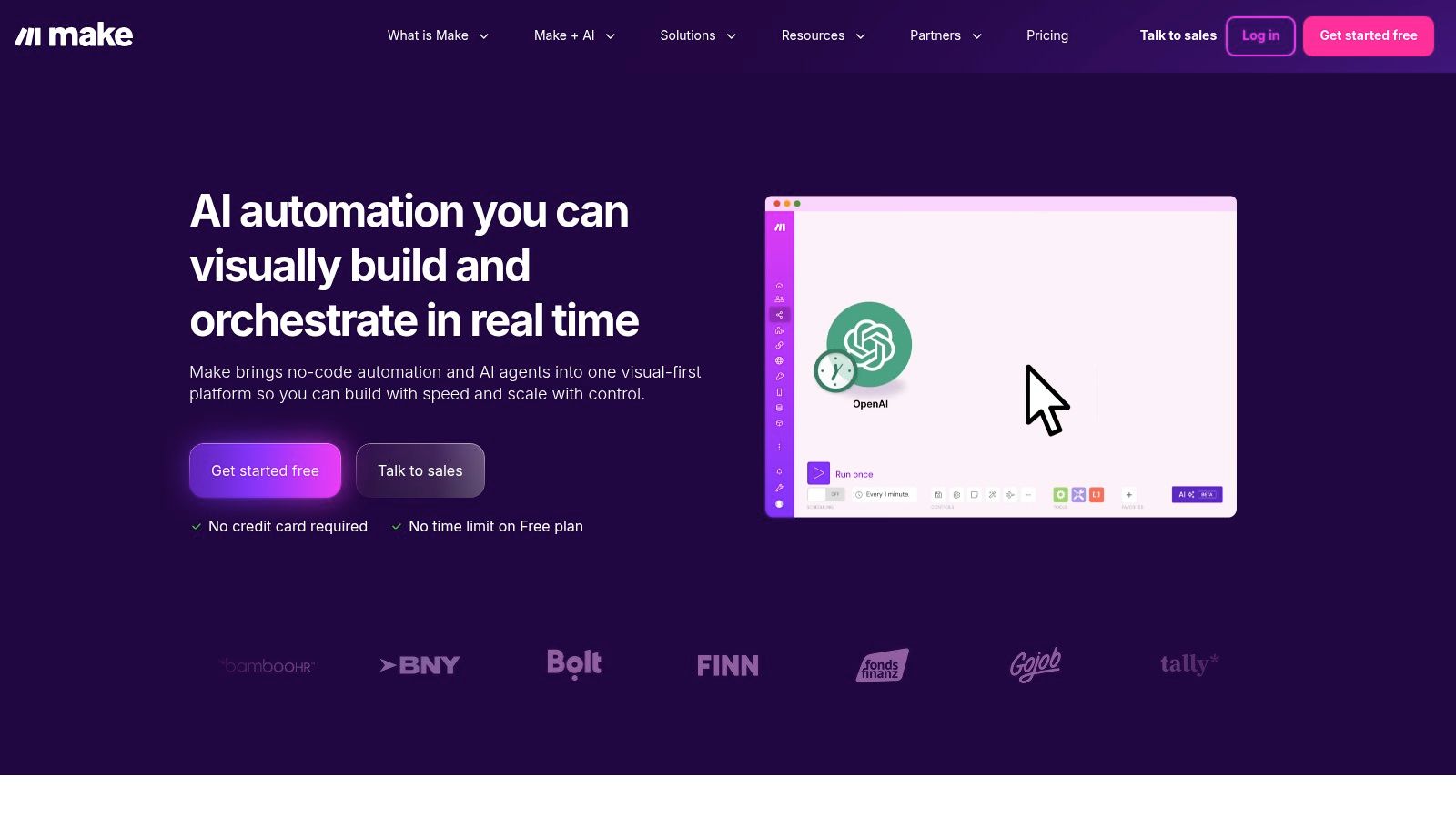
Its visual "scenario builder" lets you drag and drop apps and connect them. For a mover, this could mean creating a workflow where a new lead from a website form is checked against your CRM. If the lead is new, it's added to a "New Leads" spreadsheet and assigned to a sales rep. If it's an existing customer, the workflow could route them to a different follow-up sequence for repeat business.
Key Features & Use Cases for Movers
- Visual Scenario Builder: Drag-and-drop interface with routers and filters allows you to build sophisticated workflows. For example, filter inbound quote requests by zip code and automatically assign them to different sales team members.
- Detailed Execution History: See exactly how each step of your automation ran, making it easier to troubleshoot why a lead wasn't added to your CRM or a follow-up email failed to send.
- Operation-Based Pricing: You pay for the number of operations (actions) your scenarios perform, which can be more cost-effective for high-volume, multi-step automations than per-task pricing models.
- Advanced Error Handling: Create custom paths for what should happen if a step in your automation fails, ensuring workflows are robust and don't stop unexpectedly.
Analysis for Moving Companies
| Criteria | Assessment |
|---|---|
| Ideal Use Case | Best for moving companies with more complex operational needs, like routing leads based on service type or location, syncing inventory data, or creating multi-step customer onboarding sequences. |
| Pros | The visual builder provides excellent clarity for complex workflows. Its pricing model often offers better value for high-volume tasks compared to competitors. |
| Cons | The user interface can present a steeper learning curve for non-technical users, especially when building advanced scenarios with filters, routers, and error handlers. |
| Pricing | Offers a free plan for basic needs. Paid plans start around $9 per month, scaling up based on the number of operations and features required. |
Website: https://www.make.com
5. Workato
For larger moving companies or those planning significant scaling, Workato represents the enterprise-grade tier of automation. It's designed to orchestrate complex workflows that span across numerous departments, from sales and marketing to operations and finance. While tools like Zapier handle simple point-to-point tasks, Workato builds robust, interconnected business processes.
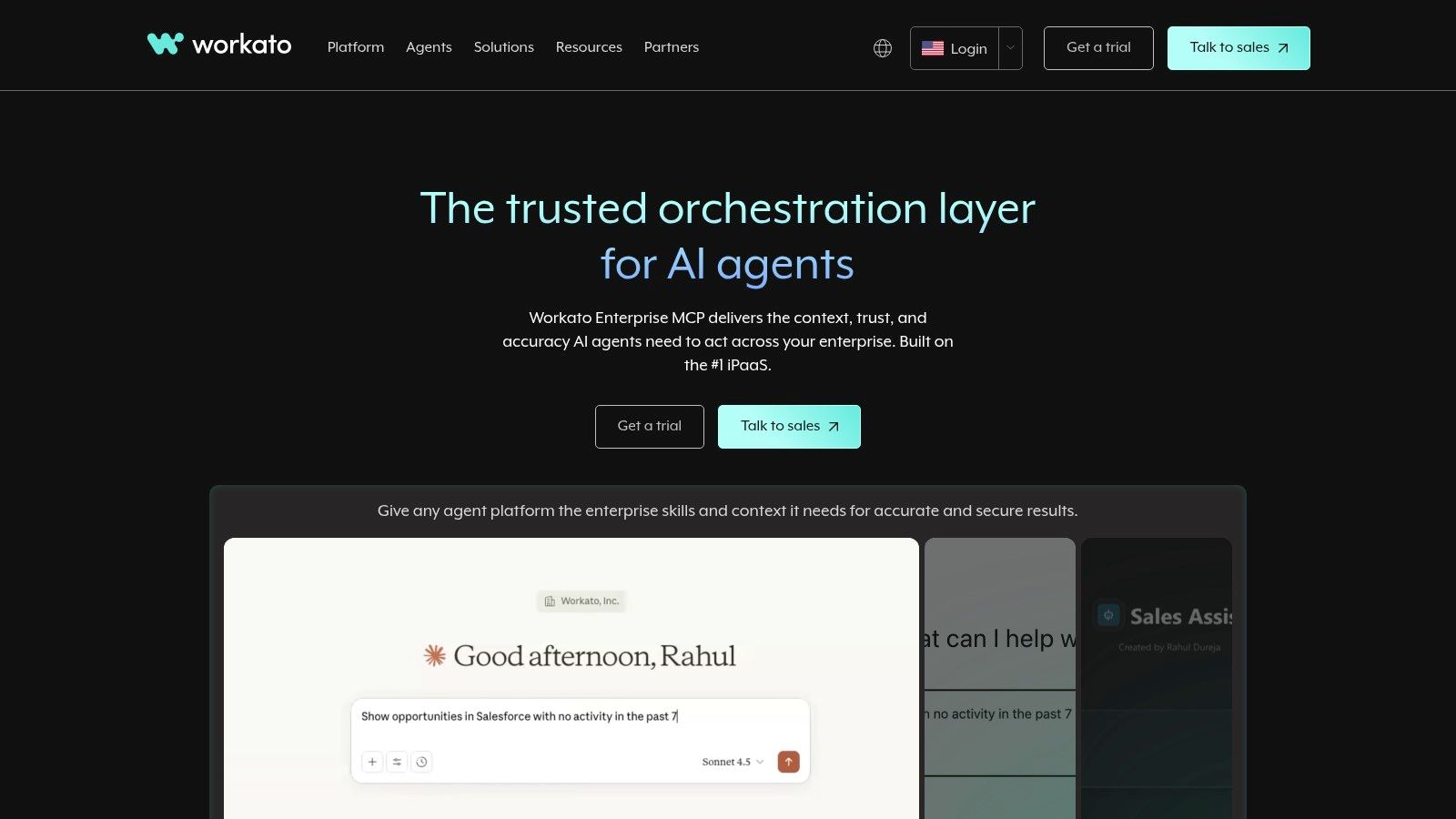
Imagine a workflow where a booked job in your CRM automatically triggers an invoice in QuickBooks, creates a project for the operations team, sends a confirmation SMS to the customer, and updates a master revenue dashboard. This level of orchestration is where Workato shines, making it one of the most powerful business process automation tools for sophisticated operations.
Key Features & Use Cases for Movers
- Advanced Recipes: Build multi-system orchestrations that go beyond simple logic. For example, create a process that routes high-value commercial move leads to a senior sales rep while adding residential leads to an automated email nurture sequence.
- Enterprise Governance: Provides advanced monitoring, admin controls, and security features necessary for managing business-critical automations across a growing team.
- Lifecycle Management: Offers robust tools for developing, testing, and deploying automations, ensuring that changes to a workflow don't accidentally break a critical business process.
Analysis for Moving Companies
| Criteria | Assessment |
|---|---|
| Ideal Use Case | Best suited for large, multi-location moving companies or franchises that need to standardize and automate core business processes across different systems (CRM, accounting, dispatch, marketing) with strong governance. |
| Pros | Highly scalable from departmental to enterprise-wide automation. Offers deep integration capabilities and robust security suitable for complex operations. |
| Cons | Can be overkill and cost-prohibitive for small movers (1-5 trucks). Pricing is not publicly listed and requires a sales engagement, indicating a higher cost entry point. |
| Pricing | No public pricing. Requires a custom quote based on usage, features, and the number of automations. |
Website: https://www.workato.com
6. UiPath
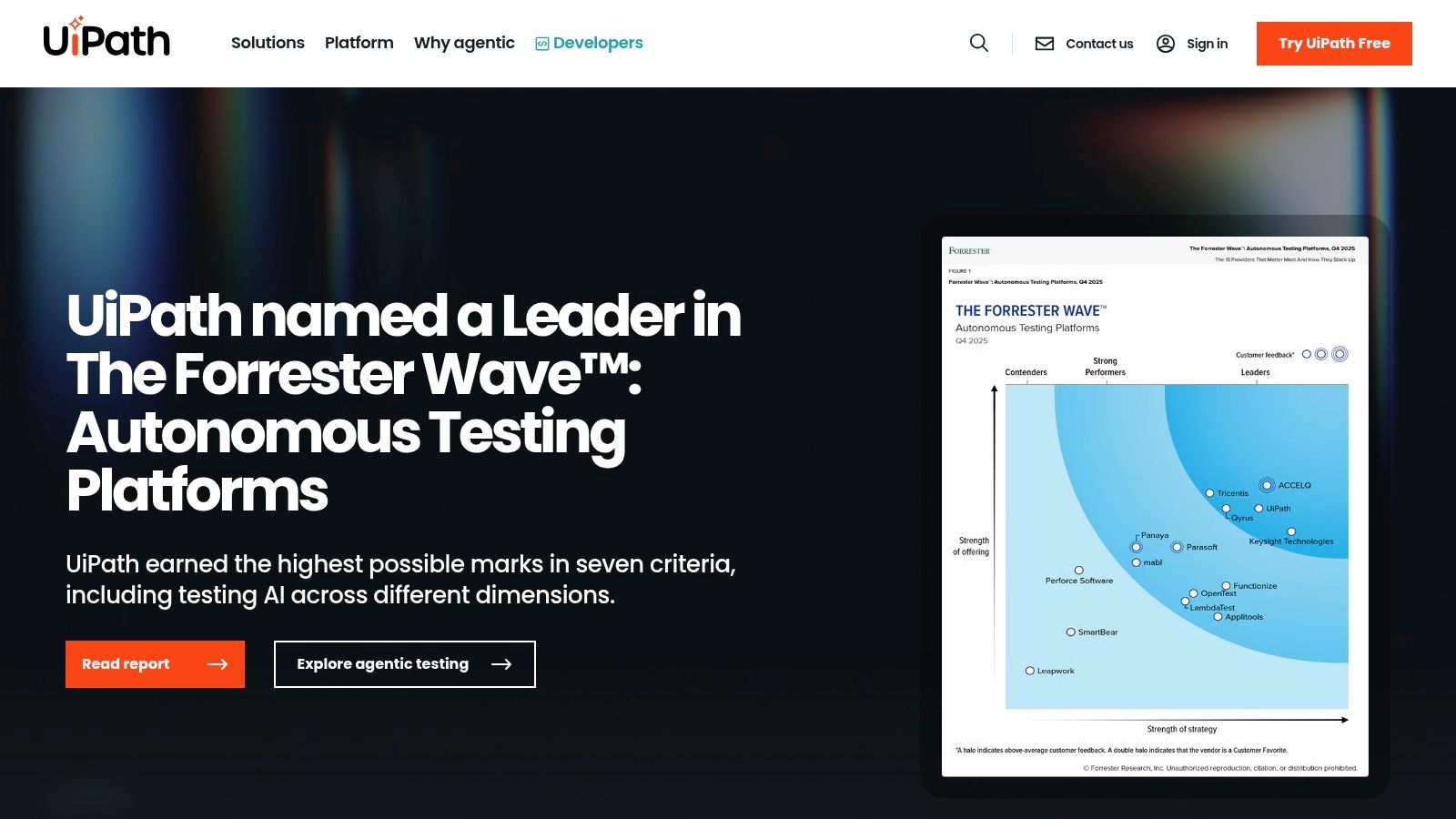
For moving companies with repetitive tasks tied to older desktop software or websites without modern connections, UiPath offers a powerful solution through Robotic Process Automation (RPA). Unlike tools that connect modern apps via APIs, UiPath robots can mimic human actions on a screen—like clicking buttons, copying data from a legacy system, and pasting it into an Excel sheet. This makes it one of the most advanced business process automation tools for digitizing manual, screen-based workflows.
A moving company could use a UiPath robot to log into an old supplier portal, download invoices, extract the data, and enter it into QuickBooks Desktop automatically. Another use case is automating data entry from scanned paper documents or PDFs into your CRM, eliminating hours of tedious manual work and reducing errors.
Key Features & Use Cases for Movers
- Attended & Unattended Robots: Use "attended" bots that work alongside your staff to speed up tasks or deploy "unattended" bots that run complex back-office processes 24/7 without human intervention.
- Document Understanding & Computer Vision: Its AI can "read" scanned documents, invoices, or forms, extracting key information like customer names and move dates to input into other systems.
- Automation Cloud: Host and manage your robots in the cloud, removing the need for dedicated on-premise servers and simplifying deployment for smaller operations.
- AI Assistants: UiPath is expanding its capabilities to include more sophisticated AI features. Discover more about how these AI-driven assistants can benefit moving companies.
Analysis for Moving Companies
| Criteria | Assessment |
|---|---|
| Ideal Use Case | Best for movers relying on legacy desktop software (e.g., an old accounting program) or interacting with external websites that lack modern integrations. Perfect for high-volume data entry and document processing. |
| Pros | Powerful tooling for automating processes that other tools can't handle. Mature governance and security features make it suitable for companies managing sensitive customer data. |
| Cons | Can be complex and costly to build and maintain robots, often requiring specialized skills. It's likely overkill for most small to mid-sized movers. |
| Pricing | Offers a free plan for individuals and small businesses. Paid plans are enterprise-focused and typically require custom quoting. |
Website: https://www.uipath.com
7. Automation Anywhere
For moving companies looking to automate complex, high-volume back-office processes, Automation Anywhere represents a significant step up. This platform specializes in Robotic Process Automation (RPA), which uses software "bots" to mimic human actions on a computer. These bots can interact with legacy desktop software, websites, and documents, making it a powerful solution for automating deeply entrenched manual work.
This is not a tool for simple email triggers; it's designed for more intensive processes. For instance, a growing moving company could deploy a bot to extract invoice data from PDFs sent by vendors, enter that data into QuickBooks Desktop, and then archive the original PDF in a specific network folder. This type of end-to-end automation of a financial task is where these advanced business process automation tools truly shine.
Key Features & Use Cases for Movers
- Cloud-Native RPA: The platform is delivered as a service, reducing the need for you to manage complex server infrastructure. This makes it more accessible for businesses without a dedicated IT team.
- Attended & Unattended Bots: Use "attended" bots that work alongside an employee to speed up tasks, or "unattended" bots that run complex back-office jobs 24/7 without any human supervision.
- IQ Bot (Document AI): This feature uses AI to intelligently extract information from unstructured documents like invoices or bills of lading, turning manual data entry into an automated process.
Analysis for Moving Companies
| Criteria | Assessment |
|---|---|
| Ideal Use Case | Best for mid-sized movers (10+ trucks) with high-volume, repetitive back-office tasks like invoice processing, data migration between old and new systems, or generating standardized daily reports. |
| Pros | Cloud-first approach simplifies deployment and maintenance. Powerful for automating legacy desktop apps where modern integrations aren't possible. |
| Cons | Pricing for larger deployments can be significant and is often customized. RPA requires a more technical mindset and careful management of bots to ensure they run correctly. |
| Pricing | Custom pricing is standard. They offer packages designed for smaller businesses, but costs are generally higher than workflow automation tools like Zapier. |
Website: https://www.automationanywhere.com
8. Camunda
For larger moving companies or franchises aiming for enterprise-level process control, Camunda offers a powerful platform for end-to-end process orchestration. Unlike simpler tools that just connect apps, Camunda models, executes, and audits complex workflows that involve people, different software systems, and even robotic process automation (RPA) bots. It provides a source of truth for your entire operation, ensuring every step is tracked and executed consistently.
This level of control makes it one of the more advanced business process automation tools, ideal for a multi-location moving operation looking to standardize its entire customer journey. For example, a new lead could trigger a complex workflow in Camunda that assigns the lead, schedules a human follow-up call, sends automated quote reminders, and, once booked, coordinates dispatch, crew assignment, and final billing across different systems.
Key Features & Use Cases for Movers
- Standards-Based Modeling: Uses industry standards to visually map out your moving processes, from initial inquiry to final payment and review request.
- End-to-End Orchestration: Coordinates tasks across your CRM, accounting software, dispatch system, and team members, ensuring nothing falls through the cracks.
- Flexible Hosting: Can be used as a cloud-based solution or self-hosted on your own servers, providing flexibility for data control.
- Auditable Processes: Creates a complete, auditable history of every job, which is invaluable for quality control and operational analysis.
Analysis for Moving Companies
| Criteria | Assessment |
|---|---|
| Ideal Use Case | Best for large, multi-location, or franchise moving companies that need to enforce standardized, auditable processes. It is overkill for small owner-operators. |
| Pros | Provides exceptional control and visibility for complex, multi-step operations. Flexible hosting options are a major plus for companies with specific IT requirements. |
| Cons | Requires significant technical skill (developers) to implement and manage effectively. The pricing model and features are geared toward enterprises, making it inaccessible for most small movers. |
| Pricing | Offers a free self-managed version and a free SaaS trial. Enterprise pricing for full support and advanced features requires contacting their sales team. |
Website: https://camunda.com
9. Appian
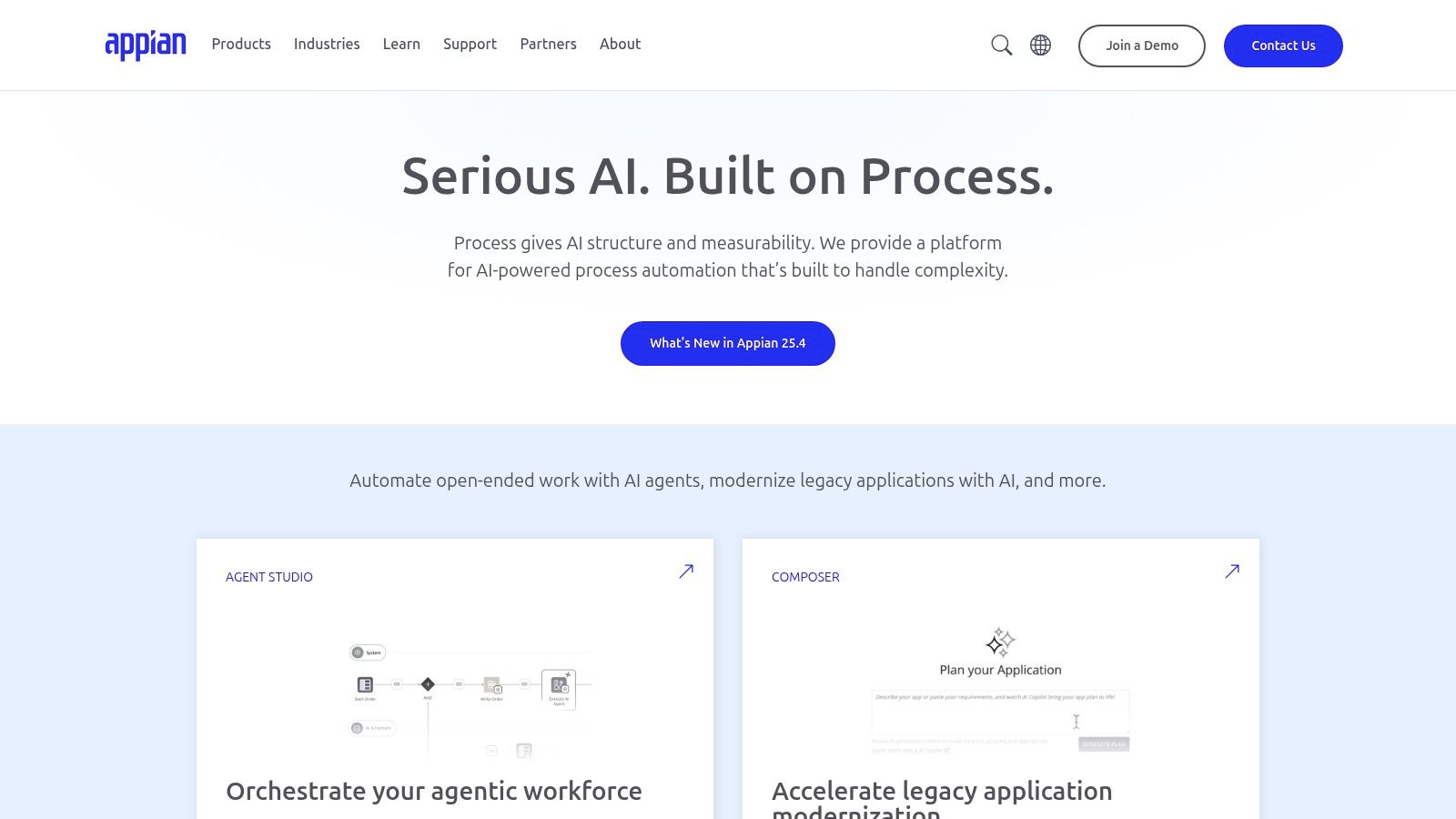
For larger moving companies or multi-location franchises looking to build sophisticated, custom applications, Appian offers a powerful low-code platform. It goes beyond simple task connection by allowing you to create entire business applications for things like complex job scheduling, multi-stage quoting, and client onboarding. This makes it one of the more robust business process automation tools for movers with unique operational needs that off-the-shelf software can't meet.
Appian combines workflow management, RPA, and AI into a single environment. A growing moving enterprise could use it to build a custom portal for its corporate clients, allowing them to request, approve, and track multi-leg moves. This unified platform approach is ideal for businesses that want to reduce the number of separate software vendors they rely on.
Key Features & Use Cases for Movers
- Low-Code Platform: Visually design and deploy custom applications for dispatching, claims processing, or crew management without extensive coding.
- Integrated RPA & AI: Automate data entry from bills of lading or use AI to intelligently route service requests to the appropriate team member or franchise location.
- Strong Governance & Compliance: Offers enterprise-grade security, making it suitable for movers handling sensitive corporate or government contracts.
Analysis for Moving Companies
| Criteria | Assessment |
|---|---|
| Ideal Use Case | Best for larger, multi-location, or franchise moving brands needing to build custom business applications for complex logistics and client management. |
| Pros | The all-in-one platform reduces the need for multiple automation tools. Strong governance features are excellent for maintaining brand standards across several locations. |
| Cons | Significantly more complex and costly than tools like Zapier or Make, making it overkill for small movers. Pricing is not transparent and requires a sales consultation. |
| Pricing | A free version is available for evaluation. Full platform access is enterprise-focused and requires contacting their sales team for a custom quote. |
Website: https://appian.com
10. n8n
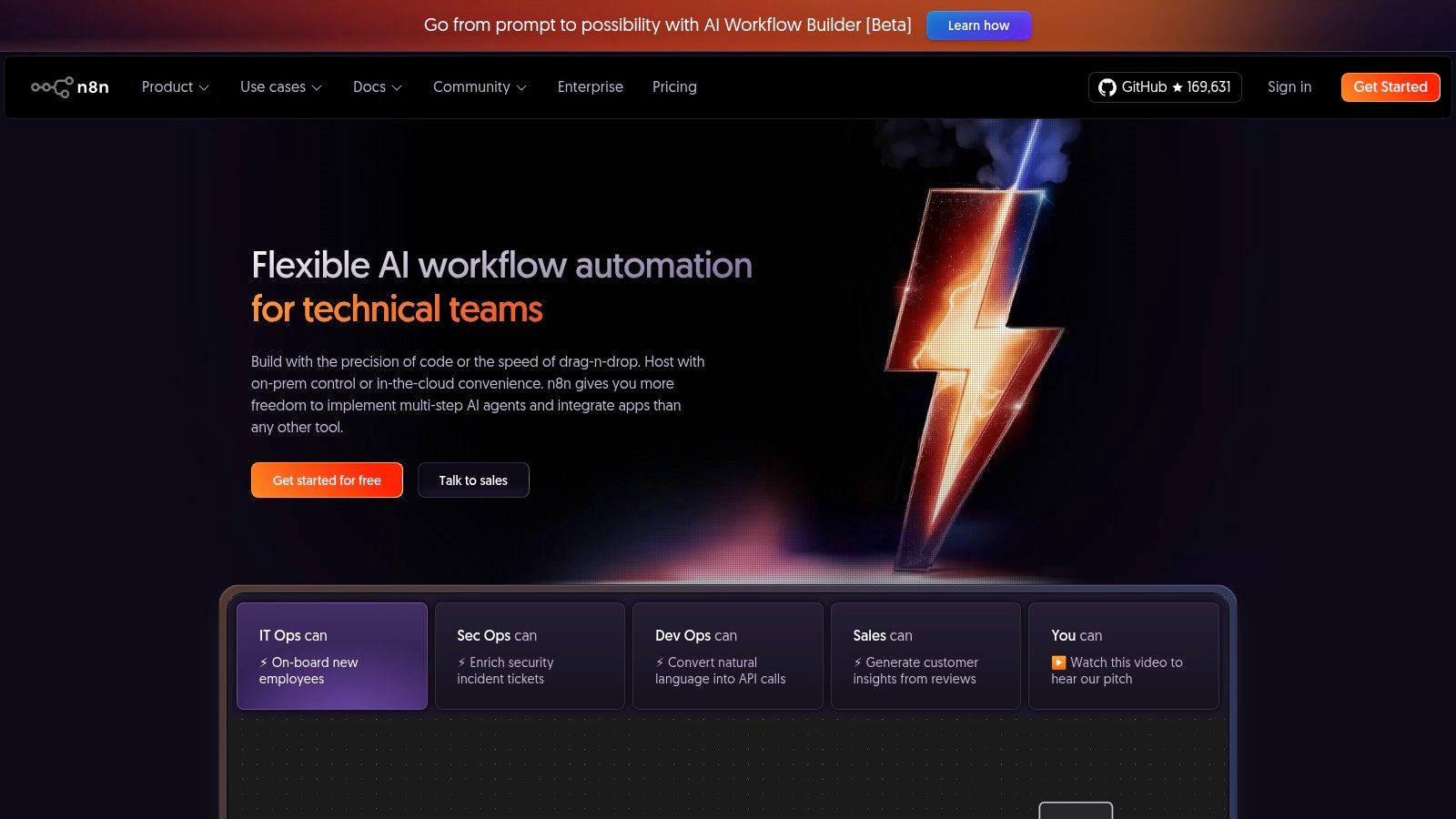
For moving companies with some technical know-how, n8n presents a powerful, open-source alternative to tools like Zapier and Make. It stands out by offering both a hosted cloud service and a self-hosting option, giving you complete control over your data and automation logic. This makes it an excellent choice for businesses concerned with data privacy or those seeking a more cost-effective solution for high-volume workflows.
As one of the more advanced business process automation tools, n8n's visual builder is robust, but its true strength lies in its extensibility. If you have a developer, you can build custom integrations and complex logic that other platforms can't handle. For example, you could build a workflow that pulls lead data from a custom web form, enriches it with a third-party service, calculates a preliminary quote based on a custom algorithm, and then pushes it into your CRM.
Key Features & Use Cases for Movers
- Visual & Code-Based Builder: Start with a simple drag-and-drop interface for common tasks and extend workflows with code for custom logic, like complex quote calculations.
- Self-Hosting & Cloud Options: Choose between a managed cloud version for ease of use or self-hosting on your own server for maximum data control, privacy, and potentially lower costs.
- Generous Free Tier & Execution-Based Pricing: The pricing model is based on workflow executions rather than the number of users or steps, making it highly scalable and cost-efficient.
- Growing Connector Library: Connect to over 350 apps and services, allowing you to link your lead forms, CRM, email marketing, and internal chat tools.
Analysis for Moving Companies
| Criteria | Assessment |
|---|---|
| Ideal Use Case | Best for tech-savvy moving companies or those with development resources. Ideal for creating highly custom automations, controlling data in-house, and managing high-volume workflows affordably. |
| Pros | Extremely cost-effective at scale, especially with the self-hosted option. The self-hosting capability ensures customer data remains within your own infrastructure, a major plus for privacy. |
| Cons | Requires more technical expertise to set up and maintain than competitors. Self-hosting demands ongoing attention to security updates and server management. |
| Pricing | Offers a free plan for self-hosting. Paid cloud plans are based on workflow executions, starting around $20/month for 2,500 executions. |
Website: https://n8n.io
11. AWS Marketplace
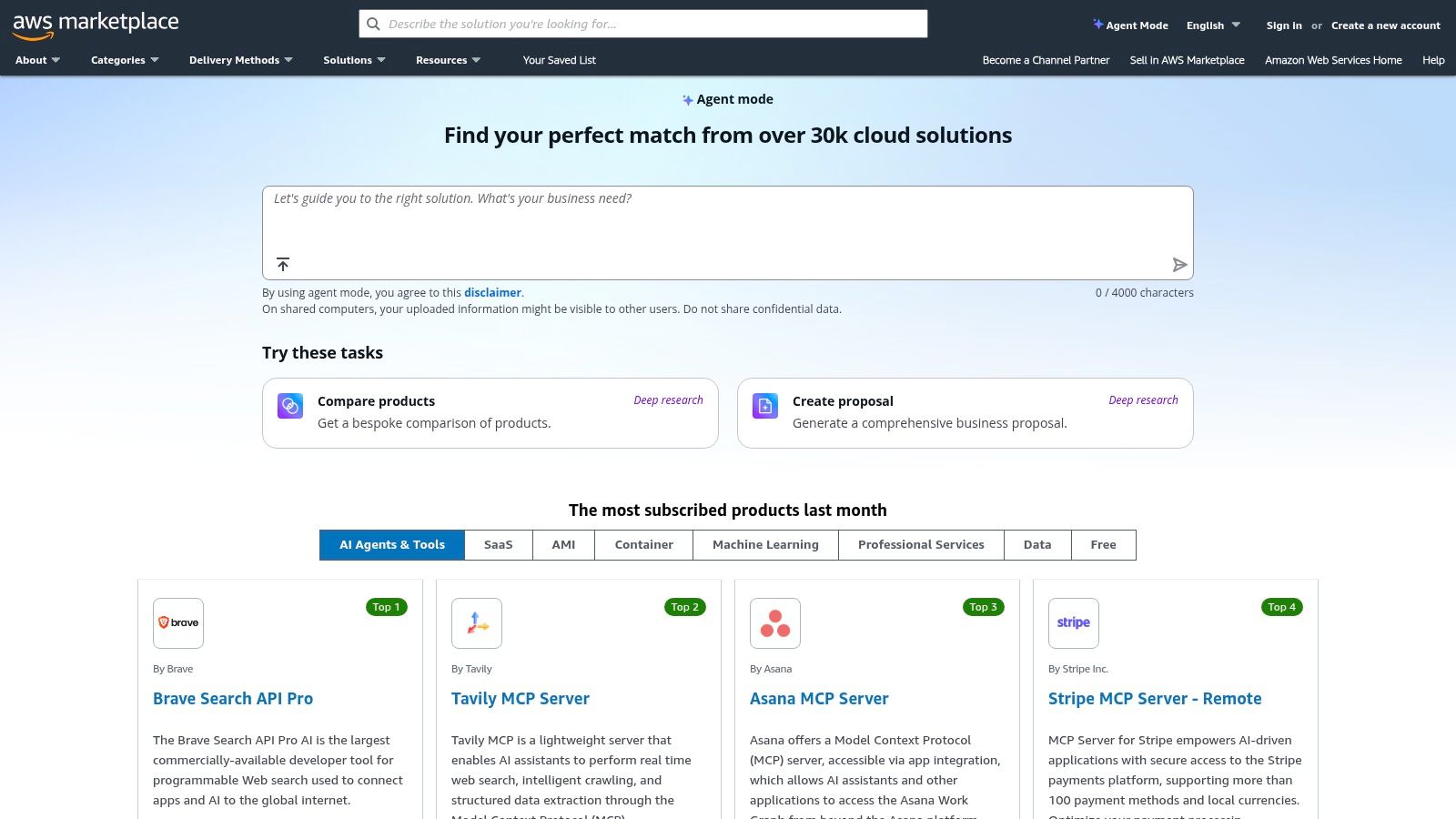
For moving companies that already use Amazon Web Services (AWS) for hosting or other cloud infrastructure, the AWS Marketplace offers a streamlined way to find and purchase business process automation tools. Instead of a single product, it is a digital catalog where you can find, test, buy, and deploy software from various vendors. This centralizes procurement and billing directly through your existing AWS account, simplifying vendor management.
A growing moving company using AWS for its website could explore and deploy an RPA tool from the marketplace to automate invoice processing. The key benefit is consolidated billing and governance. All software costs appear on one AWS bill, making it easier for owners to track technology spending without onboarding multiple new vendors.
Key Features & Use Cases for Movers
- Consolidated AWS Billing: Purchase and subscribe to automation tools from vendors like Workato or UiPath, and have the charges appear on your single AWS bill.
- Flexible Procurement: Access various pricing models, including hourly, monthly, or annual subscriptions, and negotiate private offers directly with software vendors.
- Vast Software Catalog: Discover a wide range of solutions, from enterprise-grade RPA platforms to specialized connectors, allowing you to find tools that fit specific operational needs.
Analysis for Moving Companies
| Criteria | Assessment |
|---|---|
| Ideal Use Case | Best for tech-savvy moving companies already invested in the AWS cloud ecosystem. It simplifies procurement for teams that need to deploy and manage multiple software solutions centrally. |
| Pros | Streamlines vendor onboarding and financial management by consolidating spend with AWS. Offers flexible purchasing terms and quick deployment. |
| Cons | Not a direct tool but a marketplace, adding complexity. Selection often skews towards mid-market and enterprise tools, which may be overly complex or expensive for smaller movers. |
| Pricing | Varies widely by vendor. Many listings require you to request a "private offer" rather than showing transparent public pricing. |
Website: https://aws.amazon.com/marketplace
12. Salesforce AppExchange (Automation Collections)
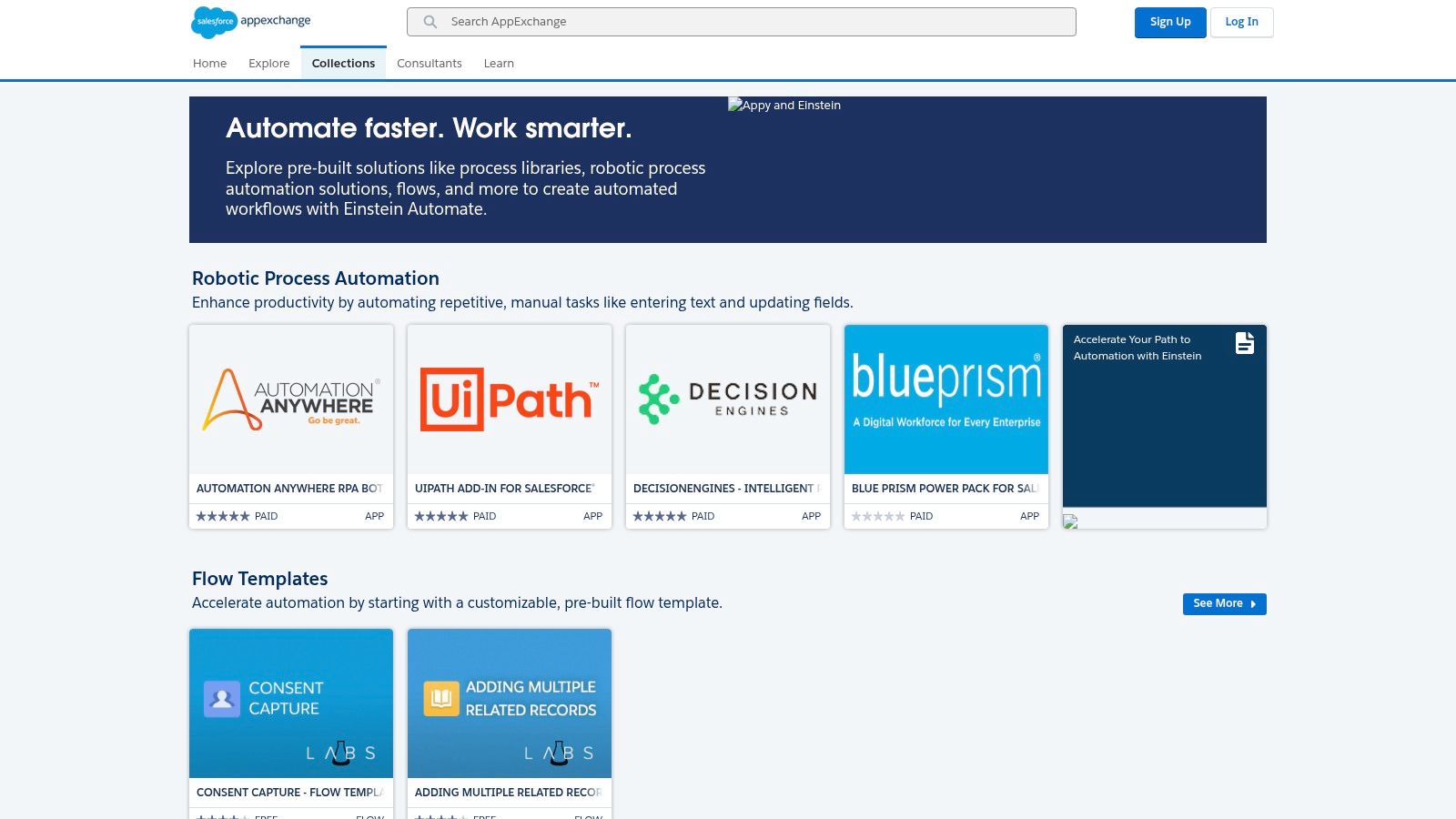
For moving companies that have already invested in Salesforce as their core CRM, the AppExchange is the definitive marketplace for extending its capabilities. It’s a vast ecosystem of third-party apps and pre-built templates designed to work within Salesforce. The "Einstein Automate" collections curate top-rated business process automation tools that can help movers streamline everything from lead routing to document generation.
If your sales team lives in Salesforce, you can find apps to automatically generate a Bill of Lading when a moving job is marked "Booked," or connect RPA bots to pull data from external shipping portals. This native approach ensures that your automations are deeply integrated with your customer data, providing a single source of truth for your entire operation.
Key Features & Use Cases for Movers
- Curated Automation Collections: The Einstein Automate section provides pre-vetted solutions with templates, reducing the time needed to find and build workflows.
- RPA & AI Connectors: Integrate powerful RPA tools like UiPath to trigger bots directly from Salesforce events, such as a new lead entry.
- App Ratings & Reviews: Detailed listings include user reviews, helping you evaluate an app's quality and fit before committing.
- Mix of Free & Paid Apps: The marketplace offers a wide range of solutions, from simple free utilities to comprehensive paid platforms.
Analysis for Moving Companies
| Criteria | Assessment |
|---|---|
| Ideal Use Case | Best for established moving companies already using Salesforce Sales Cloud or Service Cloud as their primary system for managing leads, customers, and jobs. |
| Pros | Native integration ensures a seamless fit with your existing customer data and processes. Clear app reviews help in making informed decisions. |
| Cons | The value is almost entirely dependent on your prior investment in the Salesforce platform. Many apps require separate vendor contracts and payments. |
| Pricing | Varies widely by app. Some are free, while others have subscription fees per user/month. Pricing is set by the individual app developer. |
Website: https://appexchange.salesforce.com/mktcollections/curated/automate?utm_source=openai
Top 12 Business Process Automation Tools Comparison
| Item | Core features | UX & Quality ★ | Pricing / Value 💰 | Target audience 👥 | Unique selling points ✨ |
|---|---|---|---|---|---|
| MoveJoy 🏆 | AI front-office (calls/SMS/web), quoting & real-time booking, calendar & CRM sync | ★★★★★ — ~2s answer, ~100% answered, ~98% bookings | 💰 Designed for ROI; 1 job pays for monthly cost | 👥 Movers, owner-operators, multi-truck fleets, dispatch teams | ✨ Industry-trained AI, 5–10 min setup, 24/7 coverage, automated reviews |
| Microsoft Power Automate | Low-code cloud flows, desktop RPA, deep M365/connectors, process mining | ★★★★ — enterprise security; best with M365 | 💰 Included in some M365 tiers or add-on licensing; cost-effective if MS stack | 👥 M365-centric businesses, IT/integration teams | ✨ Native Outlook/Teams/Calendar integration, process mining, managed environments |
| Zapier | No-code visual "Zaps", Tables & Interfaces, large app catalog | ★★★★ — fastest to prototype, very user-friendly | 💰 Freemium → paid plans; task-based billing can grow costly | 👥 Small service teams, non-technical ops, SMBs | ✨ Huge template library, quickest ramp-up for integrations |
| Make (Integromat) | Visual scenario builder, routers/filters, 3,000+ apps, detailed logs | ★★★★ — transparent run history; good mid-volume stability | 💰 Credit/operation pricing; cost-efficient for throughput | 👥 Mid-size teams, technical ops, developers | ✨ Fine-grained control, branching logic, strong debug tools |
| Workato | Enterprise iPaaS, multi-system orchestration, governance & lifecycle | ★★★★ — enterprise-scale reliability | 💰 Usage-based; no public pricing (sales-driven) | 👥 Enterprises, integration/IT orgs | ✨ Strong governance, lifecycle mgmt, AWS Marketplace offers |
| UiPath | Full-stack RPA, attended/unattended robots, document understanding | ★★★★ — mature for UI-heavy automation | 💰 Enterprise pricing; can be complex/costly | 👥 Regulated enterprises, back-office automation teams | ✨ Computer vision, large ecosystem, Automation Cloud |
| Automation Anywhere | Cloud-native RPA, IQ Bot (document AI), control room | ★★★★ — SaaS-first, rapid pilots | 💰 Starter pilots available; enterprise pricing custom | 👥 Mid-to-large orgs automating repetitive tasks | ✨ IQ Bot for documents, cloud-first governance |
| Camunda | Standards-based BPMN/DMN orchestration, SaaS or self-managed | ★★★★ — developer-focused, auditable processes | 💰 Open-source + enterprise tiers; sales pricing for enterprise | 👥 Developers, architects, enterprises needing auditability | ✨ BPMN/DMN standards, flexible hosting, strong audit trail |
| Appian | Low-code with integrated RPA, AI, document processing | ★★★★ — one-platform governance & compliance | 💰 Tiered platform; pricing via sales (enterprise-level) | 👥 Enterprises building compliant intake/scheduling apps | ✨ Integrated low-code + RPA + AI, compliance certifications |
| n8n | Open-source visual workflows, hosted or self-host, extensible | ★★★ — cost-efficient; self-host needs ops & hardening | 💰 Per-execution pricing; free self-host option | 👥 Privacy-focused teams, developers, startups | ✨ Self-hostable, extensible with code, very cost-efficient at scale |
| AWS Marketplace | Procurement & deployment hub for BPA/RPA/iPaaS products | ★★★ — streamlines procurement; vendor-dependent UX | 💰 Consolidated AWS billing; private offers; vendor pricing varies | 👥 AWS customers, procurement, IT finance teams | ✨ Centralized billing, private offers, fast AWS deployment |
| Salesforce AppExchange (Automation) | Curated automation apps (Einstein Automate), RPA connectors | ★★★★ — native fit for Salesforce workflows | 💰 Mix of free/paid listings; best value if on Salesforce | 👥 Salesforce customers, sales & service teams | ✨ Pre-built flows, RPA connectors, clear app metadata (ratings/releases) |
From Surviving to Thriving: Make Automation Your Competitive Edge
Navigating the landscape of business process automation tools can feel overwhelming, especially when your primary focus is on managing trucks, crews, and customers. We've explored a wide range of solutions, from powerful workflow connectors like Zapier and Make to enterprise-grade platforms. The central theme connecting all these platforms is a simple promise: to give you back your time and transform operational efficiency from a daily struggle into a competitive advantage.
For a small to mid-sized moving company, the difference between surviving and thriving often comes down to how you handle the critical moments in the customer journey. Did you answer the phone on the first ring? Did you send the quote within minutes, not hours? Did you follow up consistently? These are the moments where jobs are won or lost. Automation is the key to winning them consistently without burning out your team.
Your Roadmap to Implementing Automation
Starting this journey doesn't require a massive budget or an IT department. The most successful moving companies begin with a focused approach.
-
Identify the Biggest Bottleneck: Before you look at any tool, pinpoint your single greatest point of friction. Is it missed calls during peak season? Is it the manual data entry from your web form to your CRM? Or is it the inconsistent follow-up on sent quotes? Choose one high-impact problem to solve first. Automating a single, frustrating task will deliver a quick win and build momentum.
-
Start Small, Think Scalable: You don’t need to automate your entire business overnight. A tool like Zapier is perfect for connecting two apps you already use, such as automatically creating a CRM contact from a new lead form submission. This is a low-cost, high-return starting point that immediately eliminates a repetitive task.
-
Align the Tool to the Job: As this list shows, not all business process automation tools are created equal. A powerful enterprise tool is overkill for a 3-truck operation just trying to stop missing calls. Conversely, a simple connector can’t provide the 24/7 intelligent call answering needed to capture every after-hours lead. Match your chosen solution to the specific operational challenge. For lead capture and booking, a purpose-built tool designed for movers is often more effective than a general one.
The Real ROI: More Than Just Time Saved
The ultimate goal of adopting these technologies isn’t just to do things faster; it’s to fundamentally change your business outcomes. Automation directly impacts your bottom line by ensuring no lead is left behind. It enhances your brand reputation by providing a professional, responsive experience that bigger competitors struggle to match. Most importantly, it frees you from the administrative grind, allowing you to focus on strategic growth, customer service, and building a better moving company. The choice is no longer if you should automate, but how you can start today to build a more resilient and profitable operation.
Ready to see what a purpose-built automation platform can do for your moving company? MoveJoy combines an AI-powered receptionist with automated quoting and follow-up, designed specifically to capture every lead and book more jobs without you lifting a finger. Explore how MoveJoy can become your most valuable team member.