
You’re probably looking at a SmartMoving alternative because something feels unfinished in your current setup. Maybe the CRM handles jobs once they’re created, but your office still misses inbound calls after hours. Maybe dispatch is workable, but quoting still depends on one experienced coordinator being available. For most moving companies, the issue isn’t just software sprawl. It’s the gap between lead capture and booked revenue.
That’s why this category stays crowded. Buyers don’t just compare one CRM against another. They compare full operating systems that cover estimates, dispatch, crew workflows, invoicing, reporting, payments, and accounting. G2’s SmartMoving alternatives page shows a broad replacement market and identifies MoveitPro Software as the best overall alternative on that page, which tells you this is an active all-in-one software decision, not a niche feature search (G2 SmartMoving alternatives).
If you’re also trying to win new customers in home services, the right choice depends on where your bottleneck is right now. Some tools are stronger in workflow depth. Others are stronger in pricing control, booking simplicity, or multi-branch scheduling. The list below gets straight to the options.
1. Supermove
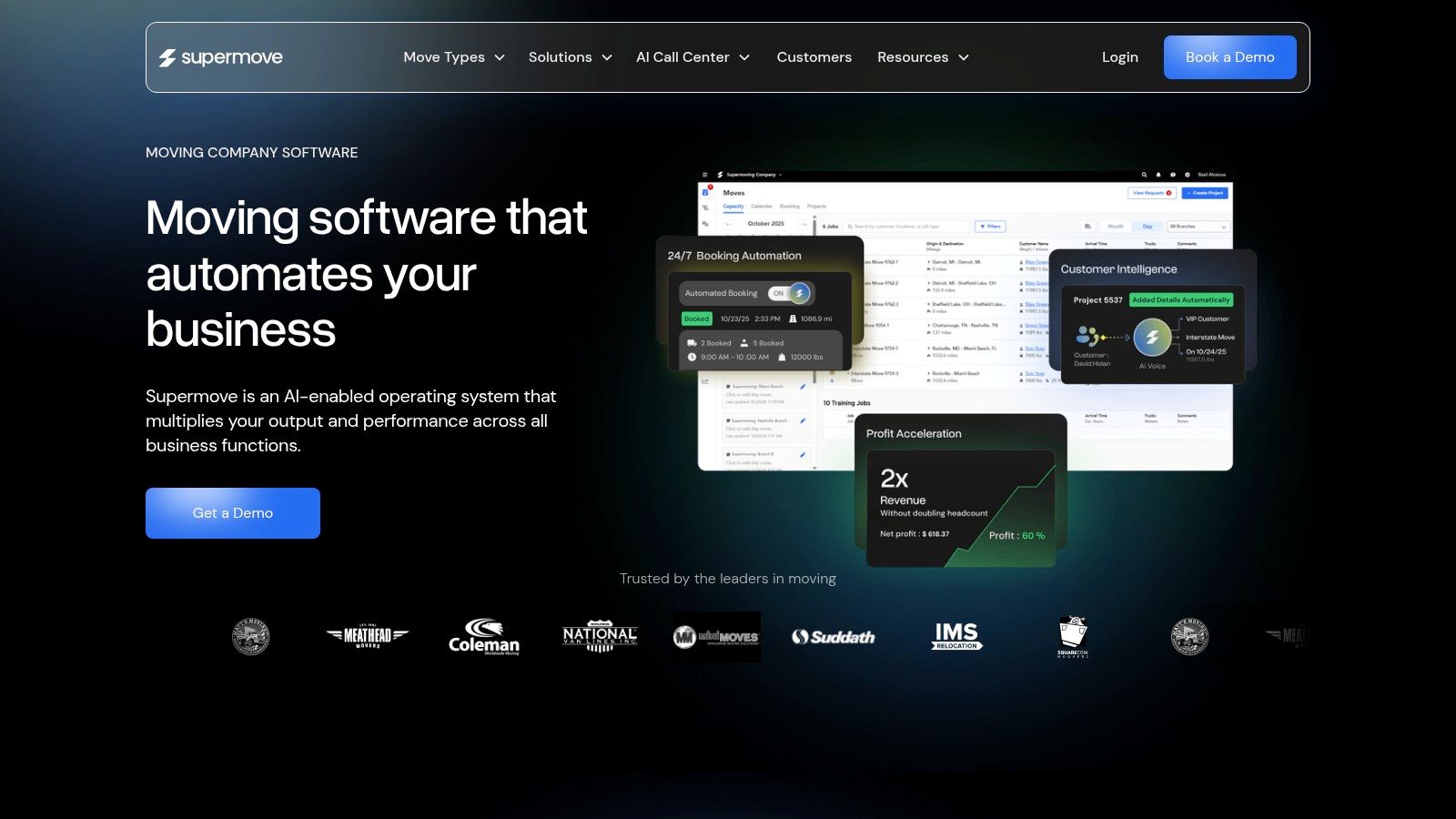
Supermove is one of the most visible SmartMoving alternatives for growing movers that want a modern, broad operating system. It’s built around the idea that sales, dispatch, pricing, billing, storage, and customer communication should live in one place. For an operator running multiple crews, that matters because quoting delays usually spill into scheduling delays, then into billing friction.
Its public comparison content also highlights where the market is moving. Supermove points to rule-based pricing, automation, and AI as differentiators, which reflects a broader shift away from simple CRM comparisons and toward end-to-end operational substitution. In that same comparison material, Supermove says its billing engine can automatically add $15 per hour for 6th-floor moves and calculate extras like inventory mileage and fuel surcharges (Supermove comparison article).
Where Supermove stands out
That pricing example matters more than it first appears. A lot of movers don’t lose margin because they lack software. They lose margin because special conditions live in one estimator’s head instead of inside the system.
- Automation depth: Good fit if your team wants workflows that reduce manual follow-up and repetitive office tasks.
- Operational breadth: Covers CRM, dispatch, crew workflows, billing, storage, and customer-facing steps in one system.
- Better fit for scaling teams: Stronger option when your office is outgrowing spreadsheets or a basic setup.
Practical rule: If your coordinators still edit quotes by hand for common exceptions, your software isn’t really controlling revenue.
One more point. If your front office problem is missed calls rather than back-office workflow, software alone may not close that gap. A lot of movers pair their CRM with tools built for booked jobs, not just captured leads. If that’s the pressure point, this guide to best software for moving companies helps clarify where quoting and booking automation fits.
Visit Supermove.
2. MoveitPro
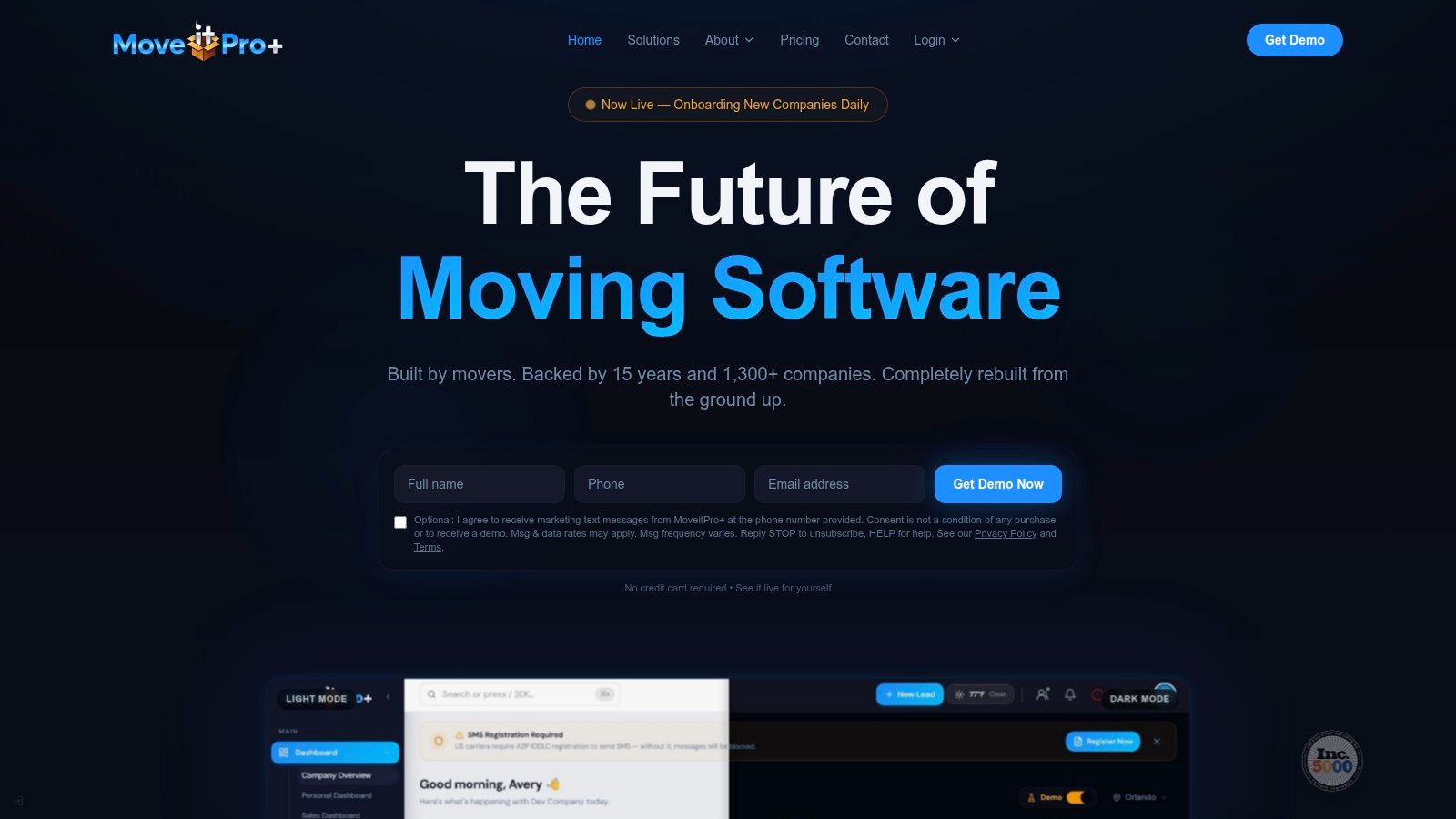
A common moving-office scenario looks like this. One coordinator is answering leads, another is checking the schedule, the crew is texting updates from the field, and someone still has to make sure the invoice matches what took place on the job. MoveitPro appeals to companies that want those steps connected inside one familiar system instead of spread across separate tools and manual follow-up.
That matters because many movers are not trying to rebuild their operation from scratch. They want software that handles daily basics well: lead tracking, estimates, dispatch, eBOL, payments, crew access, and accounting connections. MoveitPro fits that buyer well, which is part of why it shows up so often in SmartMoving comparisons on G2’s SmartMoving alternatives page.
Why many movers still shortlist it
MoveitPro makes the most sense when your office needs repeatable process. A good comparison is a shop floor with marked lanes. People can still move quickly, but they are less likely to bump into each other or lose track of where a job stands. That kind of structure is useful if your team is juggling inbound leads, booked jobs, dispatch changes, and billing corrections in the same day.
Here is where that shows up in practice:
- Connected office workflow: Helpful if you want lead details, estimates, scheduling, and final payment to stay tied to the same job record.
- Better accounting handoff: QuickBooks integration matters when the office is tired of entering the same information twice or fixing billing discrepancies later.
- Field visibility: Crew-facing mobile tools can reduce the gap between what happened on-site and what the office thinks happened.
One practical test helps here. If a coordinator can answer, “Where is this job stuck?” in a few clicks, the system is doing its job. If that answer still lives in texts, sticky notes, and memory, software has not fixed the underlying problem.
MoveitPro is often a better fit for operators who value stability and process control over newer sales-focused features. If your main pain point is lead response time rather than back-office coordination, pair this evaluation with a guide to lead management software for small business and this overview of moving company quoting software. Those categories solve a different bottleneck.
Visit MoveitPro.
3. Movegistics
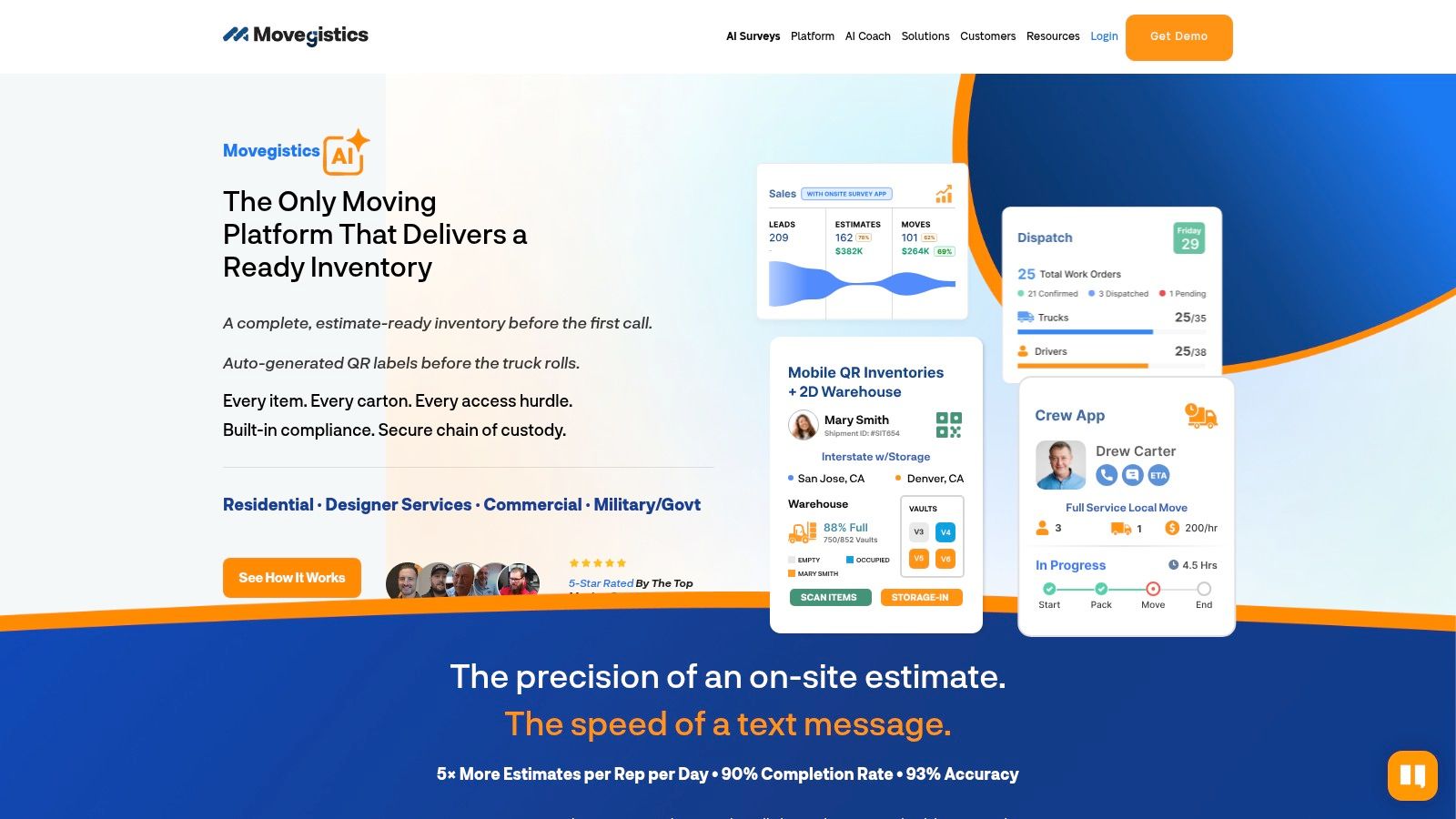
Movegistics is a strong SmartMoving alternative when pricing complexity is the issue. Some movers don’t need another scheduler. They need a system that can handle hourly jobs, volume-based logic, tariff scenarios, dispatch, storage, and reporting without forcing the office to build workarounds.
The bigger reason to watch Movegistics is how clearly it represents the category’s shift toward AI-assisted intake and automated surveys. Its SmartMoving comparison page says its native HomeSurvey.ai offers virtual surveys for as low as $15 per survey, with 93% accuracy and 90%+ completion (Movegistics comparison page). Whether or not that exact setup fits your operation, the message is important: by 2026, alternatives aren’t just selling dispatch and CRM. They’re competing on revenue capture before a coordinator ever picks up the phone.
Where Movegistics changes the conversation
For owners, that shift is practical. A virtual survey tool, pricing logic, and workflow automation can shorten the time between inquiry and quote. That matters most during evenings, weekends, and peak-season overflow.
- Granular pricing control: Better fit when your quotes involve more than a base hourly rate.
- Lead-to-invoice flow: Helps connect sales activity to operational follow-through.
- Inventory and storage support: Useful if warehouse workflows are part of your margin model.
If your sales desk gets bogged down chasing half-complete leads, pairing a CRM with stronger intake automation can help. That’s especially true for teams trying to improve speed without hiring more office staff. This guide to lead management software for small business is relevant if the underlying problem is response lag rather than dispatch.
Visit Movegistics.
4. Moverbase
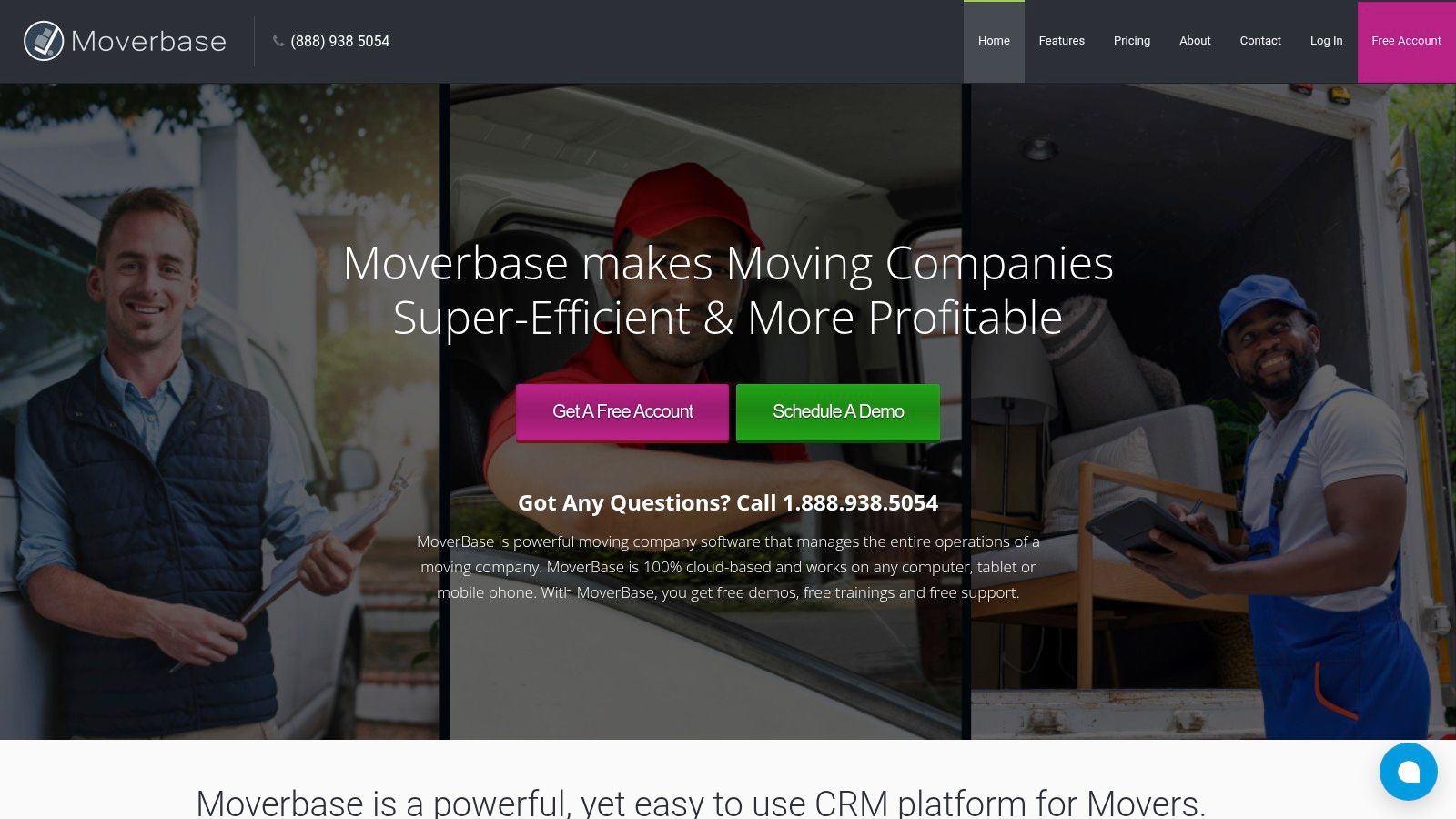
Moverbase sits on the simpler end of the SmartMoving alternative spectrum. It’s lighter, easier to grasp, and often attractive to operators who want online quotes, e-signature, dispatch, payments, and mobile access without the weight of a more enterprise-style rollout.
That simplicity can be a feature, not a limitation. Some moving companies don’t need a huge configuration project. They need to stop juggling texts, paper notes, and separate payment tools. If your office is still too dependent on one person knowing where everything lives, a cleaner system can improve day-to-day execution fast.
Best fit for simpler operations
Moverbase makes the most sense when speed of adoption matters more than deep customization. That’s usually true for smaller teams, newer offices, or operators who want to get organized before they add more automation.
Practically speaking:
- Good choice for faster setup: Easier to roll out when you don’t have time for a long implementation cycle.
- Useful core coverage: Quotes, bookings, scheduling, payment flow, and mobile support cover the basics many movers need.
- Watch the ceiling: As complexity grows, some teams may want deeper pricing, storage, or automation controls.
The best software for your office isn’t always the one with the longest feature list. It’s the one your team will actually use every day.
Visit Moverbase.
5. Vonigo
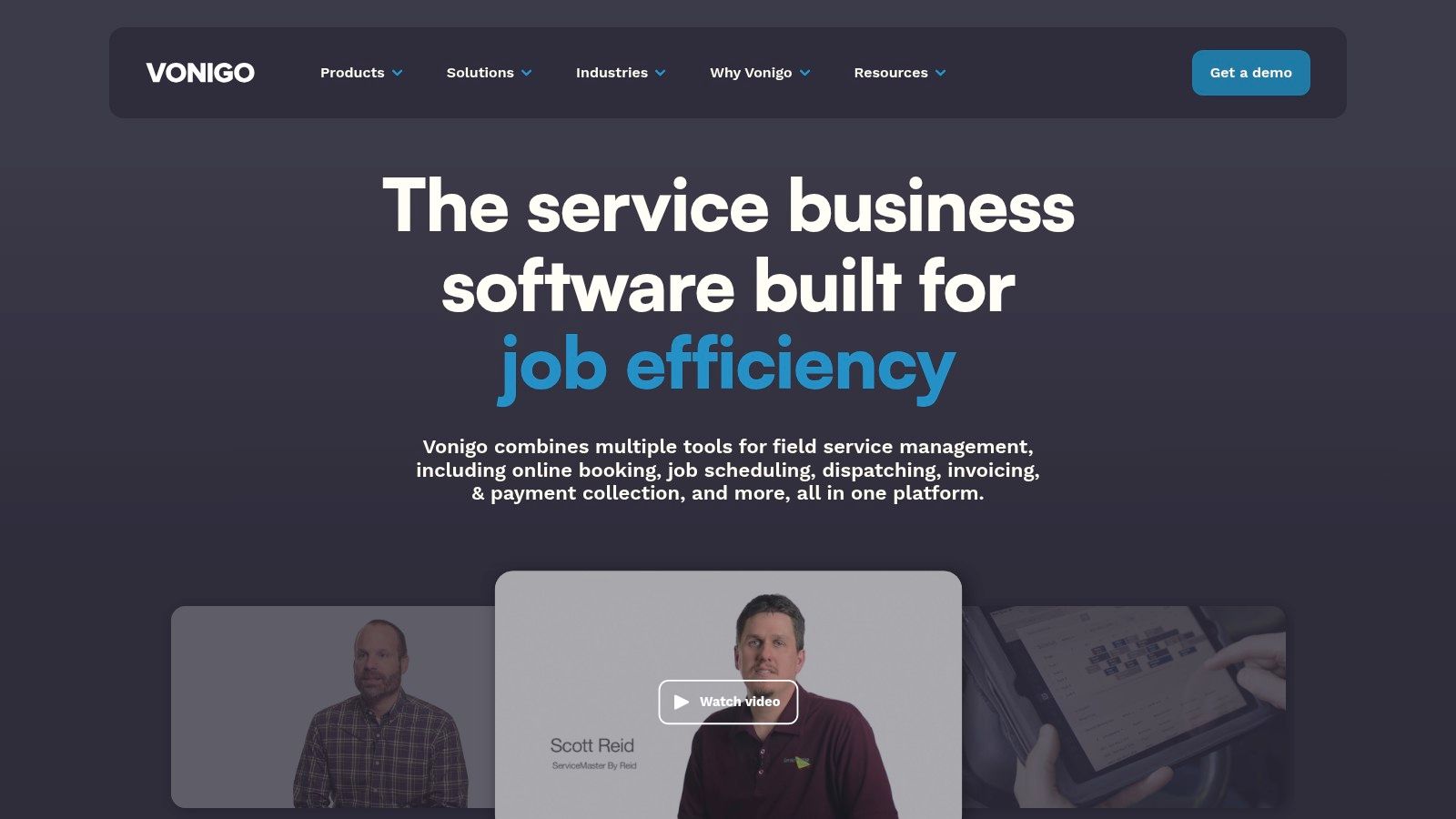
Vonigo is a field service platform with a dedicated moving solution, and that shapes where it fits best. It’s not only about managing a single moving office. It’s often more relevant when you’re standardizing how multiple branches schedule crews, route trucks, communicate with customers, and report across locations.
For some movers, that broader field-service DNA is useful. If your company also offers related services, or if you’re thinking beyond one branch, a platform built for cross-location process control can be more practical than a moving-only system with narrower scheduling assumptions.
Where Vonigo fits best
Vonigo is worth considering if your pain point is operational consistency across teams. A branch manager in one city shouldn’t be inventing their own booking process while another branch handles estimates differently.
Here’s where it can make sense:
- Multi-location visibility: Helpful when owners want reporting and scheduling standards across branches.
- Online booking and communication tools: Useful if customer communication has become fragmented.
- Broader FSM flexibility: Can work well for companies with service lines beyond traditional residential moves.
The tradeoff is that some moving-specific workflows may feel more generalized compared with software built only for movers. That isn’t always bad. It depends on whether your business needs specialization or broader operational flexibility.
Visit Vonigo.
6. MoveHQ
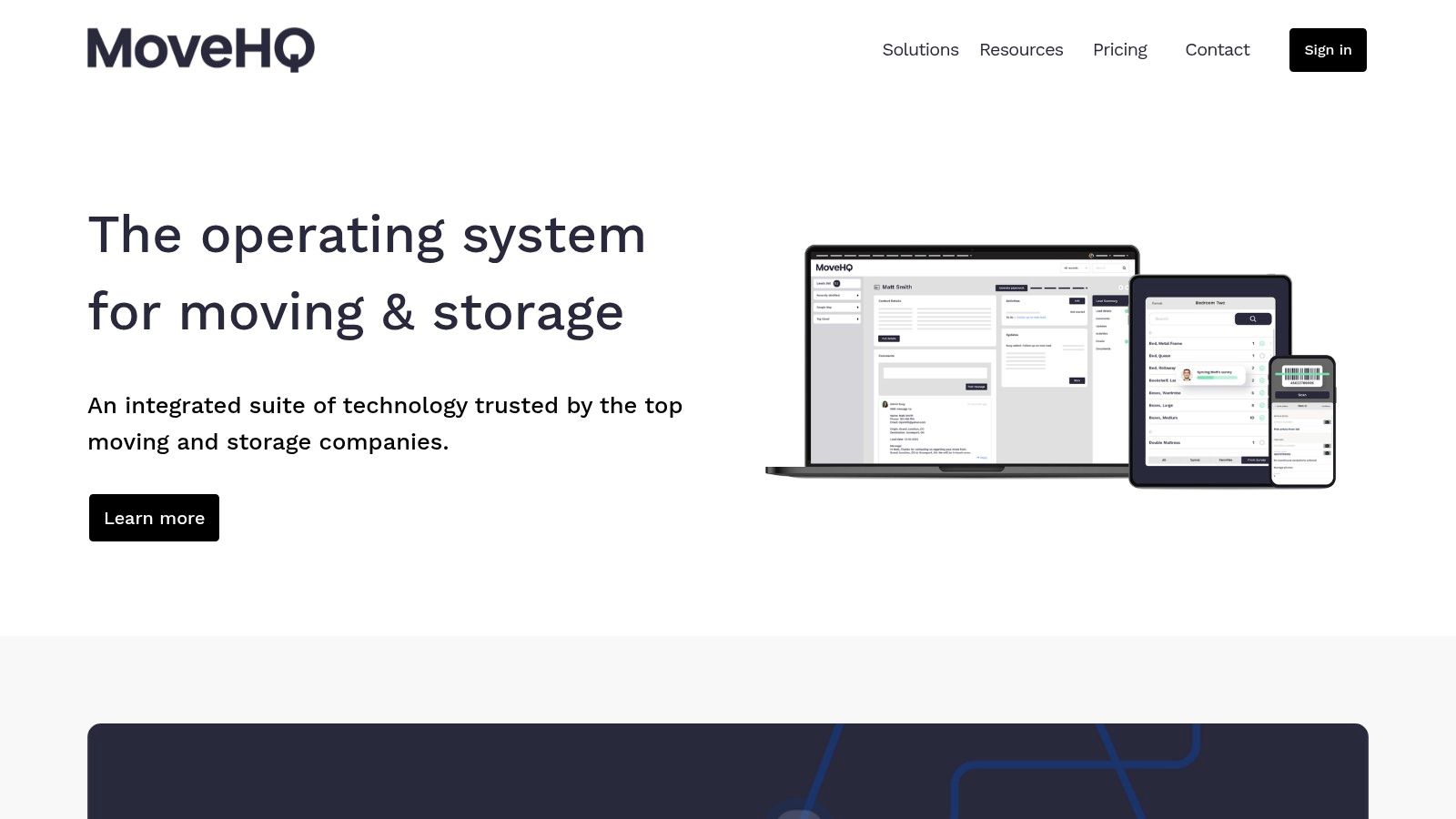
MoveHQ is a more serious contender for companies with heavier documentation, storage, compliance, and inventory requirements. If your operation includes warehouse processes, electronic documents, claims-sensitive work, or more complex move types, MoveHQ may be closer to what you need than a lighter CRM.
A lot of SmartMoving alternative searches get blurry. Owners sometimes ask for a replacement when what they really need is a different operational model. A software choice for local residential jobs isn’t always the right choice for a mover with more formal documentation demands and layered billing workflows.
Best for documentation-heavy workflows
MoveHQ tends to make more sense when the move file itself carries complexity. That could mean detailed inventory records, structured mobile documentation, or tighter storage and warehouse coordination.
A few signs it may fit:
- Your office handles more complex paperwork: Especially when documentation quality affects billing or claims handling.
- You need stronger storage workflows: Warehouse and storage coordination often become a separate operating challenge.
- You’ve outgrown lightweight tools: Simpler platforms can start to break when move types and documentation standards expand.
For a smaller operator, that same depth can feel heavy. For the right company, though, deeper structure saves office time and reduces operational slippage.
Visit MoveHQ.
7. MoversSuite EWS Group
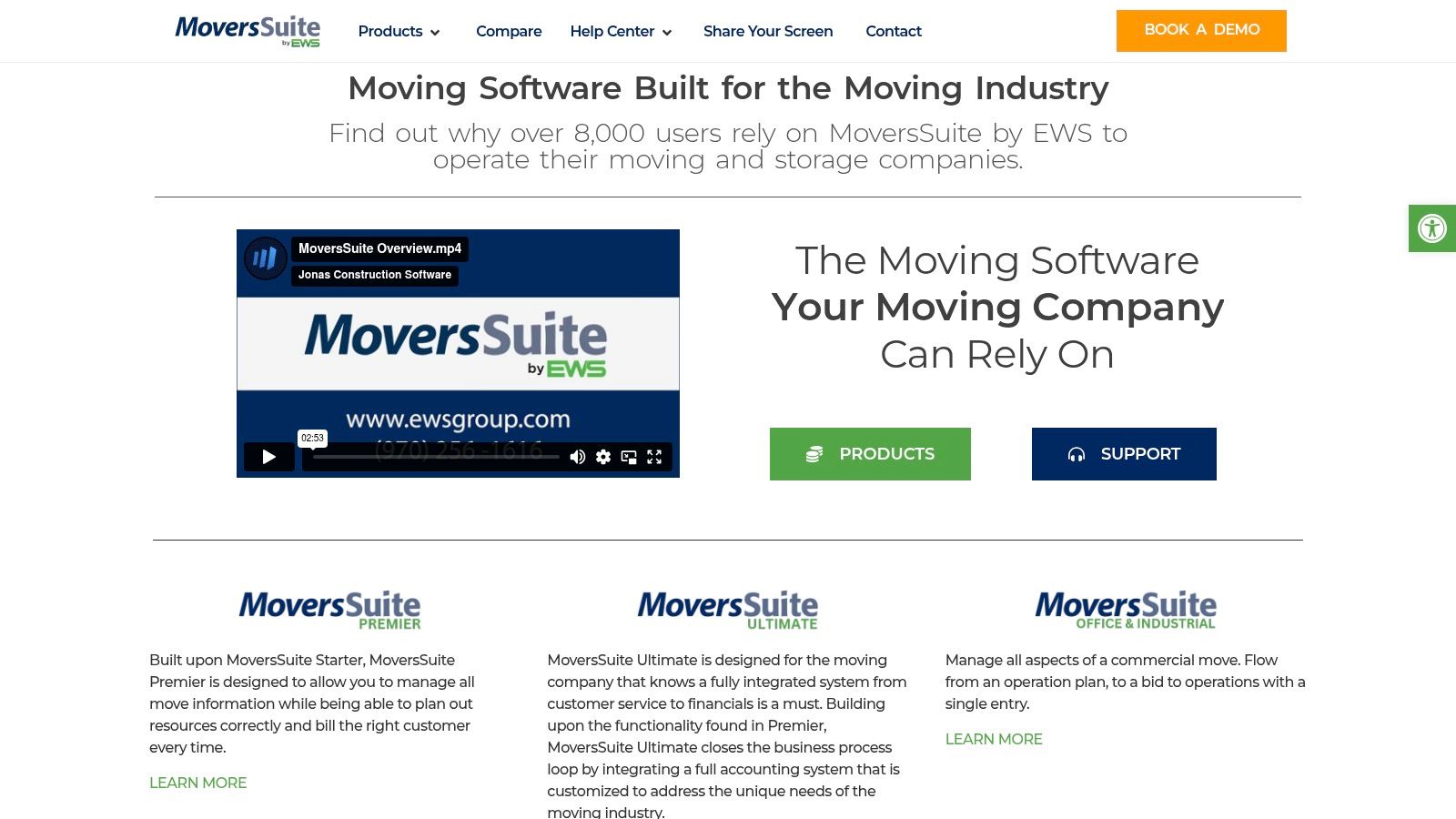
MoversSuite sits further upmarket. It’s built for larger and more complex organizations that need move management, dispatch, storage, accounting integration, and workflows that align with high-volume household goods or commercial operations.
That makes it a very different kind of SmartMoving alternative. It’s less about getting off spreadsheets and more about supporting a business that already has process depth, specialized billing needs, and stricter operational controls. If your office has dedicated departments instead of one team wearing five hats, that distinction matters.
Where it makes sense
MoversSuite is usually strongest when the business has enough complexity to justify a heavier implementation. That can include van-line style workflows, formal back-office controls, or enterprise reporting expectations.
- Deep enterprise workflow support: Better fit for complex move and storage organizations.
- Accounting and billing rigor: Valuable when finance workflows are more demanding.
- Industry-specific structure: Useful for companies that need more than a small-office CRM.
For many independents in the 5 to 20 truck range, this may be more platform than they need today. But if you’re building toward a more layered operation, it belongs on the list.
Visit MoversSuite.
8. Move4U
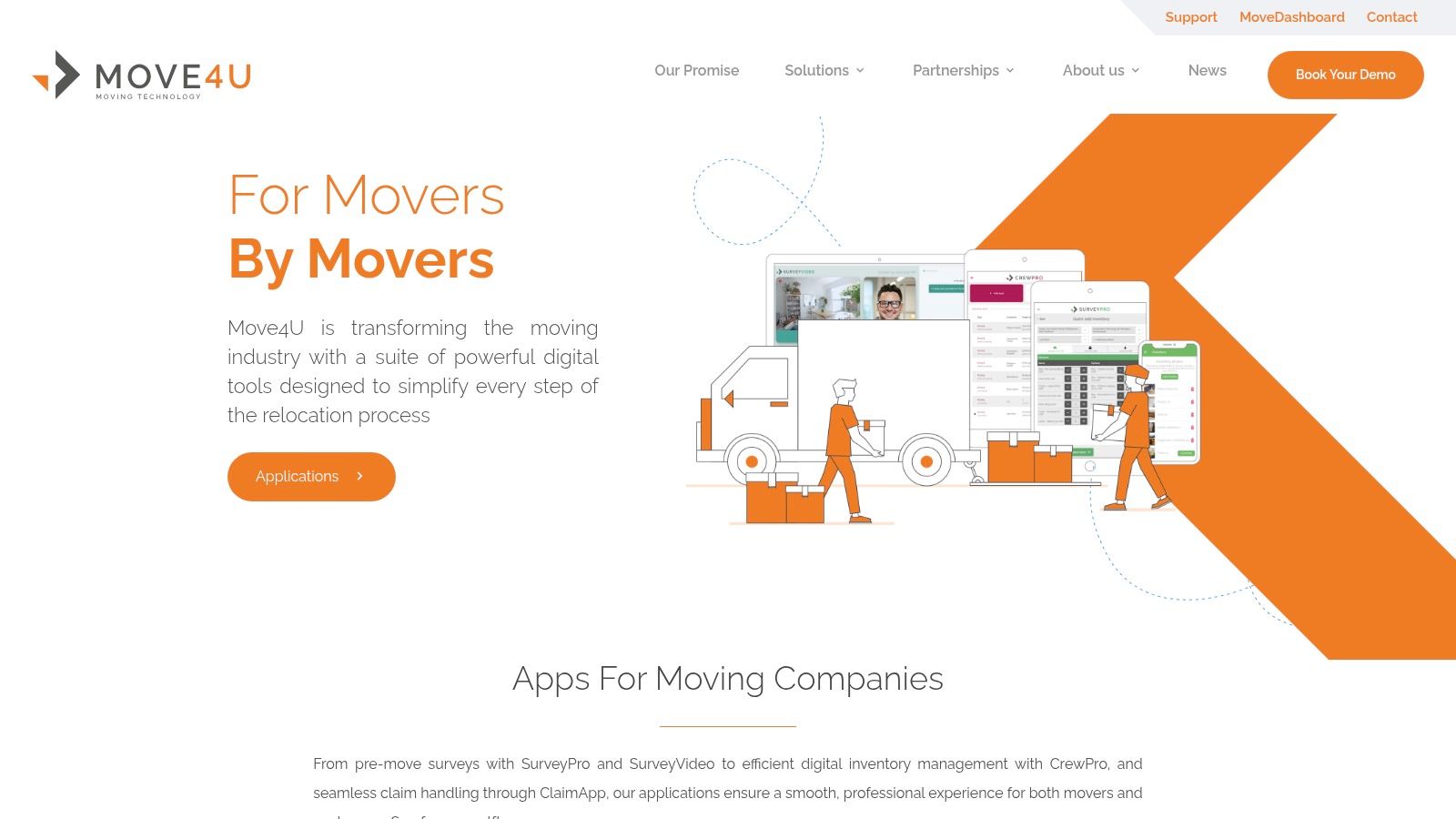
Move4U is different from most options here because it isn’t trying to replace your whole stack. It offers modular tools for virtual surveys, digital inventory, and crew workflows. That makes it useful when your current CRM is acceptable, but your survey process is slow, inconsistent, or too dependent on in-person estimating.
For many movers, that’s a more practical problem to solve first. Replacing an entire CRM can take time. Improving how estimates get created can sometimes deliver value faster, especially if your team is losing jobs because surveys take too long to schedule.
A different kind of smartmoving alternative
Move4U fits best when you want to improve a specific part of your process without rebuilding everything else.
- Virtual survey support: Helpful when estimate creation is the bottleneck.
- Digital inventory workflows: Better structure can improve quote consistency.
- Modular deployment: Useful if you want to add capability alongside your existing system.
When lead volume spikes, the office usually feels pain first in surveys and quoting, not in payroll exports.
The limitation is straightforward. Move4U isn’t a full replacement CRM by itself. It works better as part of a broader tech stack than as the single system that runs your business.
Visit Move4U.
9. Chariot Epic AI
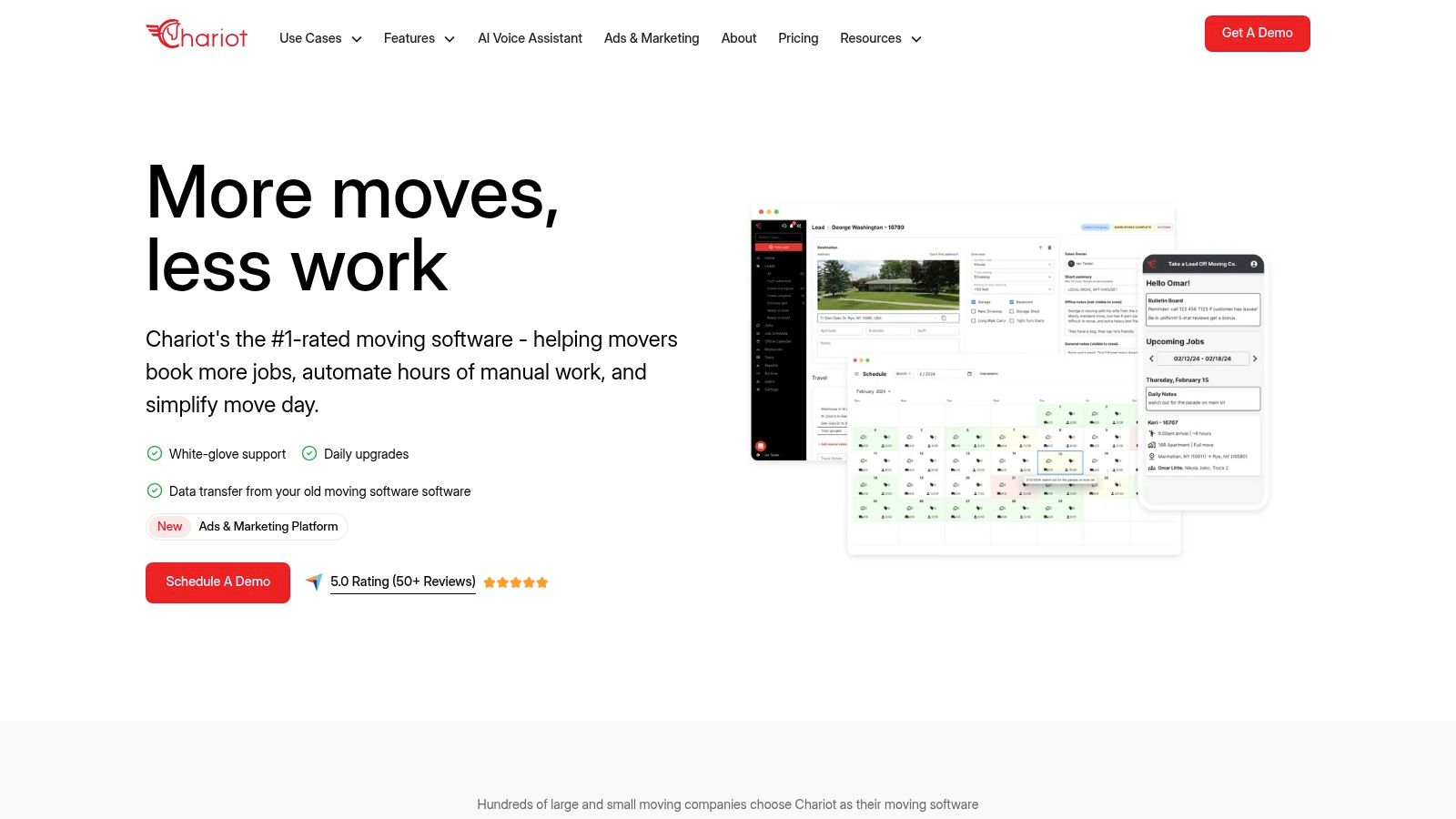
Chariot is one of the newer names in the category, and that alone will make some owners cautious. Still, newer platforms can be attractive when you’re tired of legacy workflows that feel cluttered or overbuilt for your operation.
The appeal here is a simpler, more modern approach to booking, payments, and day-of-move workflows. If your office staff complains that the software fights them on everyday tasks, a cleaner interface can have real operational value. Ease of use matters in moving because dispatchers, coordinators, and sales staff often learn systems while handling live customer pressure.
Why some operators will like it
Chariot is likely to appeal to teams that want less complexity and a more current experience.
A few reasons it may stand out:
- Modern user experience: Easier adoption can matter as much as feature depth.
- Booking and payment focus: Useful when job intake needs to move faster.
- Automation-forward positioning: Good fit for teams that want simpler workflows.
The tradeoff is maturity. Established platforms usually have deeper ecosystems and longer track records. Newer tools may feel better in daily use, but they can still be developing around integrations and process depth.
Visit Chariot.
10. MoveNinja
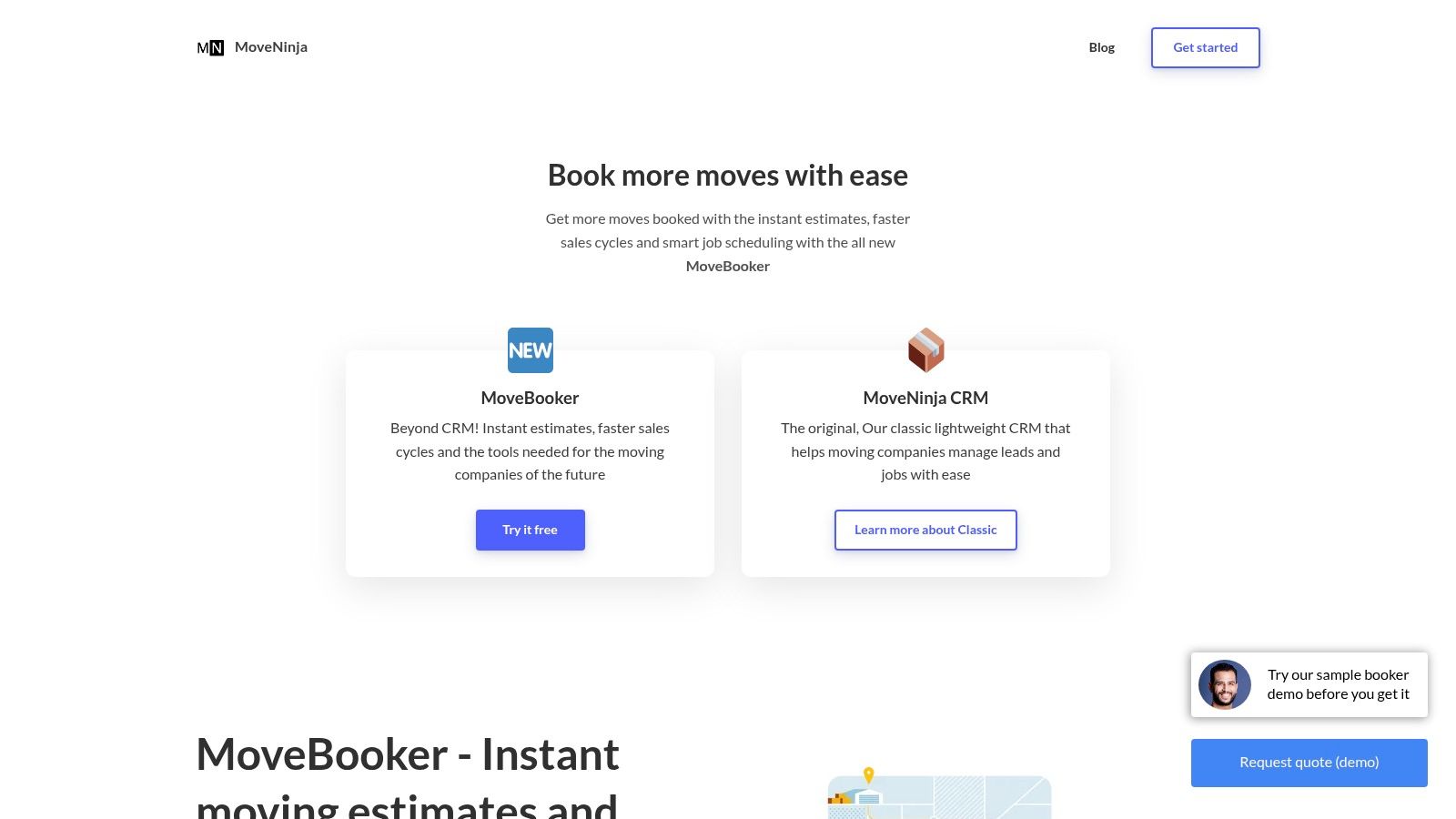
MoveNinja is a lighter SmartMoving alternative focused on speed. If you want instant estimates, online booking, lead management, and a simpler dispatch setup, it can be appealing for teams that don’t need enterprise-level depth.
This kind of platform works best when the office values speed over customization. A smaller or mid-sized mover may prefer a system that helps staff quote and book faster rather than one that supports every possible edge case. That’s especially true if most jobs are straightforward local moves.
Where MoveNinja can work well
MoveNinja is often a fit when you want less training overhead and a faster path to usable workflows.
- Instant estimate orientation: Helpful when quick booking matters more than complex configuration.
- Smaller-team friendly: Easier to test and adopt without a long rollout.
- Inventory support: Useful for improving quote quality on common jobs.
There’s a broader lesson here. A fast quote tool can help, but only if someone responds when the lead comes in. That’s where many movers still leak revenue. Existing comparison content around SmartMoving alternatives often stays focused on feature grids, while a major overlooked question is whether software changes recover missed calls and slow response opportunities. SmartMoving’s own recent materials emphasize AI call answering, lead qualification, and CRM syncing, which shows the category is moving toward front-end conversion automation, not just back-office workflow (SmartMoving product direction video).
Visit MoveNinja.
Top 10 SmartMoving Alternatives Comparison
A side by side table is useful, but only if the labels mean something in day to day operations. A dispatcher, estimator, or owner usually is not asking, “Which platform has more features?” Instead, the question is closer to, “Which system will make Tuesday at 4:30 p.m. easier when calls are coming in, trucks are shifting, and a quote still needs to go out?”
Read the table with that lens. “Core features” tells you what jobs the software can handle. “UX & quality” points to training effort and how quickly office staff can work without getting stuck. “Value / Price” matters because some tools make sense only if you will use their deeper controls, while others are built to get a smaller team live fast.
| Product | Core features | UX & quality | Value / Price | Target audience | Unique selling points |
|---|---|---|---|---|---|
| Supermove | Automated pricing and capacity, storage and billing, mobile apps | ★★★★☆ Modern UI, strong automation | 💰 Quote required (sales call) | 👥 Growing US movers modernizing from spreadsheets | ✨ Capacity and pricing intelligence, 🏆 end to end integrated operating system |
| MoveitPro | CRM, quoting, eBOL, dispatch, QuickBooks sync | ★★★★ Mature, familiar workflows | 💰 Demo/quote required | 👥 Independents moving from paper to a mature ecosystem | ✨ Full featured operations, 🏆 long established provider |
| Movegistics | Pricing engine (rate tables/tariffs), dispatch, inventory, storage | ★★★★ Deep pricing control, steeper learning curve | 💰 Modular pricing. Add-ons can increase cost | 👥 Operators needing granular pricing and tariff logic | ✨ Tariff support and smart pricing, 🏆 highly configurable rates |
| Moverbase | Online quotes, booking, dispatch, mobile apps, payments | ★★★ Easy setup, lightweight UX | 💰 Transparent, low-entry public pricing | 👥 1–5 truck operators needing quick deployment | ✨ Fast to deploy, 💰 very affordable entry |
| Vonigo | Estimates and inventory, routing, crew scheduling, online booking | ★★★★ Proven for multi-branch operations | 💰 Quote-based (discovery + implementation) | 👥 Multi-location operators and FSM diversification | ✨ Branch-wide scheduling, 🏆 strong FSM breadth |
| MoveHQ | Mobile inventory and driver app, pricing config, warehouse docs | ★★★★ Enterprise-grade, documentation and compliance focus | 💰 Enterprise pricing (quote) | 👥 Larger independents and agents needing compliance | ✨ Strong documentation and claims protection |
| MoversSuite (EWS) | End to end move and storage, dispatch, billing, accounting | ★★★★ Deep enterprise workflows | 💰 Quote-only enterprise pricing | 👥 High-volume HHG and commercial movers | ✨ Van-line workflows and advanced billing, 🏆 enterprise fit |
| Move4U | Video virtual surveys, digital inventory, crew mobile app | ★★★ Shorten estimate cycles, modular UX | 💰 Module pricing, contact for quote | 👥 Teams wanting survey and field tools alongside an existing CRM | ✨ SurveyVideo and modular add-ons |
| Chariot (Epic AI) | Booking and job management, integrated payments, automation | ★★★ AI-forward, simple modern UX | 💰 Pricing not publicly disclosed | 👥 Small to mid-sized movers seeking AI-first booking tools | ✨ Online booking, payments, and automation aimed at reducing manual office follow-up |
| MoveNinja | Instant estimates (MoveBooker), online booking, inventory capture | ★★★ Small-team friendly, quick to test | 💰 14-day free trial, affordable tiers | 👥 Small to mid-sized movers prioritizing speed over depth | ✨ MoveBooker instant booking, 💰 easy trial and low friction |
One quick way to narrow the field is to match the software to the bottleneck, not the brand. If pricing accuracy is the pain point, Movegistics or Supermove deserve a closer look. If branch coordination is the bigger issue, Vonigo or MoversSuite may fit better. If the office mainly needs faster quote to booking flow for common jobs, Moverbase, Chariot, or MoveNinja can be easier to justify.
That distinction gets missed in many comparison tables. A feature can look impressive on paper and still add complexity a smaller team never uses. The better choice is often the platform that removes the specific friction slowing your operation today.
Final Thoughts
The best SmartMoving alternative depends on what you're really trying to fix. If your office needs stronger workflow automation and deeper pricing logic, one kind of platform will stand out. If your main issue is multi-branch scheduling, storage complexity, or enterprise documentation, a different option will make more sense. And if your team needs a cleaner, faster way to quote and book standard jobs, lighter platforms can be the better choice.
What owners often miss is that software replacement and revenue recovery aren't the same project. A new CRM can improve organization, dispatch flow, billing, and visibility. But it won't automatically solve the front-end leak that hits many moving companies hardest: missed calls, slow follow-up, and quotes that don't get delivered fast enough when customers are shopping around. That's why the category keeps shifting toward automation, AI-assisted intake, and workflow tools that help operators capture demand outside normal office hours.
For a 5 to 20 truck mover, that distinction matters during busy season. When three coordinators are buried in callbacks, two estimators are on appointments, and dispatch is changing routes for tomorrow, the core question isn't whether your software has a CRM tab. It's whether your process can turn inbound interest into booked work without depending on one available person.
So when you compare alternatives, look at the full chain:
- Can the system support your pricing rules?
- Can it reduce handoffs between sales, dispatch, and billing?
- Can your team learn it without months of friction?
- Can it help you respond fast when leads come in after hours or during peak call volume?
If you answer those questions, the shortlist gets clearer very quickly. The right platform should make your office calmer, your quotes more consistent, and your booking process faster. It should help your crews stay focused on service while your front office closes more of the demand you're already generating.
If you want to go beyond lead capture and focus on booked jobs, MoveJoy is worth a look. It's built for moving companies that need accurate quotes on the call using their own rate card, then want those jobs booked directly into their CRM or calendar. That's a different outcome from generic voice tools, human answering services, or software that only manages work after the lead is already in the system.