
Why Your Dispatcher Is the Secret to Boosting Revenue
Independent moving companies with 5 to 20 trucks often bleed serious revenue through missed calls, slow quoting, and loose dispatch habits. Small operators can lose an estimated $50,000 to $150,000 annually from unanswered calls during peak hours, nights, and weekends, especially as call volume rises from March through September (PCN missed call revenue study). In a U.S. moving services market projected to reach $25.7 billion in 2026, nearly 40% of moving companies are prioritizing operational efficiency, which puts dispatch squarely at the center of growth decisions (IBISWorld moving services industry outlook).
A dispatcher isn’t just moving jobs around on a board. They control response speed, quote flow, crew fit, and whether high-value work gets booked cleanly or lost to a faster competitor. These moving company dispatcher tips are built for real operations, real scheduling pressure, and real front-office bottlenecks.
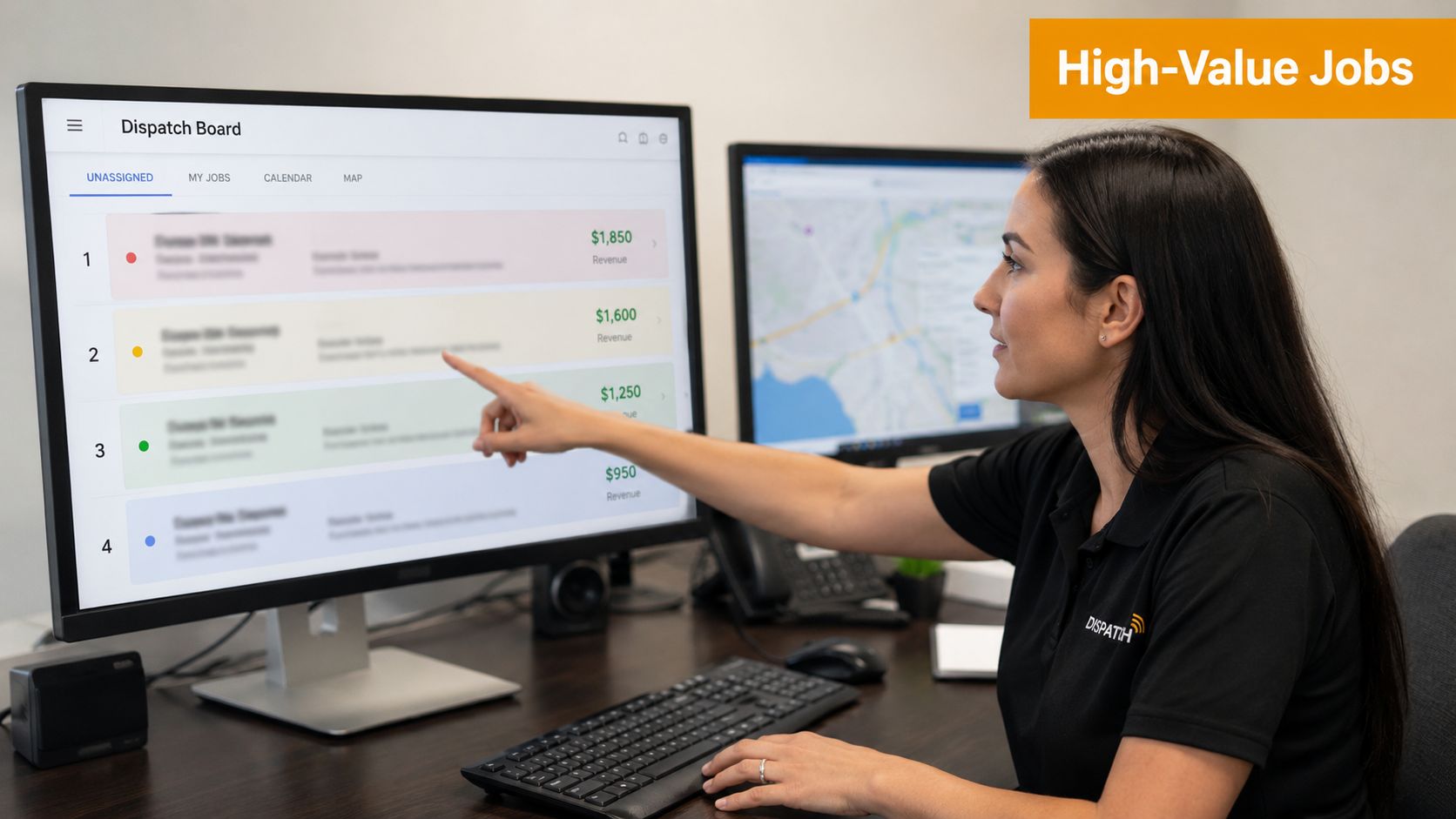
1. Implement Real-Time Job Priority Queuing Based on Revenue Potential
First-in, first-out dispatching leaks revenue.
A live priority queue helps dispatchers protect the best time slots for the jobs that produce the strongest return. That usually means ranking work by expected revenue, gross margin, truck time, route fit, and booking confidence instead of assigning the next open crew to the next caller.
On a busy morning, a dispatcher may have three jobs competing for the same window. One is a small local move with low complexity. One is a larger residential move with packing and stair charges. One is a short studio move that can fill a gap between bigger jobs. If all three get treated the same, the schedule looks full but the day underperforms. The board needs to reflect dollars, labor load, and operational risk.
Accurate quoting matters here because the queue is only as good as the job values going into it. If the estimate misses stairs, long carry, shuttle needs, or packing time, dispatch will rank the job wrong and assign the wrong crew to the wrong slot. Front-office automation also pays off here because cleaner intake data gives dispatch a truer picture of what each booking is worth.
Rank jobs before you assign them
Dispatchers should score every open opportunity before locking in a truck and crew. Keep it simple enough to use in real time. In practice, I would rank jobs across five factors:
- expected revenue
- estimated gross margin
- total crew hours required
- route and calendar fit
- risk of schedule disruption
That last factor gets ignored too often. A job with a good ticket can still be a poor choice for a prime slot if the inventory is vague, access is bad, or the customer has not confirmed key details. High revenue only helps if the job runs close to plan.
For this reason, many growing movers prefer workflows that book directly into SmartMoving, Supermove, MoveitPro, or Google Calendar instead of relying on manual relay. Fewer handoffs mean fewer quoting errors, fewer missed updates, and fewer bad priority calls from the dispatch desk.
What to weigh inside the queue
A useful queue is not just a revenue sort.
Dispatch needs a short decision standard that reflects real operating pressure. Use these questions before assigning the job:
- Will this job produce more revenue per truck hour than the alternatives?
- Does the assigned crew have the right experience for stairs, packing, specialty items, or long carries?
- Can the truck complete the route without creating overtime or late arrivals on the next stop?
- Is the quote detailed enough to trust the labor and time estimate?
- Does this booking fill a weak part of the day or block a better opportunity?
The ROI is direct. Better queue discipline improves truck utilization, protects premium booking windows, and reduces margin loss from underquoted work. It also gives dispatchers a defensible reason for saying no, holding a slot, or shifting a lower-value job to a different day.
That is the core job. Keep the board full, but keep it profitable too.
2. Create a Dynamic Crew Communication Protocol From Dispatch to Job Completion
A bad handoff costs money twice. The crew loses time asking basic questions, and the office loses time calming down a customer who expected a tighter ETA.
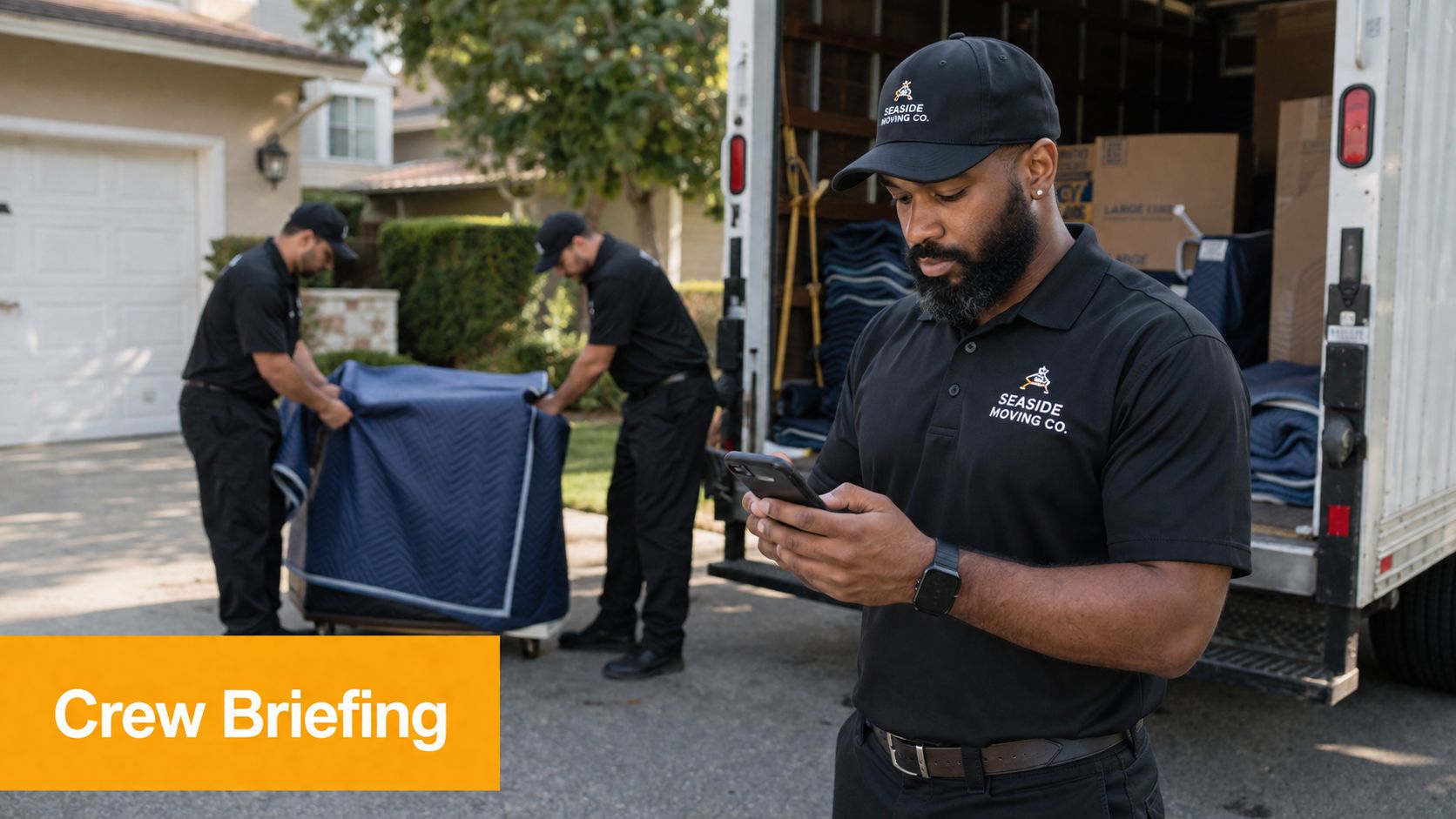
Dispatch can prevent most of that with a communication protocol that starts at assignment and ends at final paperwork. The goal is simple: every job moves through the same checkpoints, with the right details sent once, confirmed once, and updated only when something changes. That cuts repeat calls, protects arrival windows, and helps crews stay productive instead of waiting on the office.
Build the protocol around milestones
Crews do better with a fixed sequence than a stream of scattered texts.
Use five communication points on every move:
- Assignment sent: Dispatch sends the full job packet with address, customer contact, move type, inventory notes, access constraints, truck assignment, and any specialty handling.
- Crew acknowledgment: The crew lead confirms receipt and flags gaps before wheels start rolling.
- En route update: The crew lead confirms departure and reports any delay that will affect the promised arrival window.
- On-site status: The crew reports start time, scope changes, added services, or access problems that can change labor or pricing.
- Job closeout: The crew sends finish time, material usage, damage notes if any, signed documents, and final billing adjustments.
That sequence gives dispatch control without forcing constant check-ins. It also creates a cleaner record for payroll, billing, and customer follow-up.
Send one job packet that answers the questions crews always ask
A useful packet should reduce calls, not create them.
Include the details that affect labor time and claim risk first: stairs, elevators, long carries, shuttle requirements, packing already sold, storage stops, high-value items, disassembly needs, and narrow delivery windows. If a crew has to discover antiques, a fourth-floor walk-up, or a certificate of insurance requirement at the curb, dispatch already lost margin on that job.
I have seen this play out the same way in different markets. The crew arrives half-informed, the office scrambles, and the schedule behind that truck starts slipping. A consistent packet stops that chain reaction.
Decide what belongs in chat and what belongs in the system
This is a common failure point.
Use group chat for fast status updates. Use your dispatch system or CRM for anything tied to billing, scope, customer commitments, or claims. If a customer adds packing on site and that note stays buried in a text thread, accounting may never bill for it. If access conditions changed and nobody logged it in the job record, the next dispatcher has bad information the next time that client calls.
That is also why missed calls hurt dispatch more than they seem. If the customer cannot reach the office during a delay or change, frustration rises fast and rebooking risk goes up. Teams that review missed call revenue leaks for moving companies usually find the same pattern. Weak communication turns small schedule problems into lost jobs and refunds. The same pattern shows up in broader service businesses that are calculating missed call service expenses.
Give crews scripts, not just instructions
A protocol works better when the crew lead knows exactly what to say.
Provide short scripts for the three moments that create the most customer friction:
- Running late: confirm the revised ETA and the reason in one sentence
- Scope changed: explain what changed, what it does to time or price, and that dispatch will document it
- Job complete: confirm finish time, final walkthrough, and next billing step
This keeps customer messaging consistent across crews. It also protects the dispatcher from cleaning up promises the office never approved.
Track the ROI on communication discipline
Good crew communication looks operational, but the return is financial.
Fewer clarification calls mean dispatch can handle more active jobs at once. Better on-site updates mean fewer unbilled add-ons. Cleaner closeout notes mean faster invoicing and fewer disputes. Over time, that improves truck-hour yield because the day runs closer to the quoted plan.
Dispatch owns that result. A strong protocol keeps the crew informed, keeps the customer calm, and keeps revenue from leaking out through avoidable confusion.
3. Master the Callback Recovery Window Turn Missed Calls Into Booked Jobs
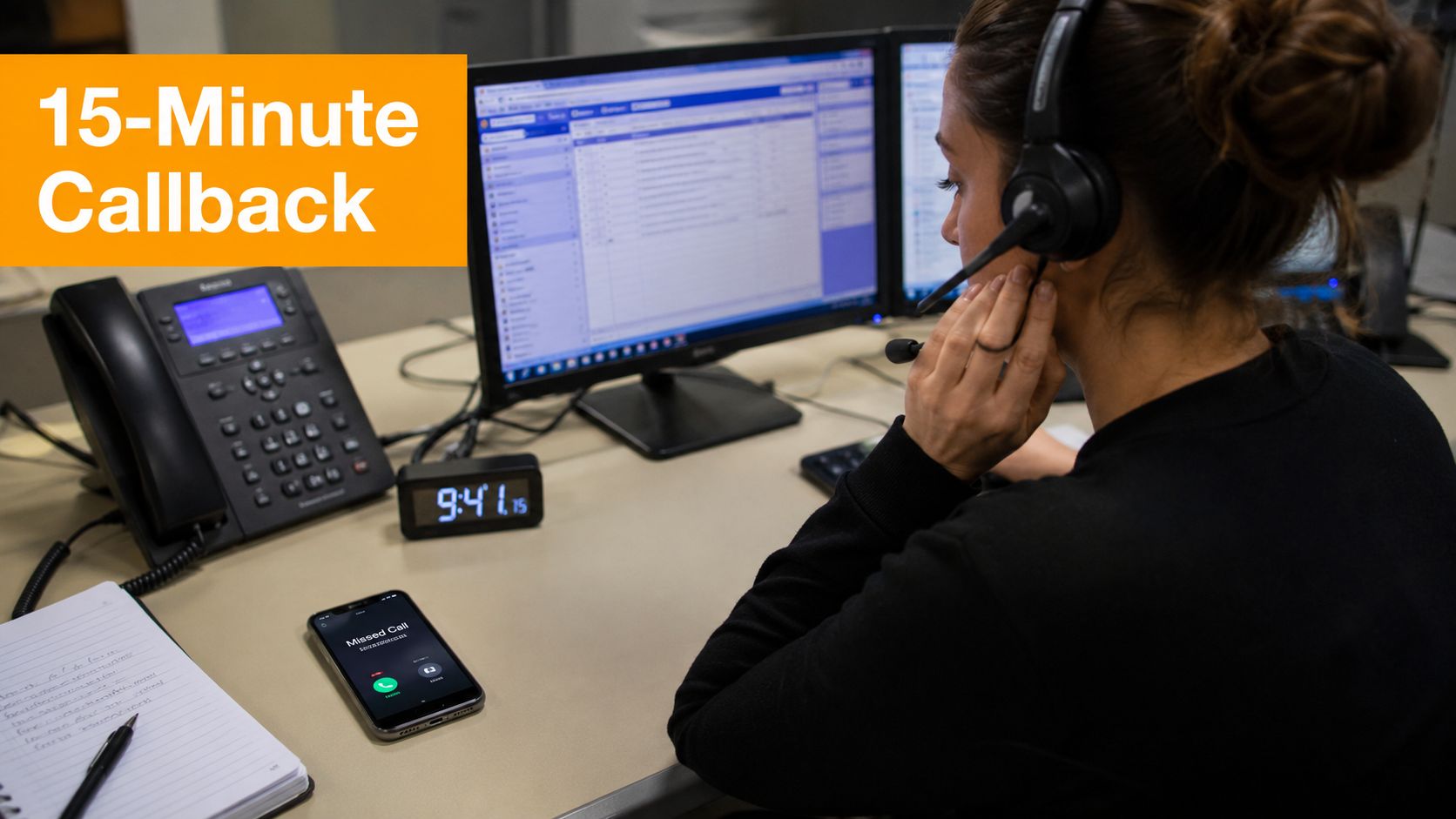
A moving company can lose a surprising share of new work before anyone gives a quote. For dispatch, every missed inbound call is a lead that already raised a hand and may book elsewhere within minutes. That is a revenue control problem, not just a phone coverage problem.
Peak season exposes weak callback habits fast. Calls stack up while trucks are loading, schedules shift, and incoming leads hit voicemail because the office is tied up with active jobs. Companies that track missed call revenue in moving usually find the same leak. Slow callbacks turn ready-to-book customers into competitor jobs.
Work missed calls in a fixed recovery window
Missed calls need the same discipline as open jobs on the board. Assign an owner, set a response target, and make the next action obvious.
The practical standard is simple. Call back fast enough that the prospect still remembers why they called you first. If the first return call fails, send a text, note the move date, and queue a second attempt based on job value and urgency. A dispatcher should not leave missed calls sitting in voicemail for someone else to notice later.
Research on service businesses shows how expensive delay gets. Teams that are calculating missed call service expenses are usually measuring the same pattern. The longer the gap between the missed call and the callback, the lower the chance of turning that lead into a booked move.
Use a callback script that qualifies and quotes
A weak callback sounds apologetic and vague. A strong callback moves the lead forward.
Start with confirmation, then qualification, then booking intent. For example:
- Confirm the customer reached the right company and ask whether they still need help with the move
- Capture move date, zip codes, home size, access issues, and specialty items
- Check schedule fit before discussing price
- Give the next concrete step, which is a quote, an estimate appointment, or a booking deposit
Dispatchers protect revenue when they gather enough detail to quote accurately on the first recovery call. That matters because under-quoted jobs create a second leak later through truck overruns, crew mismatch, and billing friction.
Prioritize callbacks by booking value
Not every missed call deserves the same urgency. A local studio move next month and a four-bedroom interstate move this weekend should not sit in the same queue.
Set callback priority using factors that affect revenue and close probability:
- Move date proximity
- Job size
- Distance and service type
- Source quality, if tracked
- Whether the caller left details or only rang once
This keeps dispatch from spending prime phone time in the wrong order. It also gives the office a cleaner handoff to sales because the highest-value leads get worked while the customer is still shopping.
Measure the recovery rate, not just call volume
A busy phone line can hide poor follow-up. Track three numbers every week. Missed calls, callback time, and booked jobs recovered from missed calls.
That reporting shows whether your process is working. It also shows where automation pays for itself. Missed call texts, instant lead capture, and quote-ready intake forms reduce manual chasing and help dispatch recover more jobs without adding headcount.
The dispatcher owns the recovery window. Tight callback discipline turns voicemail from a revenue leak into a second chance to book profitable work.
4. Optimize Crew-to-Job Matching Move Beyond Who’s Available First
A crew mismatch cuts margin fast. The truck may still roll on time, but the job runs long, claims risk goes up, and the next stop gets squeezed.
Dispatchers see this before anyone else does. A booking that looked profitable on the board can lose money in the field if the crew lacks the right pace, packing skill, customer handling, or equipment fit. Assigning work by who is free first solves today’s gap and creates tomorrow’s callback, overtime, or discount.
Start with a crew-to-job matrix that reflects how your teams perform. Keep it simple enough to use during a busy dispatch window, but specific enough to protect revenue.
Tag each crew by the factors that change job outcome:
- Job type: local residential, office, senior move, apartment turns, long-distance load
- Handling strength: antiques, piano work, packing-heavy jobs, fragile inventory
- Service style: high-touch customer communication, fast production pace, property rule compliance
- Equipment fit: truck size, liftgate, dollies, ramps, wardrobe count
- Geography: current location, typical drive pattern, parking and access experience
The goal is better gross margin, not a prettier schedule.
For example, a two-bedroom apartment on a tight urban route may be most profitable with a quick, experienced crew in a smaller truck that can clear parking constraints. A high-value residential move with specialty items may need a slower crew with better care standards and stronger customer communication. Both jobs can be “covered.” Only one pairing protects the quote you sold.
Score fit before you assign
Use a short scoring method inside dispatch. Rate each available crew against the job on four factors: skill match, truck fit, drive time, and service risk. A simple 1 to 5 score works.
That forces the right question. Which crew gives this job the best chance to finish on time, within labor target, and without customer friction?
This is also where software pays for itself. A shared board built on crew schedule software for moving companies helps dispatch compare availability against capability instead of relying on memory and text threads.
Where dispatch usually loses money
The common mistake is overvaluing open time and undervaluing downstream cost. A crew may be available, but if they struggle with stairs, packing, or high-expectation customers, dispatch has just traded a scheduling problem for a margin problem.
Watch for these patterns:
- Sending a new crew to a detail-heavy residential job
- Using the largest truck on a route with difficult access
- Assigning a fast crew to a claim-prone packing job
- Ignoring deadhead time between jobs
- Repeating the same mismatch because performance notes were never logged
Good dispatchers close that loop. After every job, note estimated versus actual hours, damage issues, access surprises, and customer feedback. Over a month, patterns show up. One crew consistently beats labor budget on apartment moves. Another keeps five-star reviews on senior relocations. That history should shape future assignments.
If your team needs a broader scheduling framework, this guide on how to optimise your team’s workflow is a useful companion to dispatch-specific crew matching.
Build a reassignment rule before the day slips
Same-day changes happen. Trucks break down, jobs add packing, elevators fail, and arrival windows move. Set a reassignment rule before dispatch is under pressure.
Use three triggers:
- Labor overrun risk
- Service risk
- Revenue risk on the next job
If a current assignment threatens any of those, rework the board early. Waiting an extra hour usually costs more than making one hard call at 10:00 a.m.
Crew matching is one of the clearest places where a dispatcher protects profit. Better assignments keep quoted jobs on budget, reduce avoidable claims, and help the office book more work with confidence.
5. Implement a Real-Time Capacity Planning Dashboard Know Your Limits Before You Book
A dispatcher usually loses profit one overpromised job at a time. The pattern is familiar. Sales books a late-morning move, the crew runs long on the first stop, drive time gets squeezed, and the rest of the board absorbs the damage through delays, overtime, and rushed work.
A real-time capacity planning dashboard stops that leak before the promise is made. From the dispatch seat, the job is simple: know what each crew can still handle today, what each truck can physically support, and which openings look available on paper but are already spoken for operationally.
Build the board around booking decisions
A useful dashboard should answer five questions in seconds:
- Which crews are active, loading, in transit, or wrapping up
- Estimated finish time for each current job
- Remaining labor hours by crew
- Truck assignment and usable capacity
- Geographic position relative to the next possible booking
If the board cannot answer those questions fast, dispatch is still booking on instinct.
The payoff is direct. Better capacity visibility protects quoted margins, cuts same-day fire drills, and gives the office a cleaner way to price urgency. A slot that looks open at 11:00 a.m. may already be gone once travel, stairs, packing add-ons, and unload complexity are accurately counted.
Track true capacity, not calendar gaps
An empty time block is not capacity. Dispatchers get in trouble when they treat the schedule like a simple appointment calendar instead of a live production board.
Use capacity rules that reflect field reality:
- Count drive time between jobs, not just origin to destination
- Reserve buffer for overruns on crews with longer morning jobs
- Flag specialty constraints such as piano handling, packing, shuttle needs, or long carries
- Separate truck space from labor capacity. You can have one without the other
- Mark cutoff times for add-on jobs by zone
That last point matters more than many offices admit. A small local move at 2:30 p.m. can be profitable if the crew is already nearby and the truck is right. The same job becomes a margin loser if it requires a cross-town deadhead and pushes payroll into overtime.
Give sales a capacity view they can trust
Capacity planning works best when dispatch and sales use the same definitions. If sales sees “open” and dispatch sees “high risk,” the company books bad-fit work and blames execution later.
A simple fix is to tie the dashboard to a documented moving company sales process flowchart so handoffs follow the same rules on availability, quote approval, and booking windows. That keeps dispatch from cleaning up avoidable booking errors after the customer has already been promised a time.
I prefer a three-level status system because it forces better decisions fast:
- Bookable: Fits labor, truck, geography, and time buffer
- Conditional: Requires premium pricing, manager approval, or a narrower arrival window
- Do not book: Creates overtime risk, service risk, or knock-on delays
That structure protects revenue. It also gives dispatch a firm basis for saying no, or for saying yes at a price sufficient for the operational strain.
Include compliance and truck-readiness signals
Capacity is not only labor and hours. A truck that is due for service, missing equipment, or not presentation-ready for a regulated run should not show as fully available. The same goes for units that need updated markings or paperwork. Teams reviewing fleet readiness can use this guide on USDOT display requirements as a quick check when they standardize vehicle status rules inside the dashboard.
That kind of detail saves real money. A truck assigned on paper but unusable in practice creates last-minute swaps, late departures, and avoidable customer friction.
Review forecast versus actual every day
The dashboard gets better only if dispatch closes the loop. Compare estimated hours to actual hours by crew, job type, and zone. After a few weeks, patterns show up. Certain zip codes consistently run long. Certain crew combinations finish apartment jobs faster. Certain booking windows invite preventable overtime.
That is where ROI becomes visible from the dispatcher’s chair. Cleaner capacity data leads to tighter quoting, tighter quoting leads to fewer underpriced jobs, and fewer underpriced jobs give the office room to book work that contributes real margin instead of just filling the board.
5. Implement a Real-Time Capacity Planning Dashboard Know Your Limits Before You Book
A dispatcher who can’t see real capacity will overbook sooner or later. It usually starts with good intentions. Someone squeezes in “one more job,” underestimates drive time, and turns a solid schedule into a delayed afternoon with upset customers.
A live capacity view fixes that because it shows what each crew can still take before the promise is made. That matters even more for 5 to 20 truck operators, where one bad assignment can knock multiple jobs off schedule.
Visibility beats guesswork
A useful dashboard shows current status, expected finish time, remaining available hours, truck assignment, and where the crew is operating. When a new job comes in, dispatch should know within seconds whether it fits the day without stretching the crew past reality.
This isn’t just about avoiding embarrassment. It’s about protecting margin. Dispatch fees often range from 4% to 10% depending on load volume and route complexity, so routing mistakes and idle gaps hit profitability fast (moving dispatch benchmark discussion).
A board that hides capacity doesn’t protect sales. It creates late jobs.
A Denver mover that notices every crew is effectively full by late morning has three smart options. Raise rates for remaining windows, shift prospects to another day, or add seasonal coverage. What shouldn’t happen is promising work the operation can’t deliver.
The dashboard only works if the estimates work
Capacity planning fails when quote times are loose guesses. If a job is sold as a four-hour move and routinely takes much longer, the schedule becomes fiction by noon.
Use the dashboard as an audit tool.
- Check time estimate accuracy: Compare quoted duration to actual completion time.
- Include drive time: A three-hour move plus travel is not a three-hour commitment.
- Require status updates: Crews have to mark en route, on-site, and complete.
- Set a booking threshold: Once the day is tight, stop selling that window.
This kind of visibility also helps with compliance and presentation. Clean scheduling, clear truck assignment, and better route planning support a more professional operation overall, alongside basics like following this guide on USDOT display requirements.
6. Create a Lead Handoff Protocol From Dispatcher to Sales to Crew
A lead that gets quoted but never followed up is wasted. A job that gets booked but reaches the crew with missing notes is worse. The customer hears the same questions twice, confidence drops, and the company looks disconnected.
This is one of the most common front-office problems in moving. Dispatch captures details. Sales chases the quote. Operations prepares the job. If there isn’t a clean handoff at each step, information gets trapped in notebooks, inboxes, and memory.
Every handoff needs an owner
A Philadelphia mover handling a Saturday three-bedroom quote should know exactly who owns the next action. If the customer hesitates on price, sales needs that note the same day. If the customer books, dispatch needs the final details immediately. If the job is confirmed, the crew packet should reflect every special note already collected.
The handoff should follow a simple chain: inbound call, qualification, quote, booking confirmation, crew briefing, and post-job follow-up. Each stage needs an owner, a deadline, and one place where the latest information lives.
Customers don’t care which department has the note. They expect your company to have it.
A simple handoff standard
The cleanest version is usually the best. One template can handle most of it.
- Lead details: Name, phone, move date, move size, origin, destination, and quote status.
- Customer concerns: Budget hesitation, timing questions, building restrictions, pets, or access issues.
- Next action: Follow-up call, revised quote, booked slot, or pending confirmation.
- Responsible party: Dispatcher, sales manager, owner, or crew lead.
A strong CRM helps, but the protocol matters more than the software. That said, operators using workflow automation inside SmartMoving, Supermove, MoveitPro, or Google Calendar usually see fewer dropped details because the system tracks status instead of forcing staff to remember it. For teams mapping that process more clearly, this sales process flowchart for movers is a practical model.
This is also where revenue recovery gets real. A moving company can answer every call and still lose work if unbooked estimates sit untouched. The difference between capturing a lead and closing a job is usually the handoff.
6-Point Moving Dispatcher Tips Comparison
| Item | Implementation 🔄 | Resources ⚡ | Expected outcomes 📊 | Ideal use cases 💡 | Key advantages ⭐ |
|---|---|---|---|---|---|
| Implement Real-Time Job Priority Queuing Based on Revenue Potential | Medium–High 🔄 2–4 hrs basic; 1–2 wks for full rate‑card optimization and dispatcher training | Accurate rate card & job data, dispatch system integration, analytics; moderate tech + setup | 📊 +12–18% avg revenue per crew/day; reduced idle time and dead miles; better margin capture | Best for multi‑crew operations during peak season (10+ trucks) where rapid dispatch decisions matter | Automates high‑value booking prioritization; maximizes truck utilization; data‑driven dispatch |
| Create a Dynamic Crew Communication Protocol: From Dispatch to Job Completion | Medium 🔄 1–2 wks protocol design; 2–4 wks training & adoption | SMS/in‑app/radio tools, standardized templates, staff training; reliable delivery channels | 📊 40–60% fewer repeat calls to dispatch; improved on‑time performance and safety | 5–20 truck operations where dispatcher is remote and crews need autonomy | Faster, consistent crew briefings; fewer clarifying calls; documented job details |
| Master the "Callback Recovery Window": Turn Missed Calls Into Booked Jobs | Low–Medium 🔄 Can start immediately; 1–2 wks to integrate alerts; 1 mo to refine metrics | Real‑time missed‑call alerts, CRM/phone integration, discipline or part‑time backup coverage | 📊 Recover 55–70% of missed calls if contacted within 15 minutes; recovers $30K–$100K/yr for typical 5–20 truck ops | Small‑to‑mid operators with high missed‑call windows (evenings, weekends, peak hours) | High ROI for low cost; recovers warm leads and reduces competitor wins |
| Optimize Crew‑to‑Job Matching: Move Beyond "Who's Available First" | Medium–High 🔄 3–4 wks to build crew profiles; 2–3 wks to implement matching; ongoing tuning | Crew skill database, job tagging, matching algorithm/tooling, dispatcher training | 📊 +12–25% on‑time and revenue per job; fewer damage claims; improved customer satisfaction | Operations with mixed specializations (antiques, commercial, senior moves) or varied crew skill levels | Ensures best crew fit, improves safety and morale, reduces rework |
| Implement a Real‑Time Capacity Planning Dashboard: Know Your Limits Before You Book | Low–Medium 🔄 2–3 hrs initial setup; 1–2 wks crew adoption; ongoing refinement | CRM/calendar integration, real‑time status updates from crews, mobile access | 📊 +10–15% more jobs/day; 15–20% fewer delays from overbooking; better utilization | Busy schedules or growing fleets where overbooking causes service failures | Prevents overbooking, optimizes utilization, enables data‑driven staffing decisions |
| Create a Lead Handoff Protocol: From Dispatcher to Sales to Crew | Low–Medium 🔄 1–2 wks to design; 1–2 months to reach consistent adoption | CRM or task system (or disciplined spreadsheet), SLAs, training; lightweight tech sufficient | 📊 +20–40% better customer experience; higher booking conversion; fewer lost leads | Small‑to‑mid teams with separate dispatcher, sales, and crew responsibilities | Reduces information loss, enforces accountability, improves conversion and handoffs |
Take Action Transform Dispatch Into a Growth Engine
Dispatch is where revenue either gets protected or leaks out. The strongest moving company dispatcher tips aren’t flashy. They tighten the moments that matter most: which jobs get priority, how crews receive instructions, how quickly missed calls are recovered, how crews are matched, how capacity is controlled, and how leads move from inquiry to booked job.
For owners running 5 to 20 trucks, these changes are practical enough to start today. Build a simple priority queue. Standardize crew packets. Put missed calls into an active callback process. Tag your crews by skill and geography. Stop booking from memory. Create one handoff standard for every lead and every booked move.
The business case is hard to ignore. Small and mid-sized businesses miss an estimated 25% to 60% of inbound calls, and for moving operators the damage is concentrated in after-hours periods when revenue-generating calls come in but often aren’t captured (inbound missed call revenue analysis). The average moving company also misses a meaningful share of inbound calls, which compounds when prospects choose the mover who responds first (moving company missed call benchmark). Faster response, cleaner quoting, and tighter dispatch don’t just improve office efficiency. They help you book more moving jobs with the demand you already have.
If you’re relying on voicemail, manual callbacks, and disconnected quoting tools, you don’t need more software clutter. You need automation that closes jobs. That’s the gap many operators are now solving with moving-specific systems that answer immediately, quote accurately using your rate card, and book directly into the workflow your team already uses.
If missed calls, slow quoting, and dispatch bottlenecks are costing you bookings, MoveJoy is worth a look. It helps moving companies answer every inbound call in under 2 seconds, generate accurate quotes using their own rate card, and book jobs directly into SmartMoving, Supermove, MoveitPro, or Google Calendar so the front office doesn’t just capture leads. It closes them.