If you're a moving company owner, you know that a missed call isn't just a missed call—it's a missed job, potentially worth thousands of dollars. During peak season, your phone rings off the hook while your crews are out on jobs. After hours, calls go straight to a voicemail box that customers rarely use. This isn't a customer service problem; it's a revenue problem.
The average moving company loses three to seven jobs every single month from this exact scenario. The challenge isn't a lack of good customer service software for small business; it's that most tools are built for office-based teams, not for movers in the field. They require someone to be tied to a desk to answer chats, manage tickets, and manually enter leads.
This guide is different. We're breaking down the top software options specifically through the lens of a moving company owner. We will explore platforms from Zendesk and Freshdesk to specialized tools like MoveJoy, focusing on what matters most to your operations: capturing every lead, automating follow-ups, and booking jobs without manual intervention. Fully understanding the capabilities of customer service automation software is critical for businesses aiming to optimize their front-office operations and drive revenue.
We'll show you which tools can help you streamline operations and, most importantly, which ones can actually answer the phone and book jobs for you. Our goal is to help you turn your biggest bottleneck into your greatest competitive advantage. Each option includes screenshots and direct links to help you find the best fit for your moving business, fast.
1. MoveJoy
MoveJoy is built specifically for moving and service businesses, functioning as an AI-powered front-office assistant designed to solve the single biggest operational bottleneck: missed calls. For any moving company where crews are on-site and unable to answer the phone, every unanswered ring is a lost job. MoveJoy addresses this by answering every call in about two seconds, 24/7, ensuring you never miss a lead, even during the summer rush or after hours.
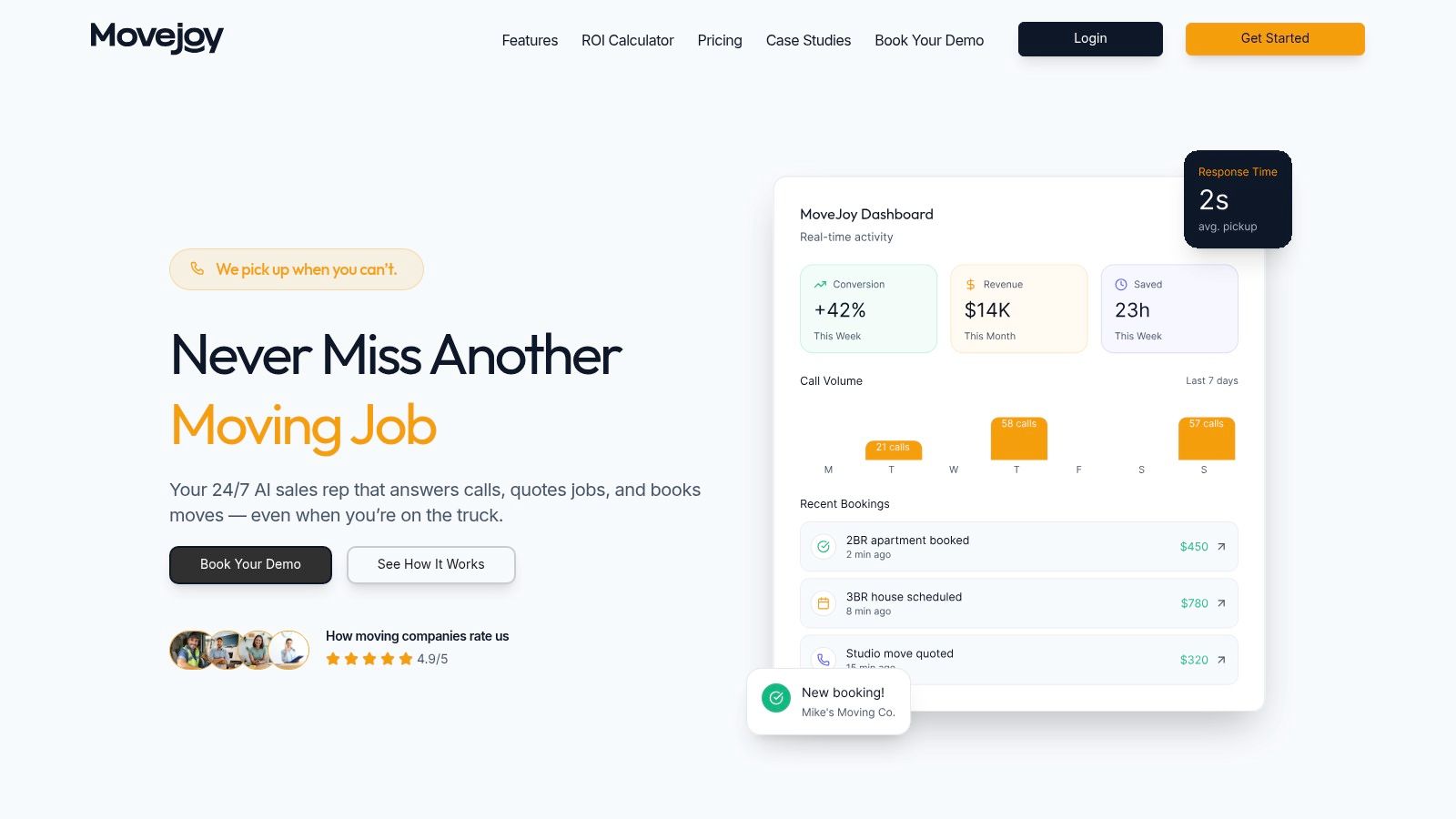
The system’s standout capability is its industry-trained conversational AI. It understands moving-specific terms (like "3-bedroom house," "packing services," or "long-carry fees"), provides accurate quotes based on your specific rates, and checks your team's live calendar to book jobs automatically. This automation converts inbound calls into confirmed appointments on your calendar without any manual intervention, ensuring you capture revenue that would otherwise go to your competitors.
Key Strengths & Use Cases
MoveJoy’s design is focused on immediate ROI and operational efficiency for movers. The setup process is remarkably fast, requiring just 5-10 minutes with no complex configuration. This makes it highly accessible for moving company owners who are not tech experts.
- Best For: Moving companies (1-20 trucks) that lose jobs because calls are missed while crews are on-site. It’s ideal for owner-operators looking to grow revenue without hiring a full-time receptionist and for companies wanting to handle seasonal call spikes without dropping leads.
- Core Functionality: It automatically captures, qualifies, and books moving jobs by integrating directly with Google Calendar and major moving CRMs. After a job is complete, it drives future growth by sending automated review requests and referral prompts.
- Operational Insight: A central dashboard gives you real-time visibility into your lead flow and booking performance with over 20 metrics, including call recordings and transcripts for quality assurance.
Pricing & Access
MoveJoy offers tiered pricing based on fleet size and call volume, with plans starting at approximately $149/month. Each plan includes a set number of call minutes with per-minute overage rates. The platform offers a free trial or demo, allowing movers to test its effectiveness with no long-term commitment. One booked job typically pays for the entire month's service.
Website: https://getmovejoy.com
2. Zendesk Suite
Zendesk is a well-known name in customer support, offering a powerful, all-in-one platform that brings email, chat, messaging, and voice calls into a single unified agent workspace. For a growing moving company, especially one scaling to multiple locations or adding a dedicated sales/support team, Zendesk provides the structure needed to manage high volumes of customer interactions without letting leads fall through the cracks. It's a significant step up from managing everything through a shared Gmail inbox.
What makes Zendesk a strong contender for a larger moving operation is its maturity and extensive app marketplace. You can connect it to nearly any tool you already use, from scheduling apps to review management platforms. The platform's automation capabilities allow you to set up rules for routing inquiries, sending automatic replies, and tracking service level agreements (SLAs), which is crucial for ensuring every quote request gets a timely response.
However, Zendesk’s depth can also be its main drawback for a smaller operator. The pricing and feature packaging can feel complex, and many of the most valuable tools, like advanced AI or workforce management, come as paid add-ons. While it’s excellent for standardizing operations across a team, an owner-operator with 1-5 trucks might find it has too many features for their immediate needs. This platform is best suited for movers who have already established a front-office team and now need a robust system to manage and optimize customer communications at scale.
- Best For: Multi-location moving companies or those with a dedicated front-office team needing to centralize all customer conversations.
- Pros: Proven reliability for high-volume inquiries, extensive integration capabilities with other business software.
- Cons: Can be overly complex and costly for very small teams; key features are often expensive add-ons.
- Website: https://www.zendesk.com
3. Freshdesk (Freshworks)
Freshdesk offers a modern, SMB-friendly approach to customer communication, making it a strong piece of customer service software for small businesses. For a moving company that has outgrown a single inbox but isn't ready for a complex, enterprise-level system, Freshdesk provides a clear and accessible entry point. It excels at organizing incoming emails and chats into a manageable ticketing system, ensuring no quote request or customer question is forgotten, especially during the busy season.
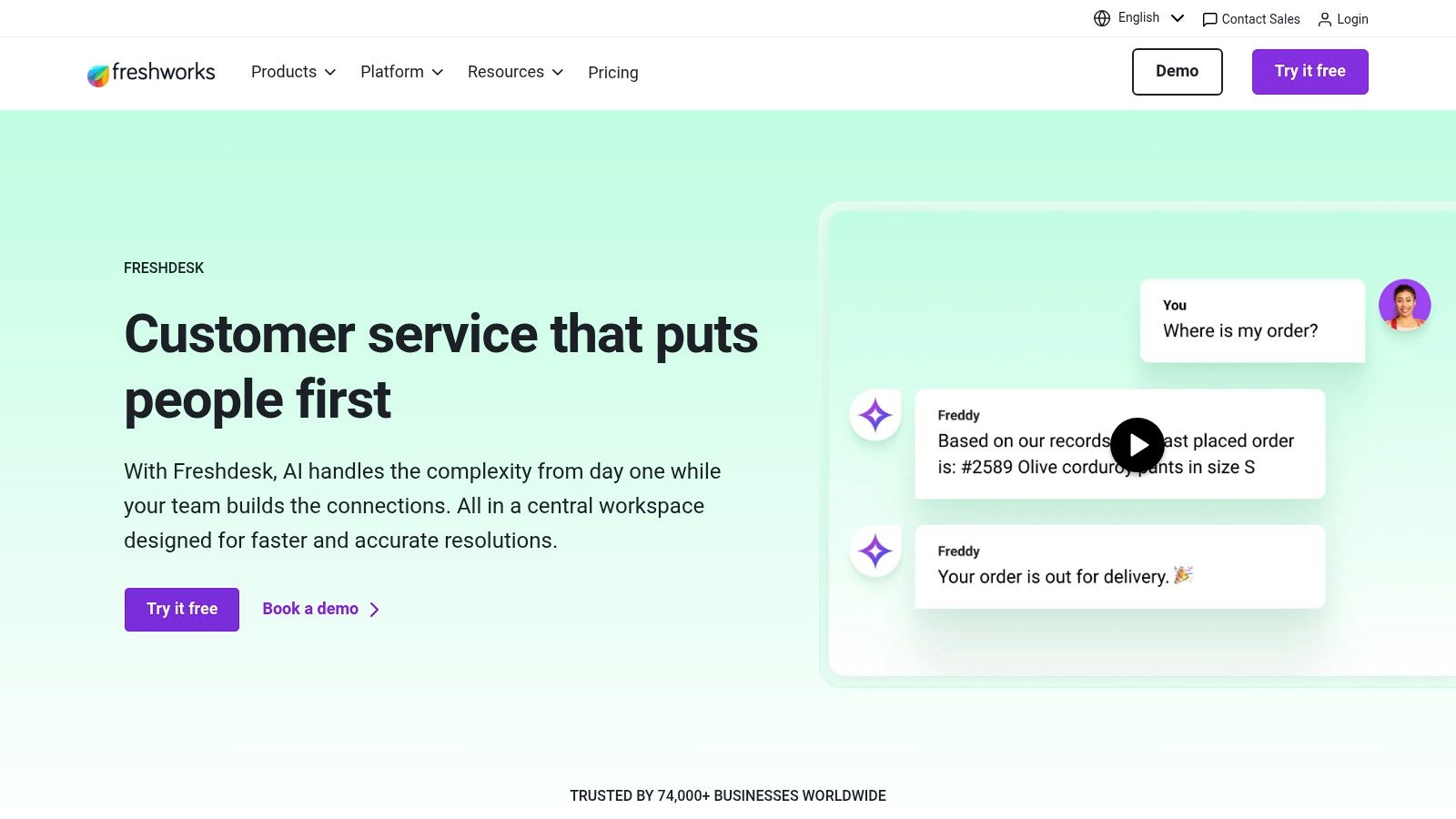
What makes Freshdesk stand out is its balance of powerful features and user-friendly design. You can set up automations to route specific inquiries, create a self-service knowledge base for common questions like "how do you charge for packing materials?", and even use collision detection to prevent two team members from accidentally replying to the same customer. As you grow, you can add channels like voice and messaging, and higher-tier plans introduce an AI assistant (Freddy) to help deflect routine questions.
The main consideration with Freshdesk is that its most powerful tools, like advanced AI and certain analytics, are reserved for its more expensive plans. While the entry-level options are great for getting started with organized ticketing, a growing team may find themselves needing to upgrade to unlock the full potential of the platform. It's an excellent choice for movers who want a system that can start simple and expand with their business, offering a clear growth path from basic email management to a full omnichannel support center.
- Best For: Small but growing moving companies that need a clean, easy-to-use system for email and chat, with the option to scale into more channels later.
- Pros: Great value and fast onboarding for small teams, provides a clear path to adding more communication channels as your operation expands.
- Cons: Some key analytics and AI features are locked behind higher-priced plans; it's wise to confirm current pricing terms upon signup.
- Website: https://www.freshworks.com/freshdesk
4. Help Scout
Help Scout is designed for small teams that need a straightforward, effective way to manage customer communications without the complexity of enterprise systems. It provides a shared inbox, live chat, and a knowledge base, making it an excellent choice for a moving company focused on responsive, personal service. For an owner-operator or a small office team, Help Scout's clean interface means you can get up and running quickly, organizing emails and chats without a steep learning curve.
What sets Help Scout apart is its focus on the agent experience. The platform feels like a regular email client but with powerful back-end features like internal notes, saved replies, and simple automation rules for routing inquiries. This simplicity is its strength; your team can assign conversations, see who is working on what, and build a "Docs" knowledge base for common customer questions, reducing repetitive work. This is an ideal piece of customer service software for small business owners who value clarity and efficiency.
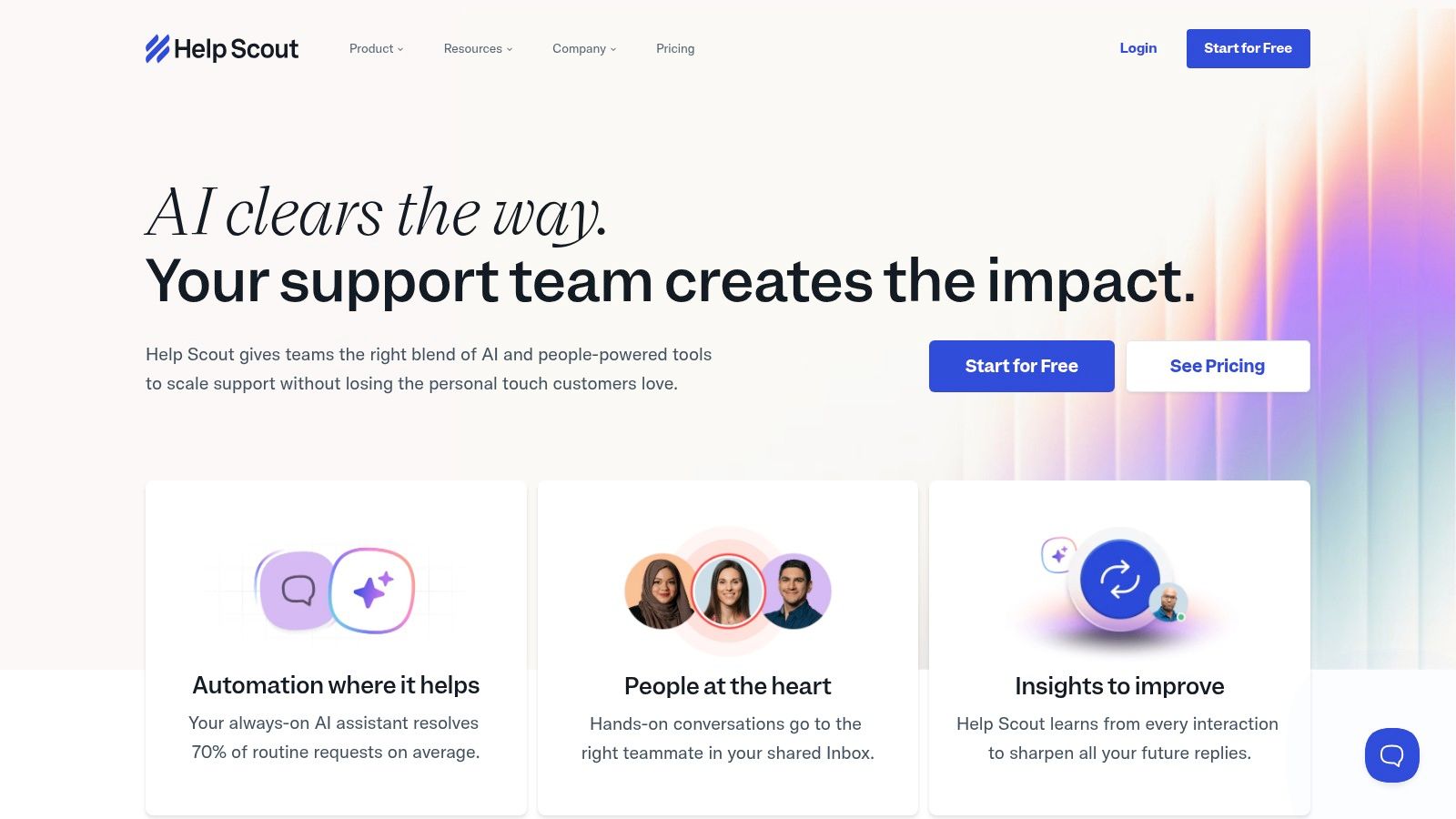
The main limitation for a moving company is its lack of native phone or SMS support, which requires third-party integrations to create a truly unified system. This is a critical gap, as most moving leads come from phone calls. Furthermore, its AI Answers feature, which automatically resolves questions using your knowledge base, is billed per resolution. This add-on cost can be unpredictable during your busy season when inquiry volumes spike. Help Scout is a great starting point for formalizing customer support, but movers who rely heavily on phone calls will need to account for the extra work of connecting it to a voice solution.
- Best For: Small moving companies or owner-operators wanting a clean, simple shared inbox and live chat to improve email response times.
- Pros: Very easy to learn and use, strong knowledge base and workflow tools for small teams.
- Cons: Requires integrations for phone and SMS, which is a major channel for movers; AI features are a per-resolution add-on, making costs less predictable.
- Website: https://www.helpscout.com
5. Zoho Desk
Zoho Desk is a powerful, value-focused help desk platform that fits neatly into the wider Zoho ecosystem. For a moving company already using Zoho CRM or Zoho One, adopting Desk is a logical and almost seamless step. It provides a structured ticketing system that can handle inquiries from email, social media, and even instant messaging channels like WhatsApp, centralizing customer communications far more effectively than a shared inbox. This makes it an excellent piece of customer service software for small business owners seeking affordability and scalability.
What makes Zoho Desk stand out is the sheer amount of functionality included at its lower-priced tiers. Features like managing service level agreements (SLAs), creating a customer knowledge base, and setting up basic automations are often available without needing to jump to the most expensive plan. This allows a growing mover to professionalize their follow-up process and ensure every quote request or service question is tracked and answered on time, a key factor when customers are comparing multiple moving companies at once.
However, the platform’s strength, its integration with the Zoho suite, can also be a challenge for teams not already invested in that environment. While it works as a standalone tool, its user interface and deep customization options can require a significant time investment to configure properly if you're new to the Zoho way of doing things. It's best for budget-conscious movers who either already use Zoho products or are prepared to build their front-office operations around its integrated suite of applications.
- Best For: Moving companies that already use Zoho CRM or are looking for a highly affordable, feature-rich help desk to build their operations around.
- Pros: Competitive pricing with a generous feature set at lower tiers; excellent, native integration if you’re a Zoho user.
- Cons: The interface can feel complex and time-consuming to set up for non-Zoho users; advanced features are reserved for higher-tier plans.
- Website: https://www.zoho.com/desk
6. Intercom
Intercom is a conversational support platform that excels at real-time, proactive communication, primarily through website chat, bots, and in-app messages. For a moving company focused on capturing leads directly from its website, Intercom provides a powerful way to engage visitors the moment they show interest. Instead of waiting for a potential customer to fill out a form, you can proactively start a conversation, answer initial questions, and qualify them instantly.
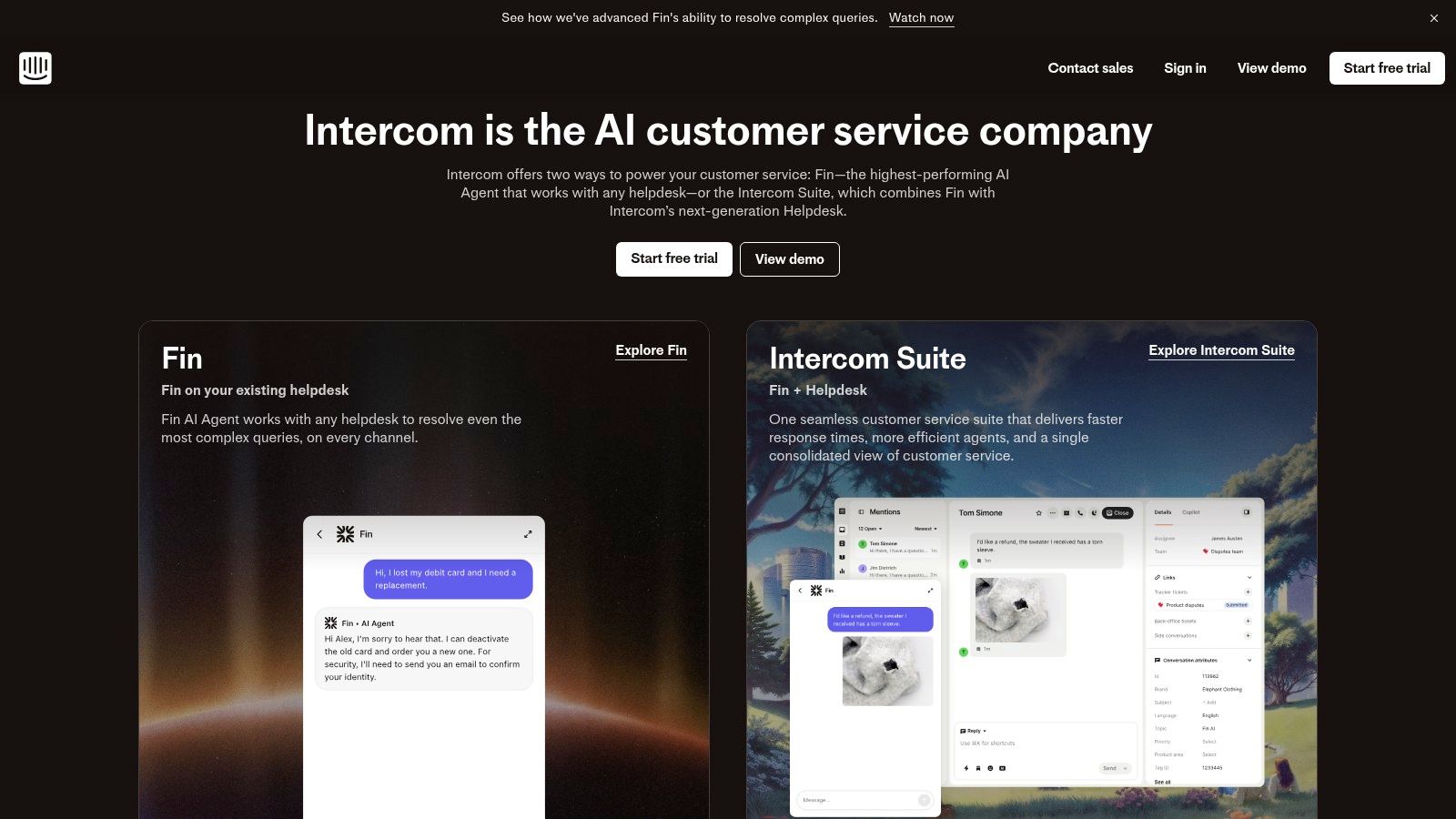
What makes Intercom stand out is its deep automation and proactive engagement tools. You can build "product tours" to guide visitors through your quoting process or set up bots to handle common questions like "do you offer packing services?" This frees up your team to focus on high-value conversations. While chat is its core strength, it also consolidates email and has add-ons for phone and SMS. Its AI features can help draft responses and triage inquiries, acting as a first line of defense much like an AI receptionist for your small business.
However, Intercom is most effective when a team is available to manage live chat, and its pricing can become expensive as you add more seats, contacts, and features. For a solo operator or a small moving team that can’t always be online, relying solely on its real-time channels might lead to missed opportunities if not backed by 24/7 call answering. It's best suited for movers who have the front-office capacity to actively engage with website visitors in real time.
- Best For: Tech-forward moving companies that want to capture and convert leads directly from their website with proactive live chat and automation.
- Pros: Top-tier live chat and bot automation; excellent for engaging website visitors and providing instant support.
- Cons: Pricing can scale up quickly with more agents and features; most valuable when you have staff ready to manage real-time conversations.
- Website: https://www.intercom.com
7. HubSpot Service Hub
HubSpot Service Hub is an excellent choice for a moving company that wants its customer service, sales, and marketing efforts to live under one roof. It is built on HubSpot’s powerful CRM, meaning every ticket, chat, or customer inquiry is automatically tied to a unified contact record. For a mover, this creates a complete picture of a customer's journey, from their first website visit to their post-move feedback survey, eliminating the data silos that cause leads to be mishandled.
The key advantage of the Service Hub is its seamless integration with the rest of the HubSpot ecosystem. If you’re already using HubSpot for marketing or sales, adding the service component is a natural next step. It allows your front office to see if a caller is a past customer, an active lead in your sales pipeline, or a new inquiry. Features like the shared inbox, knowledge base for common questions, and customer surveys (CSAT/NPS) provide the tools needed to professionalize your customer interactions and gather valuable feedback.
However, the primary strength of HubSpot is also its main consideration: you get the most value by committing fully to its platform. While it works as a standalone service tool, its real power is unlocked when combined with the Marketing and Sales Hubs. The seat-based pricing can also become expensive as you add more front-office staff, and some businesses find the onboarding and add-on costs to be complex. It's an ideal piece of customer service software for small business owners who are already invested in HubSpot or plan to build their entire business-wide tech stack on it.
- Best For: Moving companies that already use or plan to use HubSpot's CRM for sales and marketing and want a single source of truth for all customer data.
- Pros: Single customer database across all business functions, robust reporting and automation capabilities when paired with other Hubs.
- Cons: Best value requires commitment to the entire HubSpot ecosystem; pricing can become complex and costly with more users and add-ons.
- Website: https://www.hubspot.com/products/service
8. Front
Front takes the familiar feel of an email client and adds powerful team collaboration and automation features underneath. For a moving company where multiple people (like a sales manager, dispatcher, and owner) need to manage a central "[email protected]" inbox, Front prevents crossed wires and dropped leads. It turns your email into a true command center by allowing you to assign messages to specific team members, track response times, and see who is actively working on a customer thread.
What makes Front a compelling choice is its ability to centralize communications beyond just email. You can pull in SMS messages, social media DMs, and WhatsApp chats into the same shared inbox, providing a single view of every customer conversation. This is especially useful for movers who get quote requests from various channels. Its rules engine allows for automatic routing of inquiries, so a text about a last-minute job can be instantly assigned to your on-call dispatcher, complete with a service level agreement (SLA) timer to ensure a fast reply.
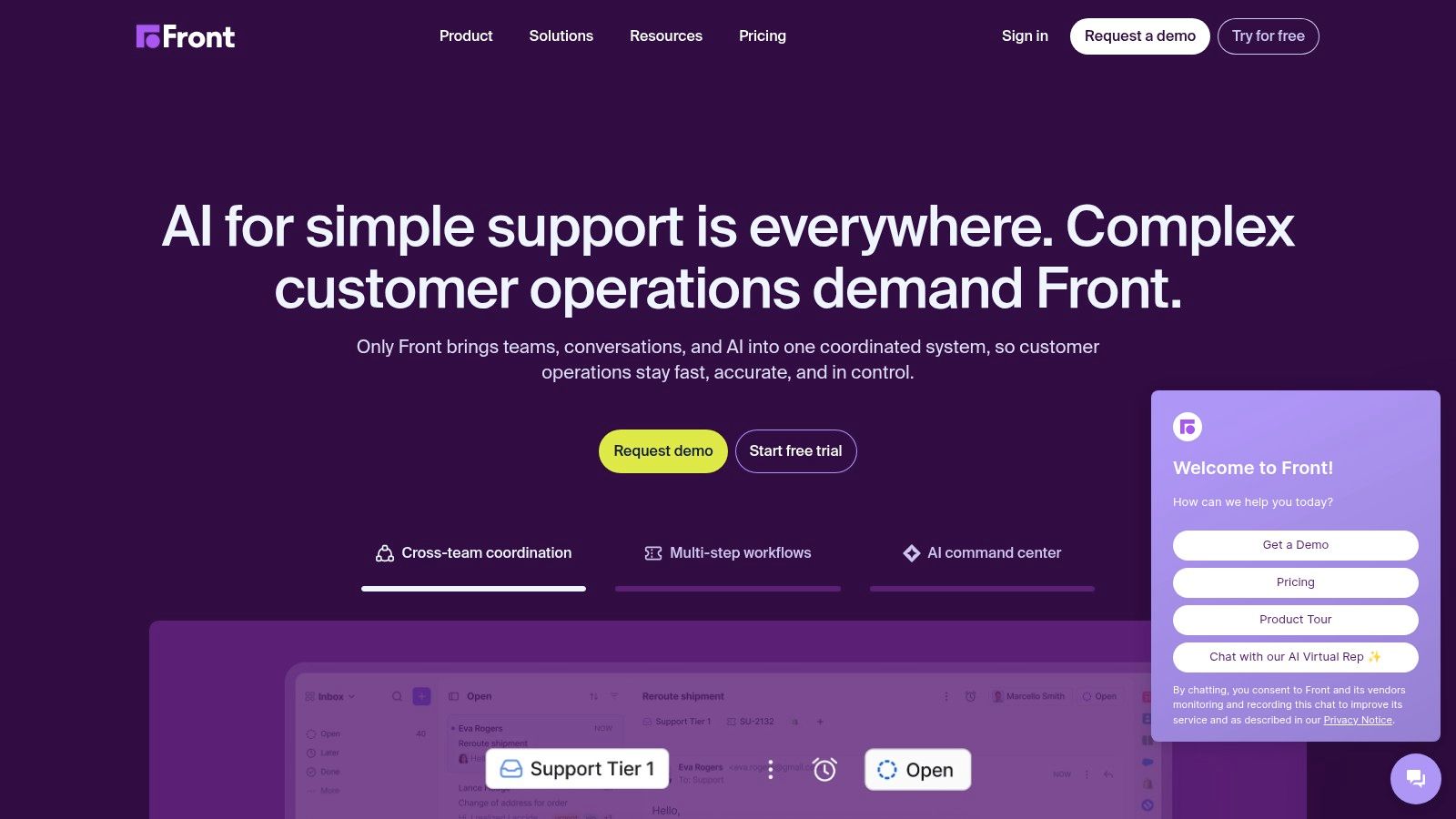
However, Front’s strength in collaborative email management can also be its limitation. While excellent for text-based communication, it relies on third-party integrations for live voice support, which may feel disconnected from your main workflow. The pricing for its core plans is often quote-based, making it difficult to budget without a sales call, and some advanced analytics or quality assurance tools are bundled as add-ons. It is a fantastic tool for teams who live in their inbox but need more structure to handle a growing volume of leads without confusion.
- Best For: Moving companies with small front-office teams who primarily communicate via email and SMS and need to collaborate on responses.
- Pros: Very easy for teams to adopt if they are used to Gmail or Outlook; powerful collaboration features prevent duplicate work.
- Cons: Pricing is not transparent and can become costly with add-ons; voice channel support requires third-party app integrations.
- Website: https://front.com
9. LiveAgent
LiveAgent positions itself as a powerful, all-in-one help desk that won't break the bank. It brings together ticketing, live chat, social media messages, and a built-in call center into one platform. For a moving company that is price-sensitive but still feels the pain of missed calls and disorganized emails, LiveAgent offers a very practical step up from a shared inbox, especially since it includes voice capabilities at lower price points than many competitors.
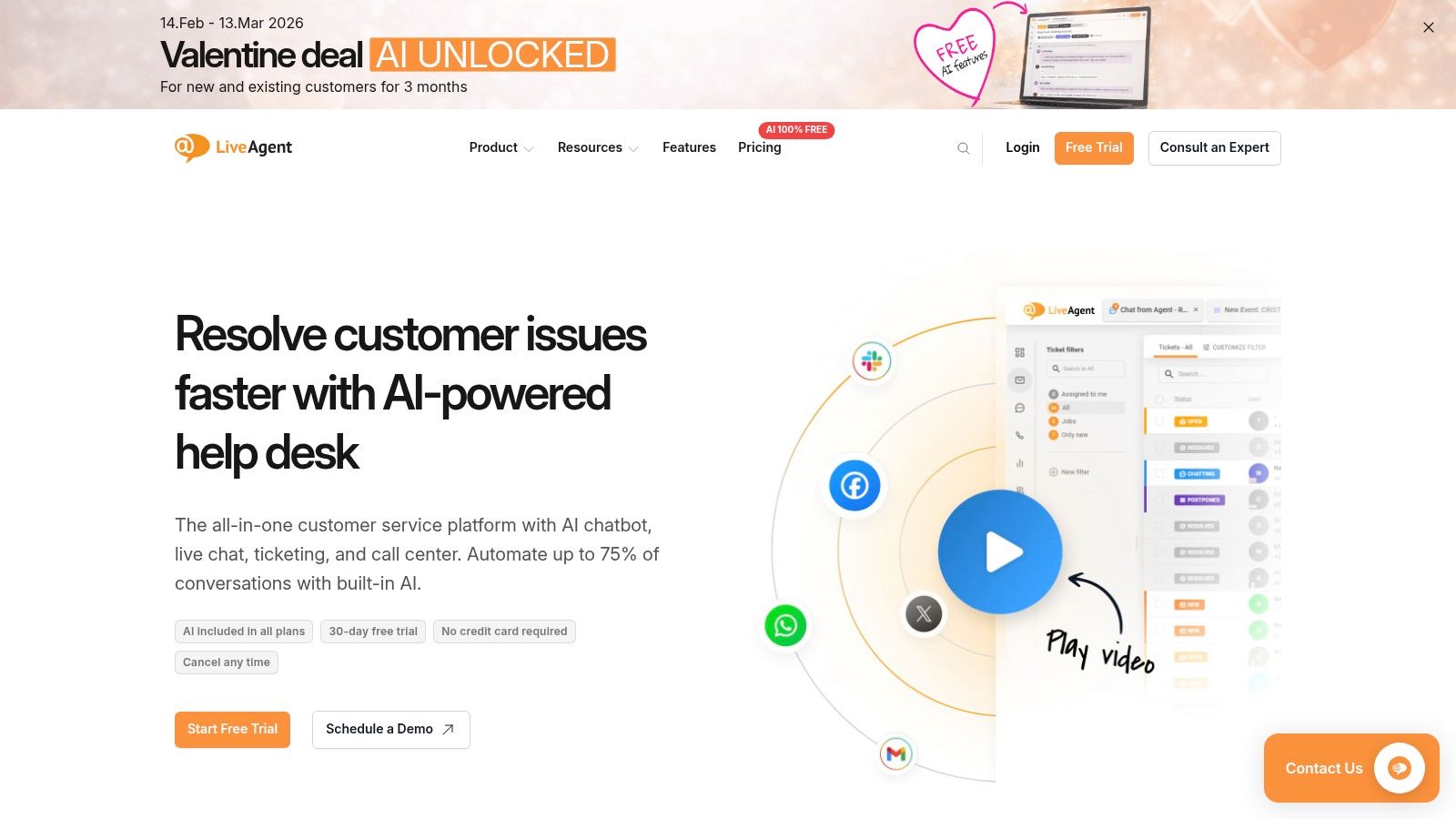
The platform’s major selling point is its value. You get multichannel support, including a native call center and social media connectors, without the premium price tag often associated with such features. This makes it a great choice for a growing team that needs to handle phone calls, Facebook messages, and emails without juggling different apps. Its automations are solid, allowing you to route inquiries and set up basic workflows to ensure no lead is left unanswered. This focus on fundamentals makes it a strong contender for any small business needing to professionalize its customer service operations.
However, the user interface feels more functional than flashy when compared to some of the newer, more modern tools on the market. While it gets the job done effectively, it lacks the polished user experience of other platforms. Additionally, its app marketplace is not as large as giants like Zendesk, which might be a limitation if you rely on niche software integrations. LiveAgent is best for movers who need a cost-effective, multichannel solution and prioritize function and affordability over a sleek design or a massive app ecosystem.
- Best For: Price-conscious moving companies needing an all-in-one solution that includes a built-in call center.
- Pros: Very competitive per-agent pricing, with voice and social channels included in affordable tiers.
- Cons: The user interface feels more utilitarian and dated; the app ecosystem is smaller than some competitors.
- Website: https://www.liveagent.com
10. Hiver (for Google Workspace)
For moving companies that run their entire operation out of Google Workspace, Hiver offers a unique approach by transforming a familiar Gmail inbox into a capable help desk. Instead of forcing your team to learn a completely new platform, it layers powerful customer service features directly onto the Gmail interface. This eliminates friction during onboarding and allows your team to manage shared inboxes, assign quote requests, and track follow-ups without ever leaving their email.
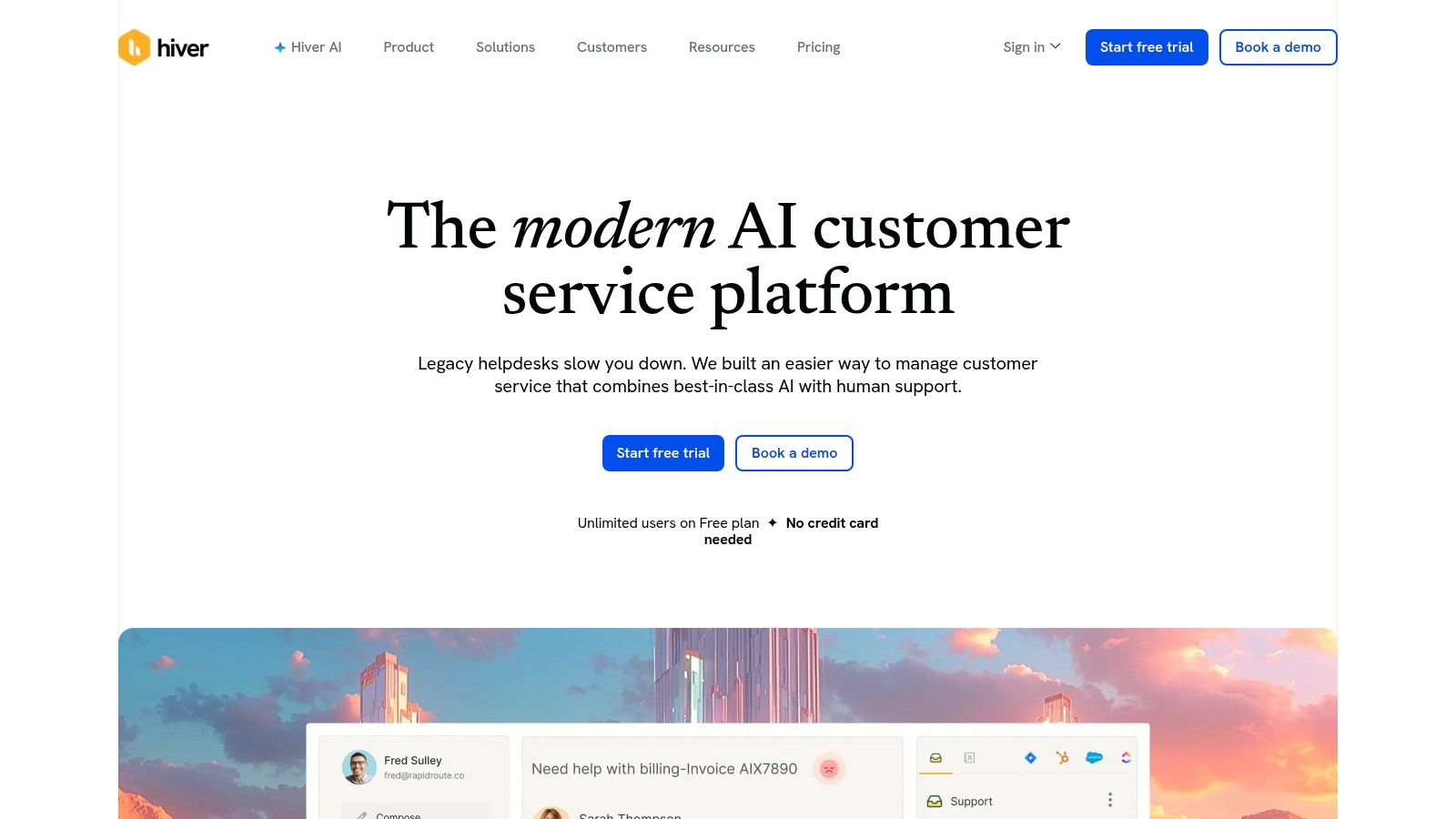
What makes Hiver a smart choice for a Gmail-centric moving business is its focus on accountability and analytics within a shared inbox. You can assign emails to specific team members, leave internal notes for context on a customer’s needs, and use tags to categorize inquiries. The platform includes service level agreement (SLA) management to ensure no lead goes unanswered, plus dashboards that report on team performance and customer satisfaction. While it relies on integrations for voice, its ability to manage chat and WhatsApp alongside email makes it a solid choice for moving operations that want more structure without a major workflow disruption.
The primary limitation is its dependency on Google Workspace; if your team isn't already using Gmail, this isn't the solution for you. Advanced features are also reserved for higher-priced tiers. It's a fantastic tool for bringing order to a chaotic "info@" or "sales@" inbox, but it is not a complete, standalone system for managing all front-office communications like a dedicated telephone tree system might be. It solves email chaos but doesn't solve the missed call problem.
- Best For: Moving companies that already live in Google Workspace and want to add structure and accountability to their shared inboxes.
- Pros: Zero-friction onboarding for Gmail-centric teams, solid SLA/CSAT and reporting features directly within the inbox.
- Cons: Only works for Google Workspace environments; does not solve the primary problem of missed phone calls.
- Website: https://hiverhq.com
11. HelpDesk.com (by LiveChat)
For a moving company that primarily manages customer inquiries through email, HelpDesk.com offers a simple yet powerful upgrade from a shared inbox. It turns every customer email into an organized ticket, ensuring no lead or service request gets lost in a cluttered inbox. This is a practical, straightforward ticketing system designed for teams that need structure without the complexity of a massive, enterprise-level platform. Its clean interface makes it easy for your front office to track conversations, assign tasks, and monitor response times.
What makes HelpDesk.com a solid choice is its focus on efficiency and simplicity, especially for email-first communication. The platform’s automation rules can assign new quote requests to specific sales reps, send automatic replies to confirm receipt of an inquiry, and set up service level agreements (SLAs) to make sure every customer gets a response within a target timeframe. It integrates directly with its sister product, LiveChat, allowing you to seamlessly convert website chats into tickets for follow-up, a key feature for capturing leads from visitors browsing your site after hours.
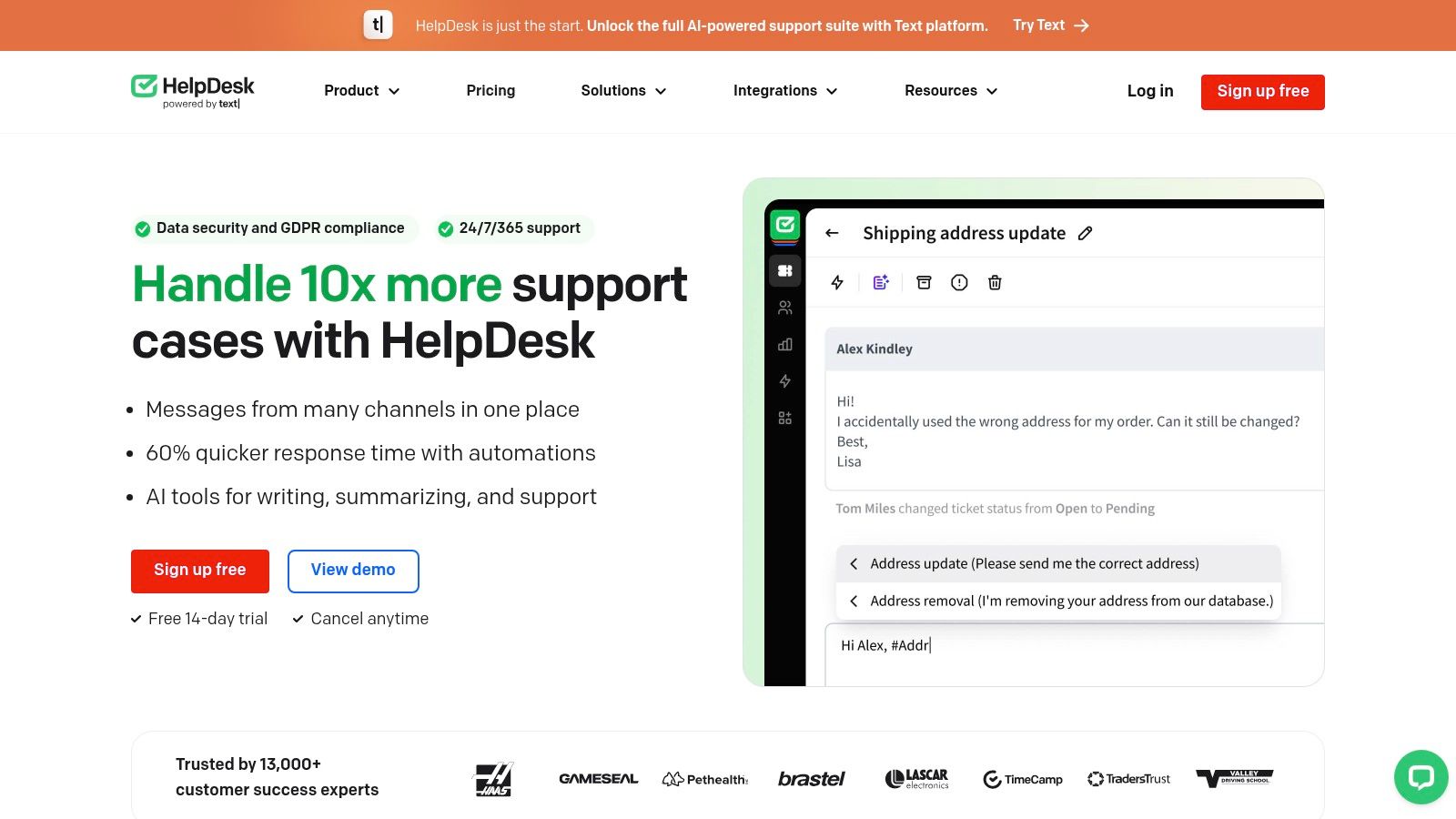
However, its strength in simplicity is also a limitation for a mover. While it excels at email ticketing, achieving true omnichannel support for calls and texts requires pairing it with other products, which adds complexity and cost. For a small moving company owner looking for a basic tool to organize email, it’s a great starting point. But for those needing to solve the more urgent problem of missed calls and automate scheduling, it will feel incomplete. This platform is ideal for movers who have a handle on their phone calls but need a dedicated system to finally organize their email chaos.
- Best For: Moving companies looking for a simple, email-first ticketing system to organize customer inquiries without a complex setup.
- Pros: Very easy to set up and use for email-based support, clear per-user pricing, and strong integration with LiveChat.
- Cons: Not a true all-in-one solution; does not solve the core issue of capturing phone leads without adding other tools.
- Website: https://www.helpdesk.com
12. Tidio
Tidio is designed for small businesses that want to instantly engage website visitors. Its strength lies in its simplicity, combining live chat, chatbots, and a basic help desk into one package that you can add to your moving company's website in minutes. For a mover looking to capture more online leads, Tidio’s proactive chat messages can turn a passive site visitor into an active quote request by offering help or a discount right away.
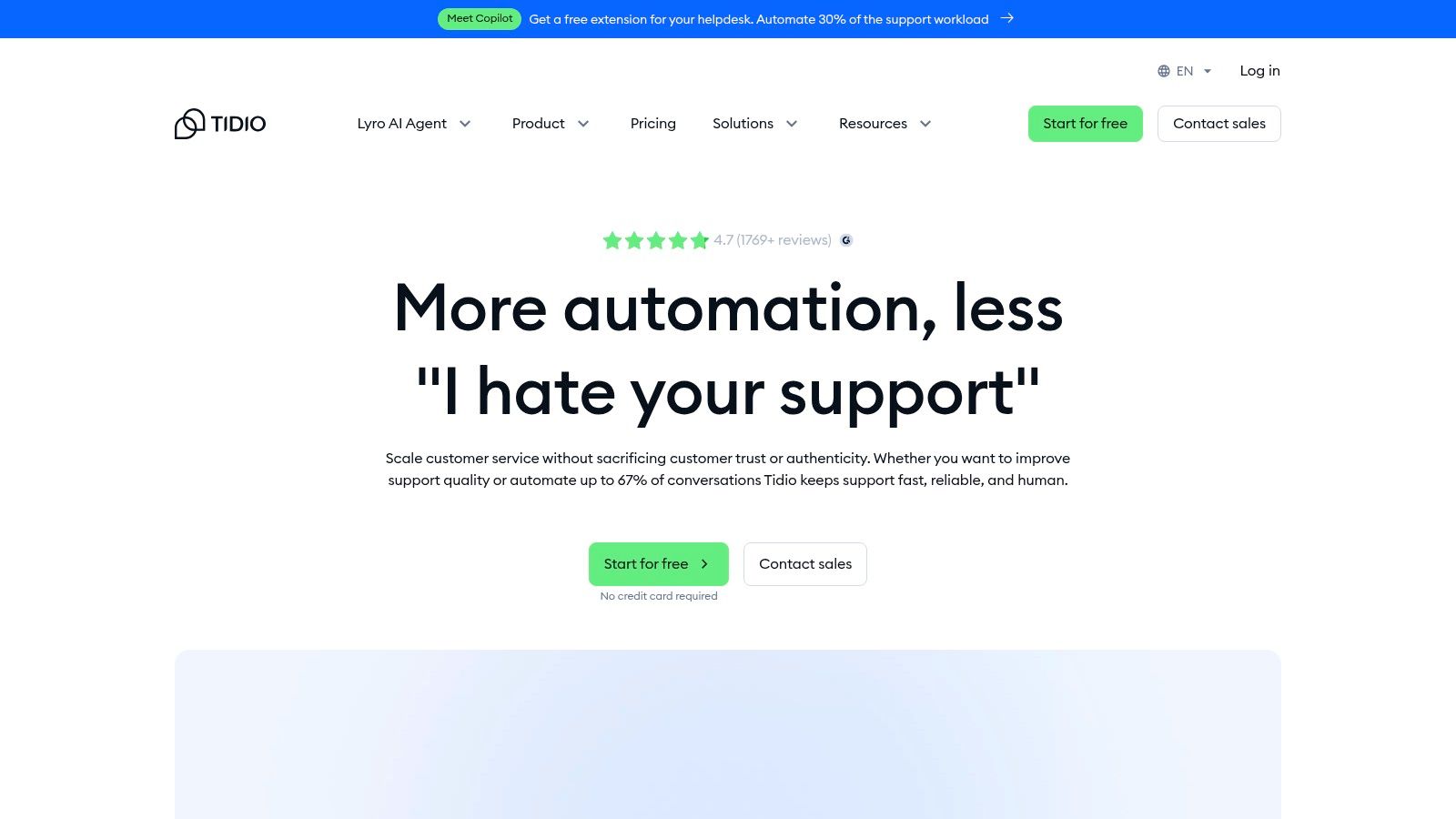
The platform's standout feature is its visual automation builder, which allows you to create chatbot "Flows" without any coding. You could build a simple bot to ask for a customer's name, phone number, and move details, then send that information directly to your email or CRM. This ensures you never miss a lead, even after hours. Its AI agent, Lyro, can be trained on your FAQs to answer common questions like "Are you licensed and insured?" or "What are your hours?", freeing up your time for more complex sales conversations.
However, while Tidio excels at website chat and simple automation, it is not a full-blown front-office solution for a moving business. If your main challenge is managing a high volume of phone calls, texts, and email follow-ups from various sources, Tidio’s capabilities will feel limited. It’s a powerful tool for capturing leads directly from your website but may require you to switch to another system, like a dedicated CRM or an AI-powered phone system, to manage the lead through the entire booking process. Its AI conversations are also metered, so you'll need to monitor usage to control costs.
- Best For: Movers who want to quickly add 24/7 automated lead capture and live chat to their website to engage visitors instantly.
- Pros: Very easy to install and set up, visual chatbot builder is intuitive for non-technical users, flexible plans for chat and AI.
- Cons: Not designed to handle phone calls or complex ticketing; AI usage and other features can become costly add-ons.
- Website: https://www.tidio.com
Top 12 Small-Business Customer Service Software Comparison
| Product | Core features | ✨ Unique selling points | ★ Quality | 💰 Pricing | 👥 Target audience |
|---|---|---|---|---|---|
| 🏆 MoveJoy | AI call answering & booking; calendar sync; analytics & reviews | ✨ Industry-trained convo AI; auto-booking; 30+ languages; fast setup | ★★★★★ (2s answer; ~98% bookings) | 💰 Tiered $149–$499/mo; free trial; per-min overage | 👥 Movers & trades; field-service fleets |
| Zendesk Suite | Omnichannel tickets, voice, unified agent workspace, automations | ✨ Large app marketplace; native contact center & WFM | ★★★★☆ proven SLA & scale | 💰 Complex tiers; enterprise pricing | 👥 Mid→enterprise support teams |
| Freshdesk (Freshworks) | Ticketing, KB, automations, optional voice | ✨ Freddy AI (agent assist) on higher tiers | ★★★★☆ SMB-friendly UX | 💰 Value pricing; tiered plans | 👥 Small→growing teams |
| Help Scout | Shared inbox, chat, Docs, workflows | ✨ Clean UX; AI assist & per-resolution AI Answers | ★★★★☆ quick rollout | 💰 Per-seat; AI billed per resolution | 👥 Small support teams |
| Zoho Desk | Ticketing, SLAs, IM modules, customer portal | ✨ Native WhatsApp/IM connectors; Zoho ecosystem | ★★★★☆ cost-effective | 💰 Competitive low-tier pricing | 👥 Budget-conscious teams; Zoho users |
| Intercom | In-app/web chat, bots, messaging, AI triage | ✨ Proactive messages, product tours & surveys | ★★★★☆ excellent real-time chat | 💰 Can scale high with seats & add-ons | 👥 Product-led startups; SaaS |
| HubSpot Service Hub | Tickets, KB, chat, CSAT tied to CRM | ✨ Unified customer DB with marketing & sales | ★★★★☆ robust reporting with Hubs | 💰 Seat-based; best value in HubSpot stack | 👥 Teams using HubSpot ecosystem |
| Front | Shared email-style inbox, rules, SLAs, omnichannel | ✨ Email-native collaboration; minimal learning curve | ★★★★☆ strong collaboration on threads | 💰 Sales-quoted core plans; add-ons | 👥 Email-centric teams |
| LiveAgent | Tickets, live chat, KB, native call center/IVR | ✨ Built-in voice & social at moderate tiers | ★★★☆☆ utilitarian UI; feature-rich | 💰 Very competitive per-agent pricing | 👥 Price-sensitive multichannel teams |
| Hiver (for Google Workspace) | Gmail-native shared inbox, SLAs, analytics | ✨ Zero-friction Gmail/Workspace onboarding | ★★★★☆ seamless Workspace fit | 💰 Per-user; good for Workspace orgs | 👥 Google Workspace teams |
| HelpDesk.com (LiveChat) | Email→ticket, automations, templates, SLAs | ✨ Simple email-first help desk; LiveChat integr. | ★★★☆☆ straightforward & fast setup | 💰 Clear per-user pricing; 14‑day trial | 👥 Small email-first teams |
| Tidio | Website live chat, chatbots, Flows, AI agent Lyro | ✨ Visual automation builder; quick site deploy | ★★★☆☆ chat-focused; fast to launch | 💰 Flexible plans; convo‑based AI costs | 👥 Small e‑commerce & service sites |
From 'Customer Service' to 'Revenue Engine': Making the Right Choice for Your Moving Company
Navigating the world of customer service software for small business can feel overwhelming. We've explored a dozen powerful platforms, from all-in-one suites like HubSpot and Zoho Desk to specialized tools like Hiver and Help Scout. Each offers a distinct way to manage customer interactions, organize support tickets, and build a knowledge base. For many companies, these tools are a significant step up from a cluttered inbox.
However, for a moving company, the reality is that most of these systems solve the second problem, not the first. They excel at managing emails and support requests from existing customers. The critical, revenue-defining moment for movers happens long before that: the initial phone call from a new lead. If that call goes to voicemail because your crew is on a job or your small office team is swamped, even the best ticketing system is useless. The lead is already gone, calling the next mover on their list.
Shifting Focus from 'Management' to 'Capture'
The fundamental challenge isn't a lack of tools to organize information; it's a lack of capacity to capture opportunity in real time. This is where moving businesses must think differently about technology. Instead of asking, "How can we manage our customer emails better?" the more profitable question is, "How can we guarantee we never miss a lead call again?"
Consider these key takeaways from our analysis:
- Availability Wins Jobs: Speed is your greatest competitive advantage. The mover who answers the phone, provides a quick quote, and gets the prospect on the calendar first almost always wins the job.
- Automation Solves the Core Problem: While traditional customer service software requires a human to operate it, modern automation is designed to act as your 24/7 front-office employee. It doesn't get tired, take lunch breaks, or miss calls during a seasonal rush.
- Industry-Specific Needs Matter: A generic helpdesk designed for a software company won't solve the unique operational bottlenecks of a moving business. You need a solution built around call intake, instant quoting, and scheduling, not just email ticketing.
A Practical Framework for Your Decision
Before you commit to a new software subscription, step back and diagnose your primary bottleneck. Is it really disorganized emails, or is it the 3-7 high-value jobs you lose each month to missed calls? If it’s the latter, your investment should target the point of failure directly.
Think of it this way: one single booked job that you would have otherwise missed to voicemail often pays for an entire month of a dedicated call automation service. The return on investment isn't just about saving time; it's about actively generating revenue that was previously being lost. The right customer service software for a small business in the moving industry isn't just about service, it's a direct line to growth. It's time to stop thinking of technology as a cost center and start seeing it as your most reliable and efficient employee.
If your biggest challenge is capturing every lead and converting calls into booked jobs, a traditional helpdesk won't solve it. See how MoveJoy acts as your AI Receptionist, answering 100% of your calls, providing instant quotes, and scheduling jobs automatically, so you can focus on running your business. Explore how it works.