Are you missing front-end lead capture? Here’s what movers are switching to

Every missed call during peak season is more than a voicemail. It’s a lost job, often worth $1,000 or more. For a typical moving company with 1-20 trucks, this silent revenue leak can easily add up to $50,000–$150,000 in lost bookings annually. Are you missing front-end lead capture? here’s what movers are switching to. If you’re still relying on voicemail or a basic answering service that just takes messages, the answer is yes.
The problem isn’t a lack of leads; it’s the gap between a customer’s first call and a confirmed booking. Speed is everything. Customers who need a mover shop fast, and the first company to provide a confident, accurate quote often wins the job. Traditional methods just capture a message, leaving your team to play phone tag while a competitor closes the deal. That delay is where revenue disappears.
This guide breaks down exactly what top-performing movers are switching to. We’ll explore seven platforms designed to plug this front-end gap, turning callers into booked jobs instantly. You will see how each solution works, with direct links and screenshots, so you can find the right fit for your moving business operations. To effectively measure the success of your chosen solution, it’s essential to understand the principles of robust conversion tracking. Let’s dive into the tools that stop revenue leaks and start booking more moving jobs.
1. MoveJoy
For independent moving company owners tired of losing revenue to missed calls, MoveJoy is a purpose-built solution designed to do much more than just answer the phone—it closes jobs. It’s an AI-powered revenue engine that automates the entire front-end lead capture and booking process, converting inbound callers into confirmed jobs 24/7. Unlike generic AI receptionists that can only take a message or human answering services that can’t quote, MoveJoy is trained specifically on moving industry terminology, quoting logic, and operational realities to generate accurate pricing on the call.
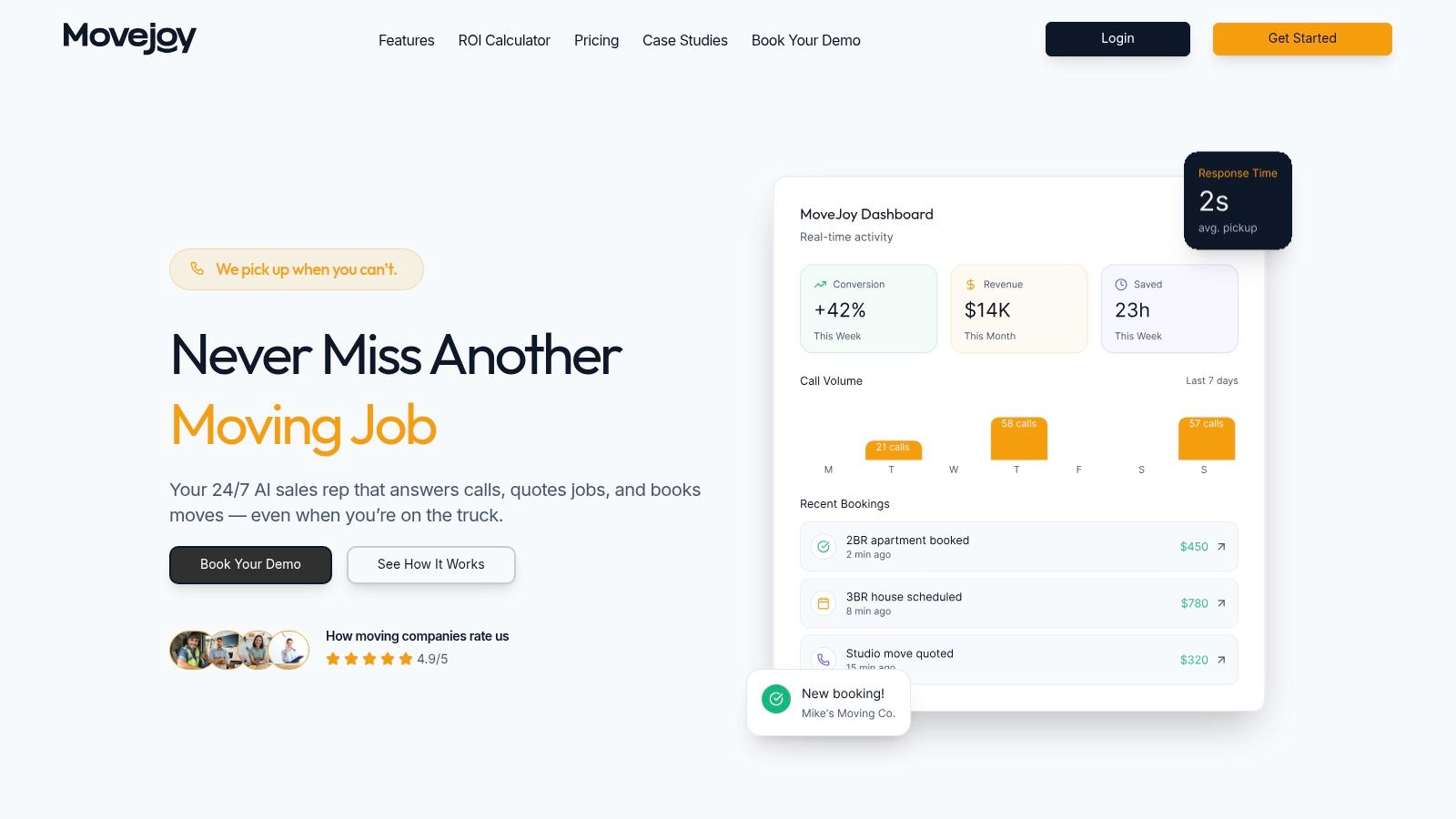
The platform answers every call instantly, qualifies the lead, and generates an accurate quote on the spot using your company’s actual rate card. It accounts for variables like hourly vs. flat rates, stairs, long carries, truck fees, packing services, and mileage. Once the customer agrees, it automatically books the job directly into your existing workflow, integrating with SmartMoving, Supermove, MoveitPro, or a simple Google Calendar. This ability to quote accurately and book directly is what separates it from other front-end tools, closing the gap between simply capturing a lead and actually securing the revenue.
Key Strengths & Use Cases
MoveJoy directly addresses the critical revenue leak that occurs after hours and during peak season when your office is too busy to get to the phone. By providing a system that never sleeps, it ensures no potential job is ever sent to voicemail.
- For the owner-operator (1–5 trucks): It acts as a full-time, expert sales rep, freeing you from the phone so you can focus on running moves and growing the business. One booked job can pay for the service for a month.
- For the growing company (6–20 trucks): It provides scalable support during the busy season, handling unlimited concurrent calls so your booking rate doesn’t suffer when call volume spikes.
- For any mover using a CRM: It automates data entry and scheduling, pushing confirmed jobs straight into your system of record (like SmartMoving or Supermove), eliminating manual work and potential errors.
The platform includes a real-time analytics dashboard to track call volume, quotes generated, and jobs booked, giving you clear visibility into its performance and ROI. Setup is designed to be fast, typically taking less than 10 minutes.
What to Consider
Pros:
- Purpose-Built for Movers: The AI understands industry specifics, leading to accurate quotes that align with your pricing. This is the difference between answering a call and closing a job.
- True 24/7 Automation: It answers, qualifies, quotes, and books jobs without human intervention, directly into your calendar or CRM.
- Fast ROI: More cost-effective than human answering services, and a single recovered booking often pays for the monthly cost.
- Native Integrations: It connects seamlessly with SmartMoving, Supermove, MoveitPro, and Google Calendar.
Cons:
- Edge-Case Handling: Highly complex or unusual job requirements may still need to be escalated to a human. The system can transfer these calls, but owners should plan for occasional handoffs.
- Plan Limits: Pricing is tiered, so high-volume operators should clarify call or minute limits to ensure the plan fits their needs.
MoveJoy is an excellent fit for moving companies looking to stop missing calls, automate their quoting and booking process, and convert more callers into paying customers. By focusing on accurate quoting and direct CRM integration, it provides a more complete solution than traditional lead management software or answering services.
Website: https://getmovejoy.com
2. Supermove
For moving companies looking for an all-encompassing system that handles everything from the first lead interaction to the final invoice, Supermove presents a compelling option. It’s designed specifically for the moving industry, so its features directly address the unique challenges movers face, such as coordinating complex logistics, managing crew availability, and providing accurate quotes. The core of its front-end lead capture is an automated online booking engine that empowers prospects to self-serve.
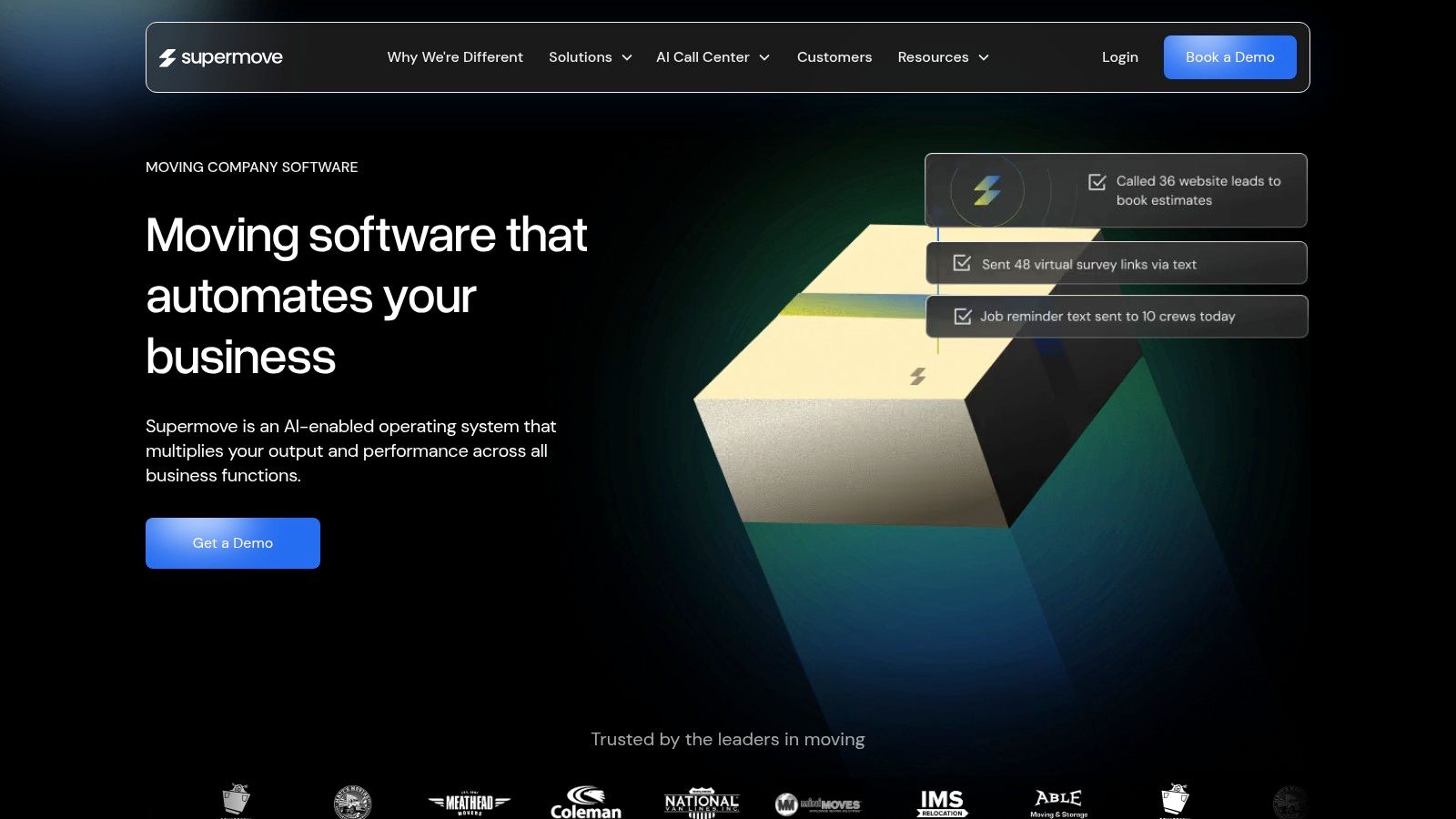
A potential customer can go to your website, input their move details, get a real-time price based on your company’s specific logic, and book their job directly onto your calendar without ever needing to speak to a sales representative. This self-serve model is crucial for capturing leads outside of business hours and reducing the back-and-forth that causes many prospects to drop off.
Key Features and How to Use Them
- Automated Booking Engine: The main draw for front-end capture. Prospects can build their own estimates, select a date, and confirm their booking online, which syncs directly with your Google Calendar to prevent double-booking.
- AI Assistants: Supermove offers AI to manage leads via calls, SMS, and email 24/7. This ensures immediate follow-up, answering a key pain point for busy movers. This is a step beyond a basic call handling service because it’s integrated directly into your operational software.
- Digital Estimates & Virtual Surveys: Instead of manual calculations, you can generate professional, digital estimates using pre-set pricing rules. The platform also supports virtual surveys to improve quote accuracy for larger or more complex moves.
Pro Tip: To get the most from Supermove, fully configure your pricing logic from the start. Define rules for travel time, hourly rates, and extra services. A well-configured system ensures the automated quotes are accurate, building trust with customers and preventing revenue loss from under-bidding.
Pros and Cons
| Pros | Cons |
|---|---|
| Purpose-built for movers with industry-specific workflows. | Pricing is not public; requires a sales demo to get a quote. |
| Reduces missed calls and manual quoting with self-serve booking. | The full benefit is realized when using multiple modules together. |
| Strong post-booking operational tools for dispatch and scheduling. | Can feel complex if you only need a single feature, like booking. |
Pricing and Access
Supermove operates on a sales-led pricing model, meaning you must schedule a demo to receive a customized quote. There are no public pricing tiers available on their website, as the cost depends on your company’s size and the specific modules you need.
3. SmartMoving
For moving companies that prioritize flexibility in how they integrate lead capture into their website, SmartMoving stands out. It’s a CRM built with movers in mind, and its approach to front-end lead capture acknowledges that not every company has the same website setup. It offers multiple ways to connect your site to its powerful back-end, ensuring that structured move details flow directly into your sales pipeline for faster, more organized quoting. This focus on integration makes it an excellent choice for businesses wanting to improve their existing web presence without a complete overhaul.
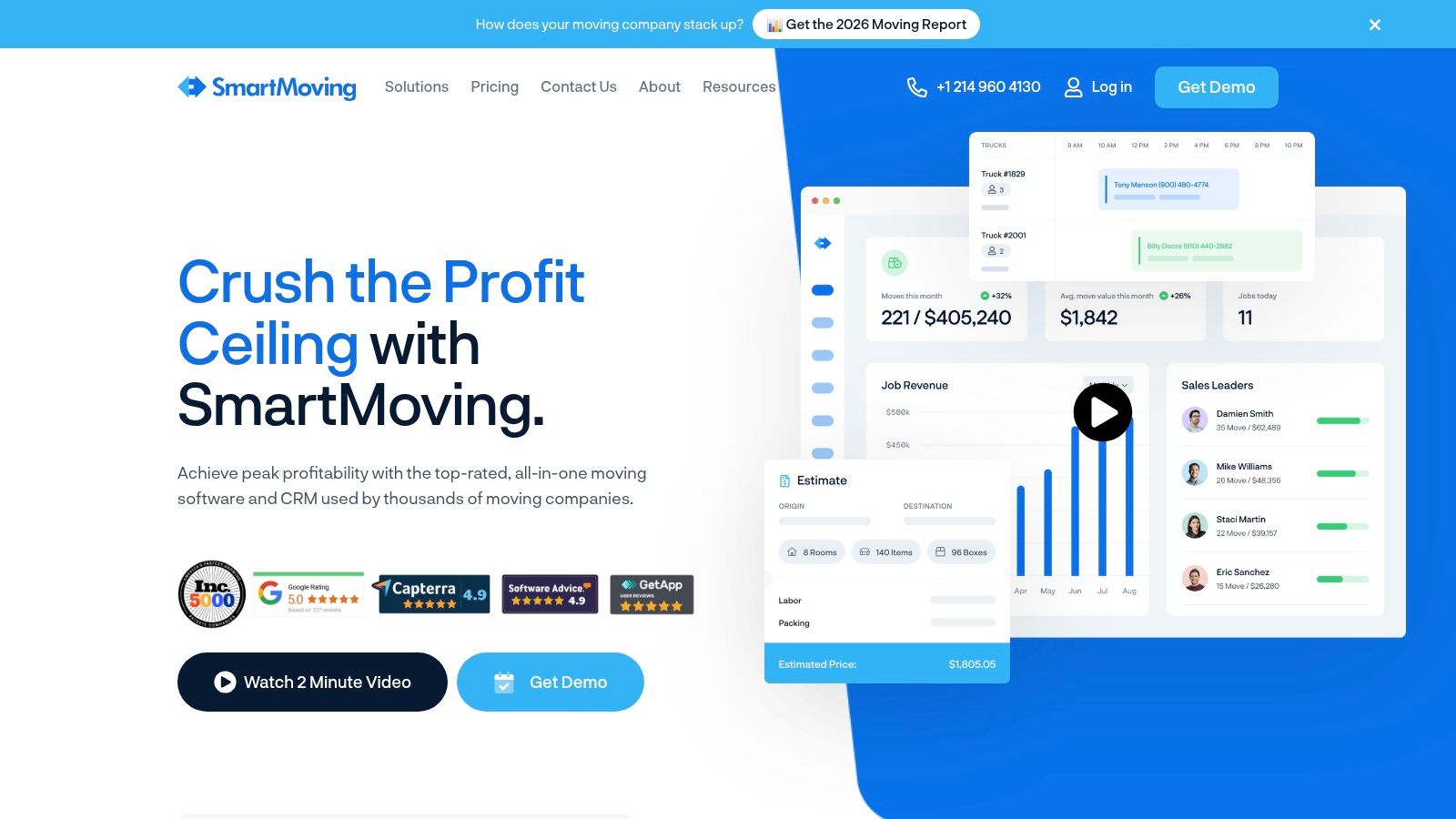
Whether you have a simple WordPress site or a fully custom-coded platform, SmartMoving provides a pathway. You can embed a simple lead form with just one line of code or use its API for a deeply integrated experience. This adaptability ensures that no matter how a lead submits their information, it lands in one central place, ready for your sales team to act upon. This immediate and organized data transfer is key to improving the entire journey from prospect to customer.
Key Features and How to Use Them
- Flexible Lead Forms: SmartMoving offers embedded iFrame forms (both short and long versions) that can be added to any website. This is the fastest way to start capturing lead data directly into the CRM.
- WordPress & Form-Builder Integrations: For companies using WordPress, the system integrates with popular tools like Gravity Forms, Contact Form 7, and Ninja Forms. This lets you keep your existing forms while funneling the data into SmartMoving’s workflow.
- Developer Tools (API & JavaScript Library): For custom websites, developers can use the JavaScript library or direct API. The documentation includes guidance on implementing UTM tracking, allowing you to see which marketing channels are driving your most valuable leads.
- Rules-Based Pricing Engine: The platform includes estimate tools designed for movers. You can configure your specific pricing rules, which allows your sales team to generate consistent and accurate quotes quickly once a lead is captured.
Pro Tip: If using WordPress, start with a form-builder plugin integration. This method often requires no custom coding and allows you to map your existing website form fields directly to the corresponding fields in the SmartMoving CRM, ensuring a clean data handoff from day one.
Pros and Cons
| Pros | Cons |
|---|---|
| Multiple integration paths for different website types. | Public pricing is limited; a sales call is needed for most plans. |
| Designed specifically for moving company quoting and workflows. | The greatest value is realized when using it for both sales and operations. |
| Strong focus on onboarding and active support resources. | Can be more than what’s needed if only for simple lead capture. |
Pricing and Access
SmartMoving’s pricing is primarily available through a sales consultation. While they may have introductory plans, most companies will need to schedule a demo to get a quote tailored to their team size and operational needs. This sales-led approach allows them to match you with the right set of features.
4. MoveitPro
For moving companies who want the benefits of a robust moving CRM but are struggling with the staff to manage incoming leads, MoveitPro offers a unique hybrid solution. It combines comprehensive moving software with an optional US-based Booking Service. This setup directly addresses a major pain point: handling calls and web leads efficiently, especially after hours or during peak season, without the overhead of building an in-house sales team. It bridges the gap between software and service.
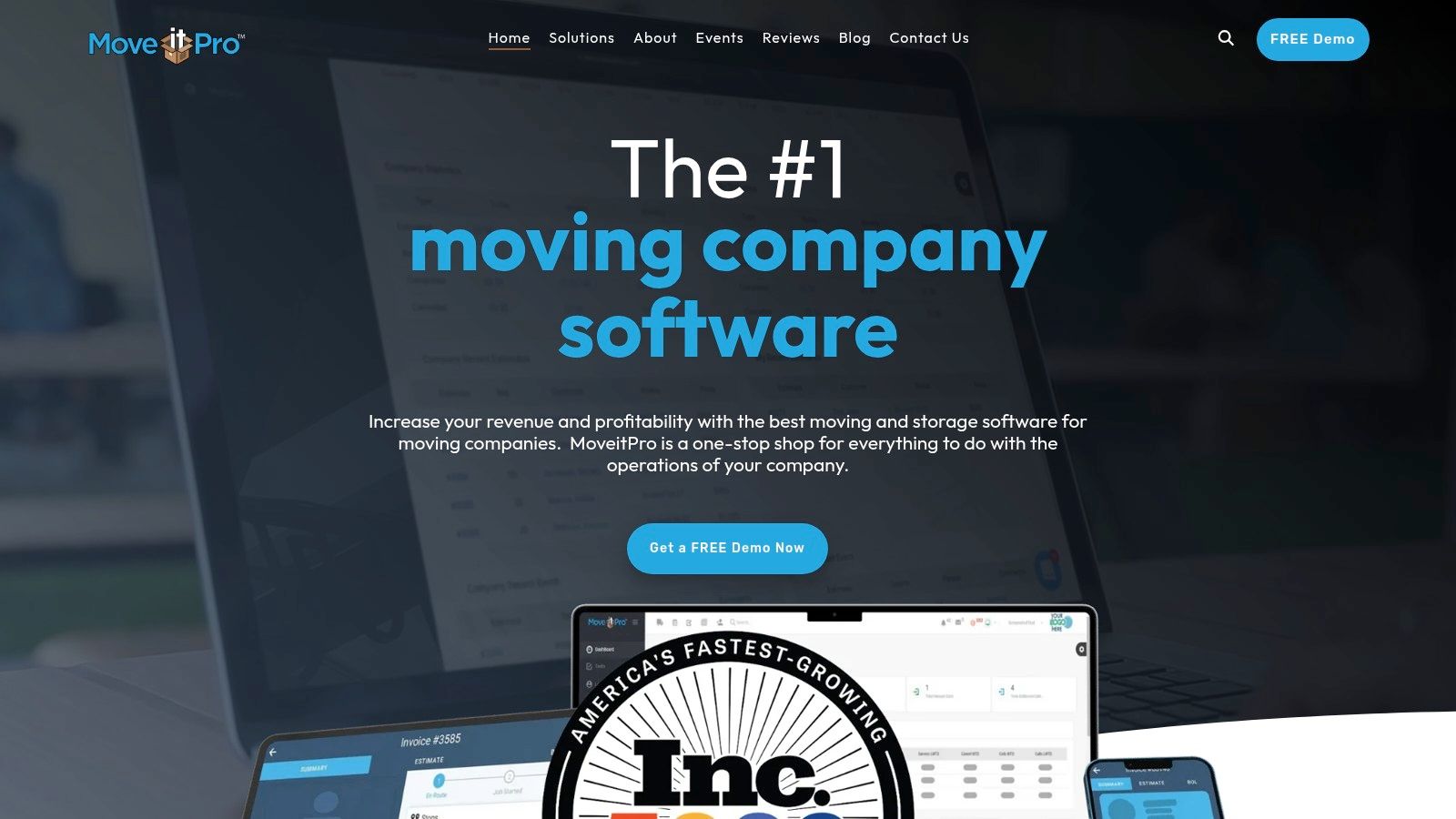
The key difference here is integration. Instead of a third-party answering service sending you lead information in an email or spreadsheet, the MoveitPro Booking Service works directly inside your software. This means when their team answers a call or follows up on a web form, the lead is worked and the job is booked right into your existing operational system. This addresses the question, are you missing front-end lead capture? here’s what movers are switching to, by combining human power with integrated software.
Key Features and How to Use Them
- Optional Booking Service: The main draw for front-end capture. This in-house team handles inbound calls, web leads, and follow-ups on your behalf, effectively acting as your sales department during extended hours (Mon–Fri 8am–10pm ET; Sat–Sun 8am–5pm ET).
- Integrated CRM: The service operates within the full MoveitPro CRM, meaning all customer data, estimates, schedules, and payments are centralized. There is no need to transfer data between systems, which reduces errors.
- Lead & Quote Management: The software itself provides tools for creating digital estimates, tracking lead status, and managing your sales pipeline, whether you use their booking service or your own team.
Pro Tip: To maximize the value of the Booking Service, provide the team with clear and detailed notes on your company’s ideal customer, service areas, and unique selling points. The more they know, the better they can represent your brand and close the right kind of jobs for your business.
Pros and Cons
| Pros | Cons |
|---|---|
| Directly addresses missed calls and lead follow-up. | Service hours are extended but not fully 24/7. |
| Bookings are kept inside your own software stack. | Pricing is not public; requires a demo to get a quote. |
| Practical for teams that don’t want to build a call center. | Best suited for those who want both the CRM and the service. |
Pricing and Access
MoveitPro does not list its pricing publicly. Both the software and the optional Booking Service require you to schedule a demo with their sales team to receive a custom quote based on your company’s size and specific needs.
5. Oncue
For moving companies that need more than just software, Oncue offers a hybrid solution that combines a moving-specific platform with a team of trained booking experts. This “tech-plus-service” model is built for movers who are losing jobs due to missed calls or slow follow-up but aren’t ready to hire more in-house staff. It directly addresses the challenge of front-end lead capture by providing a human touch backed by smart technology. The goal is to convert leads into booked jobs, seven days a week, so you can focus on operations.
Unlike a generic answering service that just takes a message, Oncue’s team works directly within their software to qualify prospects, provide estimates based on your rates, and schedule jobs onto your calendar. This approach is designed to capture high-intent customers who call after hours or on weekends, preventing them from moving on to the next company on their list.
Key Features and How to Use Them
- Human Booking Experts: This is the core of the service. Oncue provides a trained team to handle your inbound calls and web leads. They are available seven days a week to ensure you never miss a revenue opportunity, even during peak season or outside of business hours.
- Sales and Operations Software: The platform itself includes tools for managing your sales pipeline and daily operations. You get a central dashboard to track leads, view your schedule, and manage job details, creating a single source of truth for your front office.
- Third-Party Integrations: Oncue is designed to fit into your existing workflow. It offers integrations with other moving software and lead providers, helping to create a more connected and efficient process from the first touchpoint to the final move.
Pro Tip: To maximize Oncue’s value, treat their booking team as an extension of your own. Provide them with detailed information on your company culture, ideal customer profile, and specific service offerings. The more they know about you, the better they can represent your brand and close the right kind of jobs.
Pros and Cons
| Pros | Cons |
|---|---|
| Combines technology with a dedicated booking service. | Sales coordination is likely required to get started. |
| “Done-for-you” coverage reduces missed calls on evenings and weekends. | Limited public pricing information; requires a direct inquiry. |
| The booking team is specialized in the moving industry. | Online reviews are mixed; a trial or pilot is recommended. |
Pricing and Access
Oncue’s pricing is not publicly listed on their website. The cost is customized based on your call volume and the specific services you require. To get a quote, you will need to contact their sales team and likely schedule a call to discuss your company’s needs.
6. Movegistics 5.0
For moving companies that want to manage the entire customer journey, from the first website click to the final payment, within a single system, Movegistics 5.0 is a strong contender. It acts as a dedicated moving company CRM with powerful lead capture features built directly into its core. This approach is designed to eliminate the common problem of manual data entry and disconnected systems, ensuring that a web lead immediately becomes an actionable record in your sales pipeline.
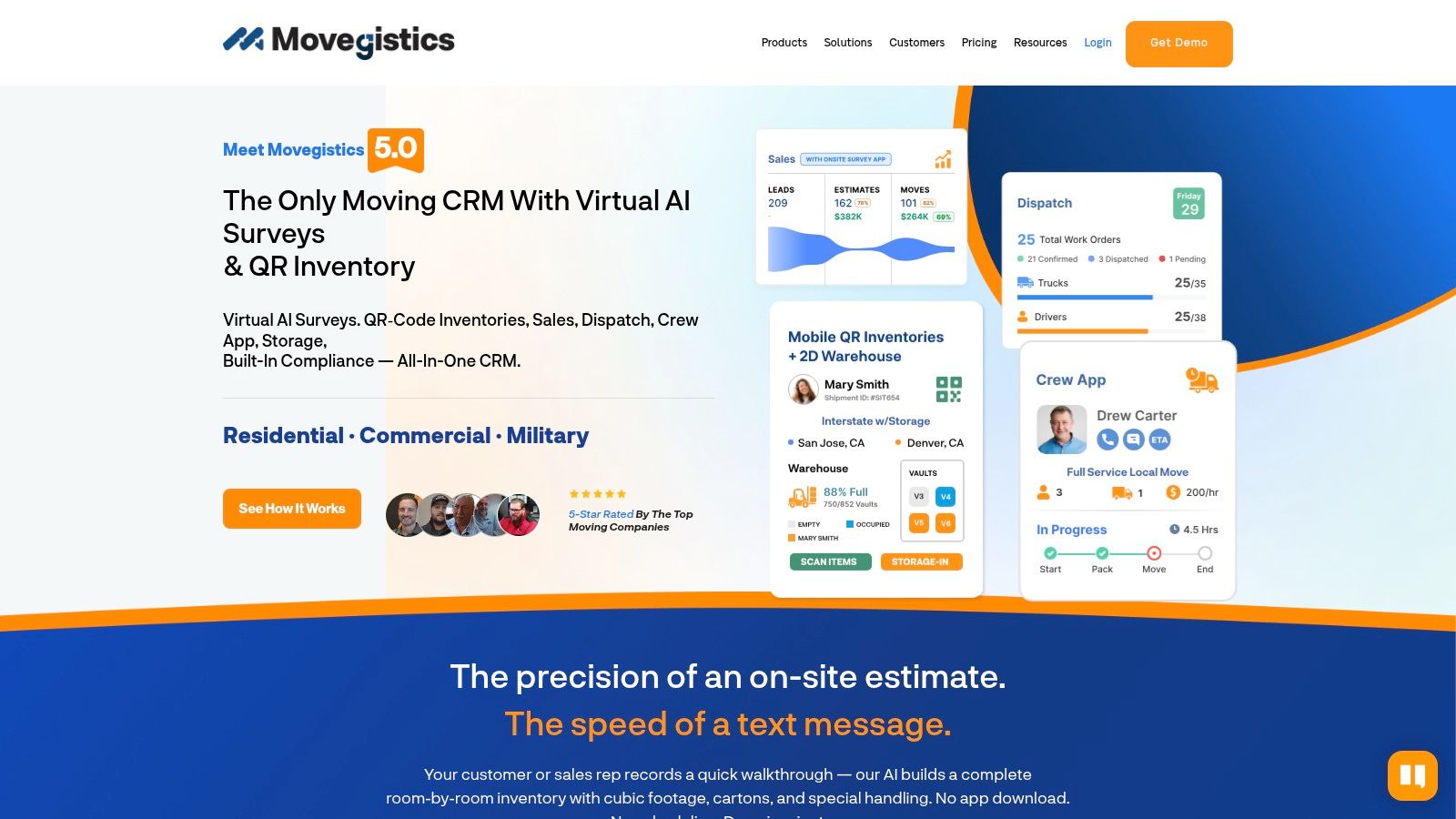
The platform lets you embed its intake forms directly onto your website. When a prospect fills out the form, their information instantly creates a new lead inside the Movegistics CRM, ready for your sales team to follow up. It’s an effective way to stop leads from falling through the cracks, a frequent issue when relying on simple contact forms that just send an email. This is how you address the challenge of missing front-end lead capture and ensure every opportunity is tracked.
Key Features and How to Use Them
- Web Lead Forms: The primary tool for front-end capture. You can embed these forms on your site to funnel prospects directly into your CRM, automatically creating lead records and assigning them to your sales pipeline for immediate follow-up.
- Online Booking & Deposits: Once an estimate is sent and approved, customers can sign electronically and pay their deposit online. This secures the booking without requiring a phone call or manual payment processing, locking in revenue faster.
- Pricing Automation: The system uses configurable rate tables for local, long-distance, and hourly moves. This allows you to generate consistent, accurate estimates based on your company’s unique pricing rules, reducing manual calculation errors.
- Visual Survey App: To improve quote accuracy for larger moves, Movegistics offers a visual survey app. Your team or the customer can use it to document inventory, which helps create a more precise estimate and avoids surprises on move day.
Pro Tip: Invest time in setting up your rate tables correctly from the beginning. Define your hourly rates, travel fees, and charges for specialty items. A well-configured pricing engine makes your automated estimates reliable, which builds customer trust and protects your margins.
Pros and Cons
| Pros | Cons |
|---|---|
| Reduces manual data entry by creating leads instantly. | Pricing is not public; a quote is required to get started. |
| Provides a complete flow from lead to job in one system. | The advanced features like rate tables take time to set up properly. |
| Built specifically for the moving industry’s needs. | Can be more software than a very small mover needs. |
Pricing and Access
Movegistics 5.0 uses a quote-based pricing model. You will need to contact their sales team to get a price tailored to your company’s size, number of users, and the specific features you require. There are no public pricing tiers available on their website.
Visit Movegistics 5.0’s Website
7. MoveBooker
For moving companies that already have a CRM but lack a modern, front-end booking experience, MoveBooker offers a direct and powerful solution. Instead of replacing your entire operational system, it acts as a lightweight, embeddable widget that adds a complete, self-serve reservation flow directly to your existing website. This approach is ideal for movers who are asking, “are you missing front-end lead capture?” but don’t want the disruption of switching core software. Its sole focus is converting website visitors into booked jobs, 24/7.
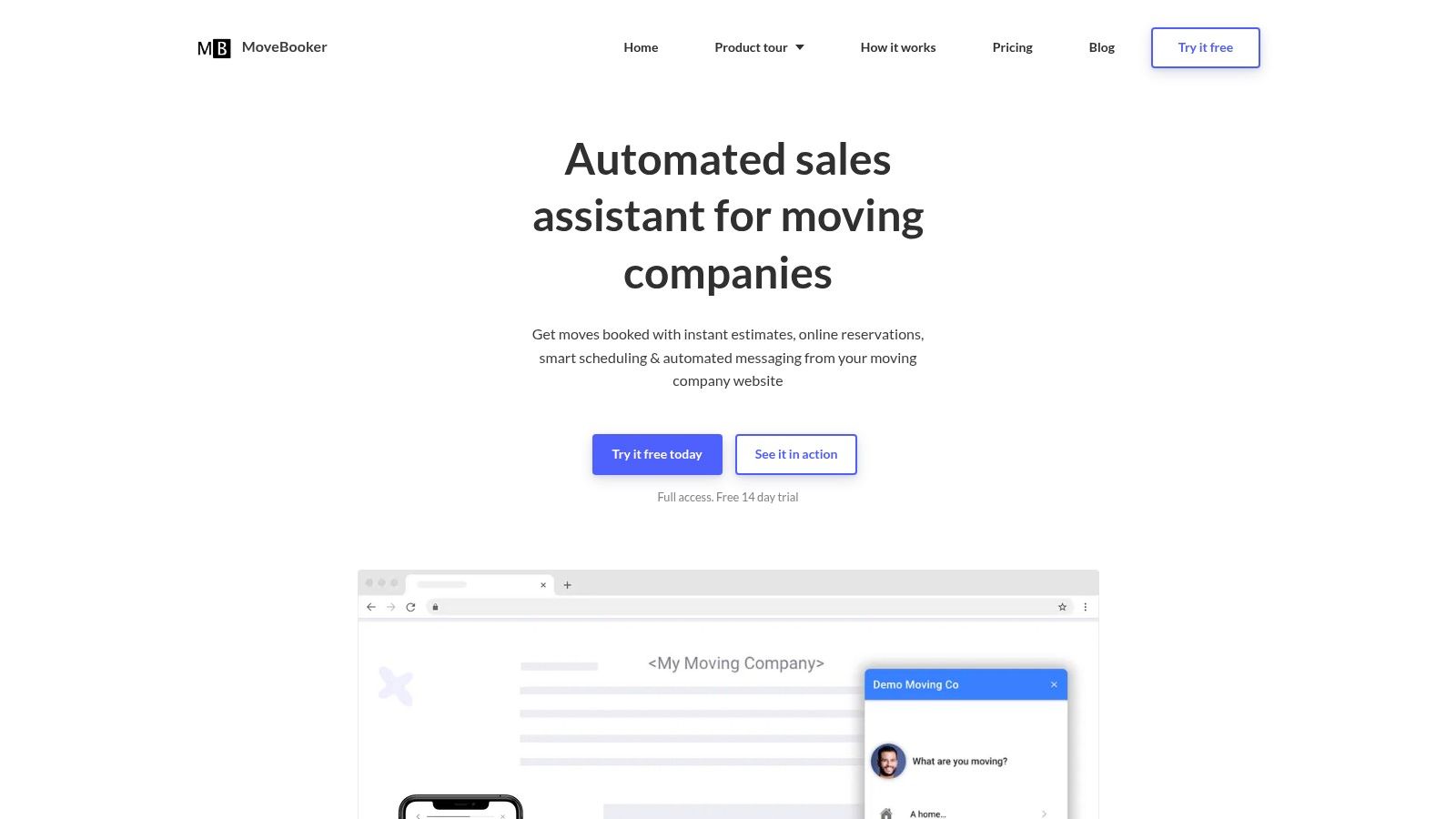
A visitor on your site can get an instant estimate based on your rates, pay a deposit, and schedule their move without any manual intervention from your team. The entire experience is designed for conversion, giving prospects the immediate gratification they seek and preventing them from shopping around while waiting for a callback. The time-to-live is exceptionally fast, often taking less than a day to get running.
Key Features and How to Use Them
- One-Line Embed: The standout feature is its simplicity. You can add a complete booking flow to your website by pasting a single line of code. This makes it accessible even for non-technical moving company owners.
- Instant Estimates and Smart Scheduling: Customers receive real-time quotes based on your pricing logic. The system intelligently schedules new jobs around your existing availability to prevent conflicts and maximize crew utilization.
- Automated Confirmations and Messaging: Once a job is booked, MoveBooker automatically sends confirmation emails and messages to the customer, reducing your administrative workload and ensuring a professional follow-up every time.
Pro Tip: Use the 14-day free trial to its fullest potential. Embed the widget on a test page of your live site and run a small, targeted ad campaign directing traffic to it. This allows you to measure real-world conversion rates and see how it performs with your actual customer base before committing.
Pros and Cons
| Pros | Cons |
|---|---|
| Fastest way to add a ‘book now’ button without changing your CRM. | Works best when paired with an existing CRM; not a full all-in-one system. |
| Conversion-focused design built to capture web visitors 24/7. | Ongoing pricing details are not listed publicly and are provided after the trial. |
| Minimal development effort required for setup. | Lacks the deep operational features of a full moving company CRM. |
Pricing and Access
MoveBooker offers a free 14-day trial, allowing you to test the widget on your own website. After the trial period, pricing is provided based on your company’s needs. This model requires you to engage with them to get a quote for ongoing use.
Front-End Lead Capture: 7 Movers Solutions Compared
| Tool |  Implementation complexity Implementation complexity |
 Resource requirements Resource requirements |
 Expected outcomes Expected outcomes |
 Ideal use cases Ideal use cases |
 Key advantages Key advantages |
|---|---|---|---|---|---|
| MoveJoy | Low — quick 5–10 min setup, AI trained for moving | Minimal tech effort; affordable monthly subscription | High conversion on calls; instant ROI (one booked job pays for it) | Movers (1-20 trucks) losing revenue to missed calls and voicemail | Accurate quoting on the call, 24/7 auto-booking into your CRM |
| Supermove | Medium — modular onboarding, sales-led deployment | Moderate; best when multiple modules adopted, demo required | Fewer missed leads, more self-serve bookings, stronger post-booking ops | Movers wanting end-to-end online booking + dispatch/overbooking prevention | Self-serve booking, AI lead work, strong dispatch integrations |
| SmartMoving | Low–Medium — embed/forms or API integration options | Low dev friction for common stacks; onboarding support available | Faster structured intake and quoting, reduced manual entry | Teams needing structured web lead capture and mover pricing rules | Multiple integration paths, mover-focused pricing rules, fast onboarding |
| MoveitPro | Medium — standard CRM + optional Booking Service setup | Moderate; software subscription ± optional staffed Booking Service | Reduced missed-call losses, bookings kept in-house, extended-hours coverage | Companies wanting staffed booking without building own call center | Optional US Booking Service, integrated CRM, extended coverage hours |
| Oncue | Medium — coordinated setup with service onboarding | Moderate; tech + booking team, sales coordination recommended | Improved first-touch conversion, better weekend coverage | Movers seeking a tech-plus-dedicated booking team 7 days/week | Combined software + seven-day booking experts, done-for-you coverage |
| Movegistics 5.0 | Medium–High — rate tables and automations need calibration | Moderate; setup time for pricing rules and virtual surveys | End-to-end intake → estimate → deposit → job flow, less manual work | Teams wanting full CRM with visual/virtual survey and automated payments | Visual survey app, pricing automation, integrated booking & payments |
| MoveBooker | Low — one-line embed, very fast time-to-live | Minimal; widget subscription and CRM connection, 14-day trial | Immediate web conversions, 24/7 reservation flow, faster checkout | Websites needing quick “book now” UX without replatforming | Fastest implementation, conversion-focused widget, minimal dev effort |
From Leaking Revenue to Locking in Jobs: Your Next Step
The days of relying on an answering machine or a simple contact form are over for growing moving companies. As we’ve explored, the core issue isn’t just about missing calls; it’s about missing the immediate opportunity to quote and book a job. If you’re questioning, are you missing front-end lead capture? here’s what movers are switching to, the answer lies in tools that bridge the gap between initial contact and a confirmed booking.
The solutions covered in this article, from dedicated quoting automation like MoveJoy to all-in-one CRMs like Supermove and SmartMoving, all point to a single, powerful trend: speed and accuracy win the job. Modern customers expect instant answers. Leaving them to wait for a callback is an invitation for them to call your competitor. The difference between taking a message and providing an immediate, accurate quote based on your company’s rates is the difference between a leaky funnel and a locked-in schedule.
Your Action Plan for Better Lead Capture
Making a change can feel daunting, but you can start with small, deliberate steps. Here’s a practical guide to choosing and implementing the right solution for your business:
- Audit Your Current Process: For one week, track every single lead. Where did it come from? How quickly did you respond? How many calls were missed? How many quotes were sent? How many were booked? This data will reveal your biggest revenue leaks and show you exactly where to focus.
- Define Your Primary Goal: Are you losing dozens of after-hours calls during the busy season? Is your main bottleneck the time it takes your team to manually generate quotes? Or do you need a full-scale operational overhaul? Your top priority determines the right tool. An AI quoter is perfect for plugging call leaks, while a full CRM is for when your entire workflow needs structure.
- Evaluate Integration Needs: Your new tool must work with your existing systems. Ensure any solution you consider integrates seamlessly with your CRM (SmartMoving, Supermove, MoveitPro) or at the very least, your Google Calendar. This avoids creating more manual work for your team.
- Prioritize the Customer Experience: Remember, the goal is to make it easy for customers to book with you. To truly lock in jobs and convert more prospects, you’ll need to master the art of effective lead capture through methods such as learning how to create a landing page that actually converts. The best front-end tools provide a smooth, professional experience that builds trust from the very first interaction.
Key Insight: The shift isn’t just about adopting technology; it’s about changing your mindset. Stop thinking like a message-taker and start thinking like a problem-solver who can give customers a firm price and book their move on the spot, 24/7.
Ultimately, the most successful movers are building systems that work for them, not the other way around. By automating the repetitive, time-sensitive work of front-end lead capture and quoting, you free yourself and your team to focus on what truly matters: delivering exceptional moving services and growing the business. One booked job that would have otherwise gone to voicemail is often enough to pay for a month of automation. It’s time to stop the revenue leak and build a more resilient, profitable moving company.
Ready to see how an AI-powered solution built specifically to quote and book moving jobs can transform your front office? MoveJoy answers 100% of your calls, provides accurate quotes using your rate card, and books jobs directly into your calendar or CRM. Stop just capturing leads and start closing them automatically by visiting MoveJoy to learn more.