The 12 Best CRM for Contractors in 2024: A Mover’s Guide

If you're running a moving company, you know the chaos. Missed calls during peak season mean lost jobs. Sticky notes with lead information get buried. Quoting takes up hours you simply don't have. You're losing revenue not because your crews aren't good, but because your front office is overwhelmed. This isn't just a headache; it's a direct cap on your growth.
The right Customer Relationship Management (CRM) system can fix this, turning missed opportunities into booked jobs and manual follow-ups into automated workflows. But with so many options, how do you choose the one that actually understands the unique grind of a service business like moving? Many CRMs are built for sales teams in an office, not for dispatchers juggling crews and last-minute schedule changes. They don't account for the speed required to win a moving job or the operational details that make or break your day. While some industries have highly specialized tools, like dedicated HVAC CRM software, movers and other contractors need a solution that bridges sales, operations, and customer communication seamlessly.
This guide cuts through the noise. We've analyzed the top platforms to find the best CRM for contractors and movers, focusing on tools that solve real-world problems like dispatch bottlenecks, lead leakage, and quoting delays. We’ll dive into the features that matter most: scheduling, mobile access for crews, automated follow-ups, and seamless quoting. Each review includes screenshots, direct links, and an honest look at the pros and cons, so you can find the system that will help you stop leaving money on the table and start scaling your operations.
1. MoveJoy
MoveJoy operates less like a traditional CRM and more like an AI-powered front office, making it a powerful addition for movers overwhelmed by inbound calls. It’s engineered to solve one of the biggest revenue leaks in the moving industry: missed calls. By answering every call within seconds, 24/7/365, MoveJoy ensures that no lead ever goes to voicemail during peak season, after hours, or when your team is on a job site. A single missed call can be a lost $2,000 job—automation ensures that never happens.
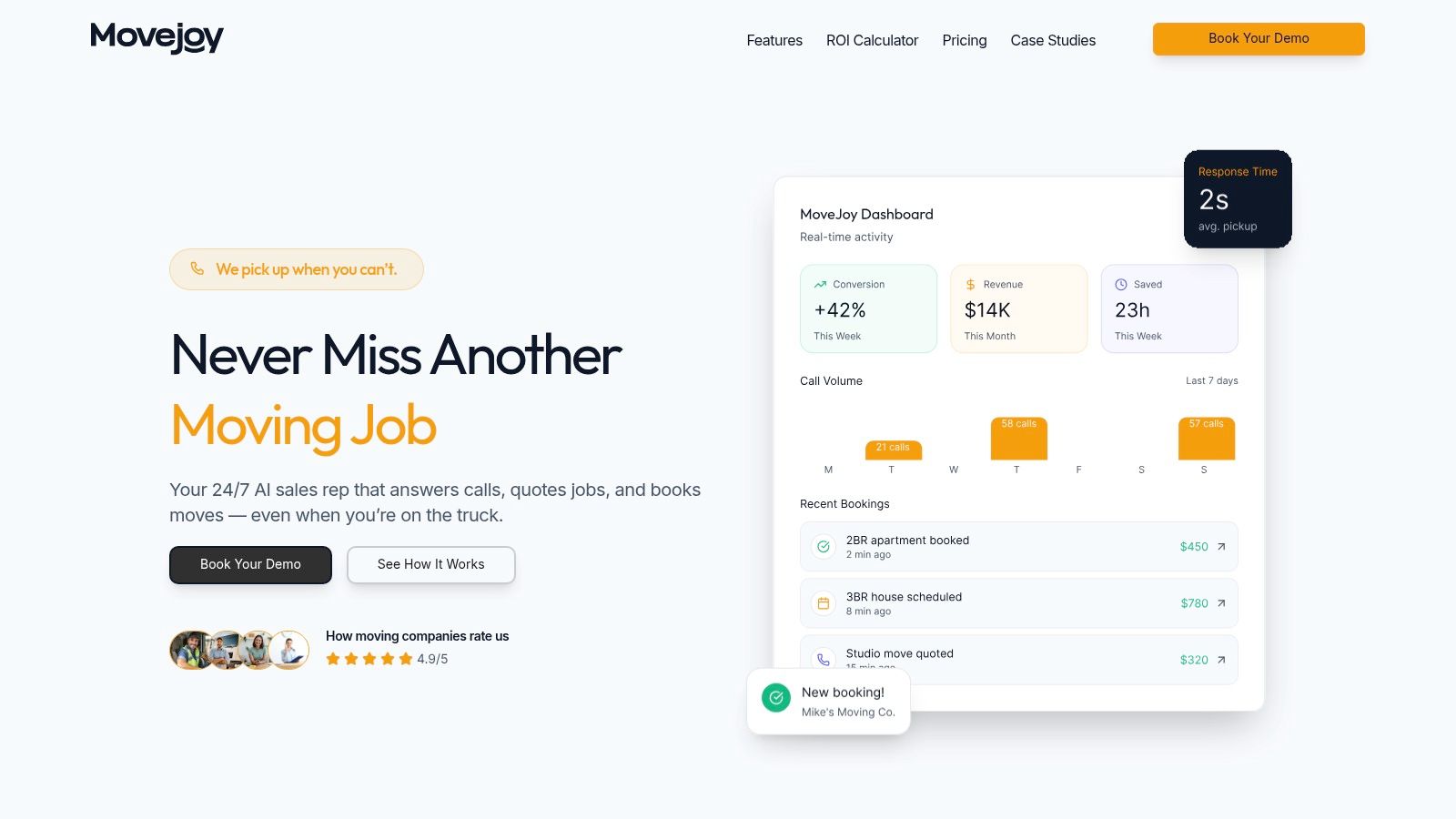
This platform excels by automating the entire initial customer interaction. Its industry-trained AI doesn't just answer the phone; it captures job details, provides accurate quotes based on your specific rate card, and books jobs directly into your existing calendar or moving software. This direct integration with tools like Google Calendar, SmartMoving, and Supermove eliminates double-data entry and streamlines scheduling, making it an indispensable tool for dispatchers and sales managers.
Standout Features & Use Cases
MoveJoy distinguishes itself as more than a simple answering service. Its conversational AI, fluent in over 30 languages, is trained on real moving industry conversations to manage customer interactions naturally and effectively. For moving company owners, this means the system can handle the repetitive, time-consuming tasks that bog down growth.
- 24/7 Lead Capture and Booking: A potential customer calls at 9 PM on a Friday to book a 2-bedroom apartment move. Instead of hitting voicemail, the AI receptionist captures their details, provides a quote, and books the job directly into your calendar for the following week—all without human intervention.
- Automated Quoting: Your office manager is tied up on another call. A new lead calls for a simple local move. The AI provides an instant quote based on your pre-set hourly rates and crew size, freeing up your team to handle more complex estimates.
- Post-Job Follow-up: After a job is completed, the system can automatically send a text prompting the customer for a Google review, helping build your online reputation and generate new business.
- Scalable Call Handling: During the summer rush, you can handle dozens of simultaneous calls for moving quotes without hiring temporary staff, ensuring every customer gets an immediate response.
Pricing and Onboarding
MoveJoy offers tiered pricing plans based on call volume, with included monthly minutes and pay-as-you-go overages. This model allows moving companies to scale their front-office capacity without the fixed cost of hiring staff. Setup is a key advantage; the no-code implementation process takes just 5-10 minutes, and a free trial is available to validate its performance before committing.
Pros & Cons
Pros:
- Eliminates Missed Calls: Provides immediate, 24/7 call answering to capture every lead.
- Reduces Administrative Workload: Automates quoting, scheduling, and data entry.
- Cost-Effective Scalability: A more affordable and flexible alternative to human receptionists or call centers.
- Drives Business Growth: Automates post-job review and referral requests.
- Provides Actionable Insights: A real-time analytics dashboard tracks call volumes, booking rates, and ROI.
Cons:
- Limited Scope for Complex Issues: While excellent for routine intake, complex or highly emotional customer situations will still require human escalation.
- Minute-Based Plans: Unused call minutes do not roll over, and overage fees apply, requiring careful plan selection based on call volume.
Website: https://getmovejoy.com
2. G2 – Construction CRM category
Before committing to a specific CRM, it's wise to get a bird's-eye view of the market. G2 is a trusted software marketplace that provides a comprehensive comparison of the best CRMs for contractors, all in one place. Think of it as your research headquarters, allowing you to validate vendor claims with real, unfiltered user feedback before you even schedule a demo. This is crucial for avoiding a tool that looks good on paper but fails in the field.
The platform aggregates authentic reviews, satisfaction scores, and detailed pros and cons from actual users. Its powerful filtering system lets you narrow down options by company size, specific features like lead management or scheduling, and other critical criteria. This process helps you create a well-vetted shortlist of platforms that genuinely fit your operational needs.
Key Takeaway: G2 is less of a CRM itself and more of an indispensable research tool. Use it to benchmark niche construction CRMs against general-purpose ones and build confidence in your final choice.
Key Features & How to Use Them
- Real User Reviews: Read what other moving or service company owners say about implementation, customer support, and daily usability. Look for reviews from businesses of a similar size to yours.
- Comparison Grids: Use the side-by-side comparison grids to quickly see how your top choices stack up on key features, from mobile access to quoting capabilities.
- Up-to-Date Rankings: G2 releases seasonal reports and rankings, ensuring you're seeing the most current and relevant platforms leading the market.
- Direct Vendor Links: Once you identify a promising CRM, G2 provides direct links to schedule a demo or start a free trial, streamlining your buying process.
Visit G2's Construction CRM Category
3. ServiceTitan
For home service contractors in trades like HVAC, plumbing, and electrical, ServiceTitan is an enterprise-grade platform that goes far beyond a typical CRM. It's a comprehensive field service management system designed to run nearly every aspect of a growing, multi-technician business. It directly addresses the challenge of managing high call volumes, complex scheduling, and detailed job tracking, making it one of the best CRM for contractors focused on residential services.
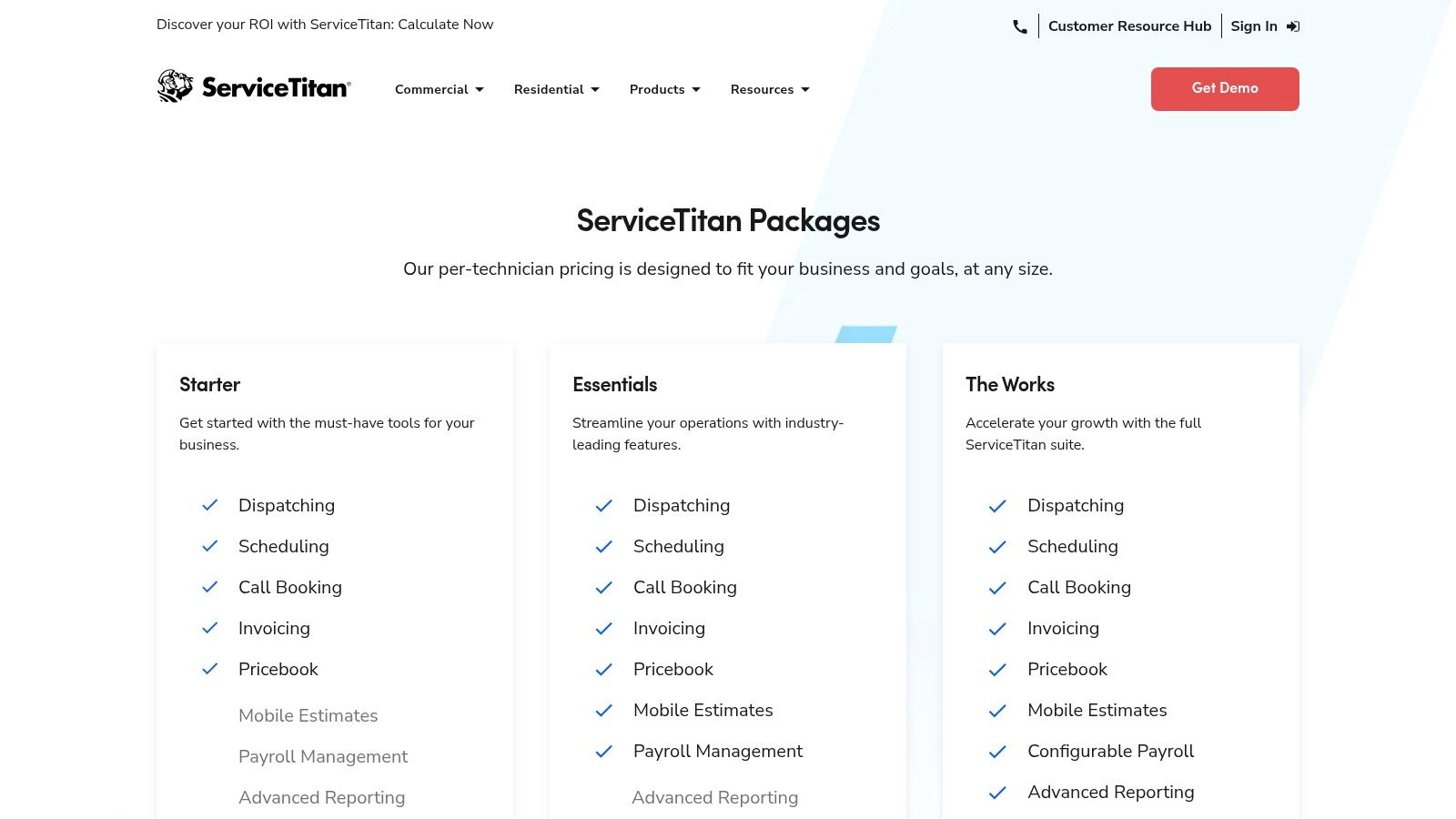
This platform excels at connecting every lead and customer interaction directly to a job, from the initial call to the final invoice. Its robust call booking and dispatch board are built to optimize technician routes and scheduling, while the integrated marketing and reporting tools provide deep insights into which channels are driving the most profitable jobs. For moving companies scaling their operations, this level of detail is invaluable.
Key Takeaway: ServiceTitan is a powerful, all-in-one solution for established home service businesses. It’s ideal for companies that need deep, trade-specific features for managing dispatch, memberships, and marketing attribution at scale.
Key Features & How to Use Them
- Call Booking and Recording: Tie every incoming call directly to a customer profile and job history. Use recordings for quality control and training your customer service team.
- Powerful Dispatch and Mobile Estimates: The visual dispatch board helps you manage your entire fleet in real-time. Techs can build, present, and close multi-option estimates directly from their tablets in the field.
- Configurable Payroll and Memberships: Automate complex payroll calculations, including commissions and bonuses. Manage recurring revenue streams by setting up and tracking service memberships and maintenance plans.
- Marketing Attribution and Reporting: Go beyond basic analytics to see exactly which marketing campaigns are generating calls and revenue, helping you optimize your ad spend for maximum ROI. Explore more options for home service business software to compare these advanced features.
4. Jobber
Jobber is a highly popular field service management platform that functions as an excellent CRM for contractors, especially those in home services like moving. It’s designed to manage the entire job lifecycle, from the initial customer inquiry to the final payment. This tool excels at organizing operations for owner-operators and growing teams who need a straightforward system for quoting, scheduling, invoicing, and getting paid without a steep learning curve.
Its strength lies in its user-friendly mobile app and clean interface, which ensures that both office staff and field crews can stay perfectly in sync. For movers struggling to move away from paper-based systems or disjointed spreadsheets, Jobber provides a cohesive, all-in-one solution that streamlines day-to-day tasks and improves the customer experience.
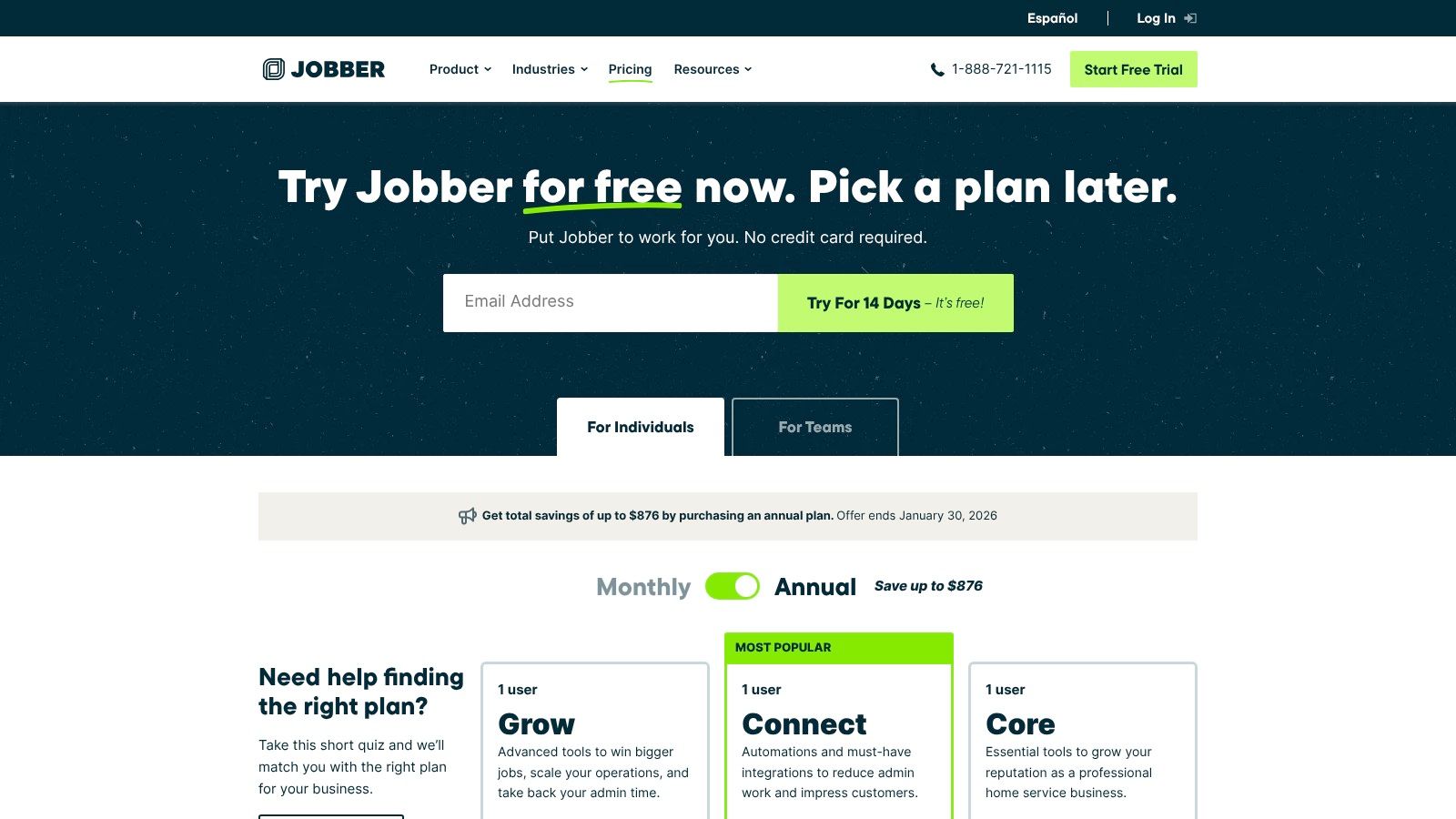
Key Takeaway: Jobber is the ideal choice for small to medium-sized moving companies seeking an easy-to-implement CRM to professionalize their operations. Its transparent pricing and core focus on quoting, scheduling, and payments make it one of the best CRMs for movers who prioritize operational efficiency.
Key Features & How to Use Them
- Pipeline Management: Track a job from the initial quote all the way to payment. Use this to get a clear view of your sales funnel and ensure no lead gets forgotten, a crucial step in the prospect-to-customer journey.
- Automations: Set up automated quote follow-ups and invoice reminders to save administrative time and improve cash flow. This helps you secure more jobs and get paid faster without manual effort.
- App Marketplace: Connect Jobber to essential tools like QuickBooks for accounting, Zapier for custom workflows, and Gusto for payroll. This turns the platform into a central hub for your business operations.
- Optional Add-ons: Enhance your capabilities with tools like an AI Receptionist to capture leads 24/7 or a Marketing Suite to run email campaigns and collect reviews, scaling the platform as your business grows.
5. Housecall Pro
Housecall Pro is a field-service management platform built specifically for home service professionals, making it a strong contender for the best crm for contractors in residential trades like moving. Its mobile-first design simplifies everything from online booking and estimates to invoicing and payments, empowering crews to manage their entire workflow directly from the field. This focus on mobile usability means less time spent on administrative tasks and more time focused on the job.
The platform excels at streamlining the financial side of operations. With features like Instapay for faster payouts, mobile card readers for on-site payments, and integrated price book tools, Housecall Pro helps movers get paid quicker and quote more consistently. It’s an ideal solution for owner-operators and growing service companies who need an all-in-one tool that is easy for the whole team to adopt and use daily.
Key Takeaway: Housecall Pro is a powerful, mobile-centric CRM for home service contractors who need to manage scheduling, dispatching, and payments in a single, user-friendly app.
Key Features & How to Use Them
- Scheduling & Dispatching: Use the drag-and-drop calendar to easily schedule jobs and dispatch crews. Real-time notifications keep your office and field teams perfectly in sync.
- Estimates & Invoicing: Create, send, and track professional estimates and invoices from your phone or desktop. Convert approved estimates into jobs with a single click.
- Instapay & Mobile Payments: Leverage the Instapay feature for faster access to your earnings. Accept credit card payments on-site with mobile card readers to improve cash flow.
- Price Book Tools: Build a digital price book with your services and materials to ensure consistent, flat-rate pricing on every quote, reducing errors and saving time.
- App Store & Integrations: Connect Housecall Pro to other tools you already use, like QuickBooks or Mailchimp, through its extensive app marketplace to create a unified workflow.
6. Service Fusion
For contractors scaling their team, predictable software costs are crucial. Service Fusion is an all-in-one field service management platform that includes robust CRM features and stands out with a unique pricing model: every plan includes unlimited users. This approach eliminates the per-seat fees that can quickly inflate costs, making it one of the best CRM for contractors focused on growth without unpredictable expenses. It’s built for service-based businesses that need to manage everything from the first customer call to the final invoice.
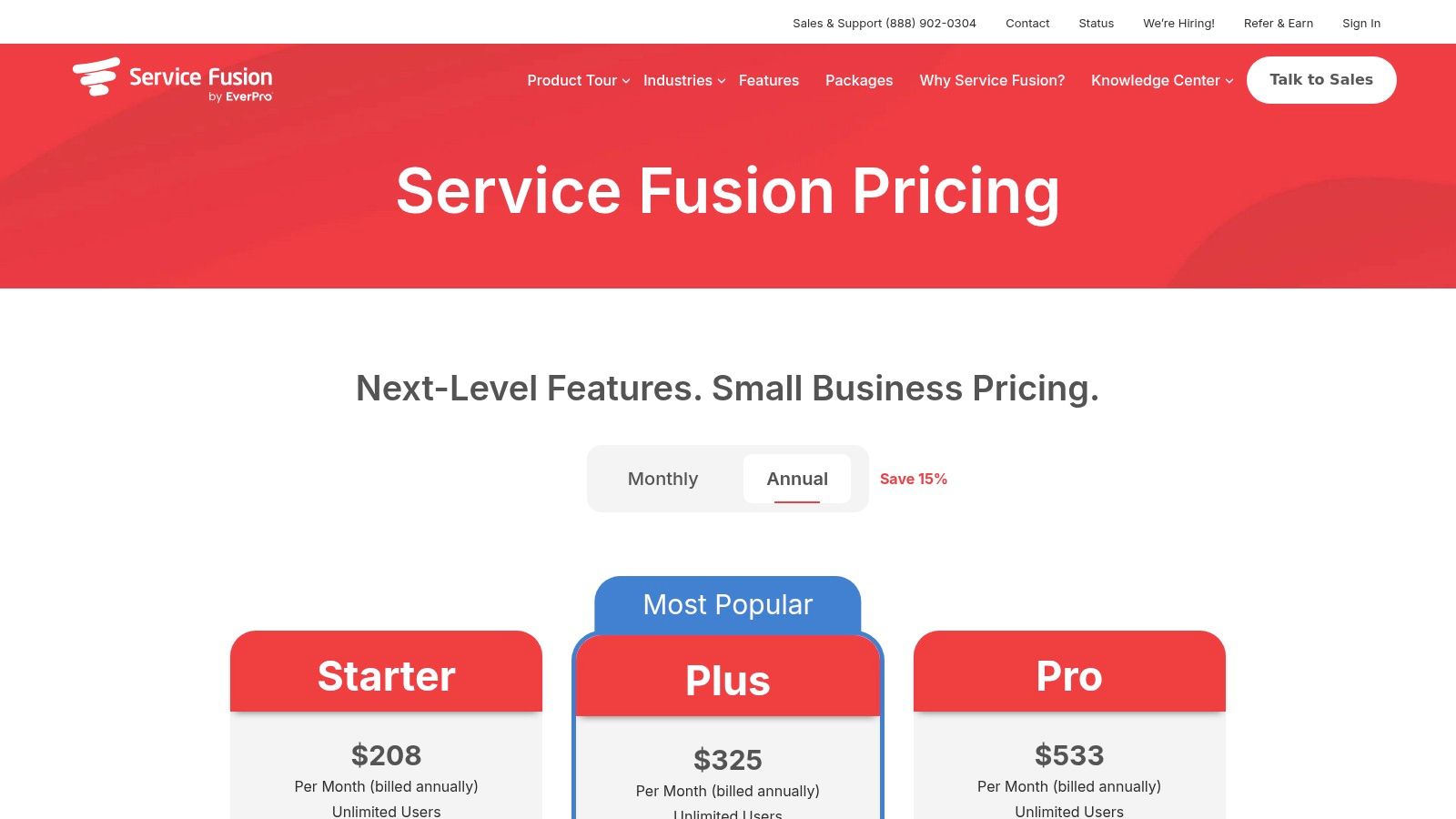
This platform provides a comprehensive toolkit for managing day-to-day operations, including scheduling, dispatching, quoting, and invoicing. With QuickBooks integration and optional add-ons for GPS tracking and customer portals, you can build a system tailored to your specific needs. The inclusion of an open API on its Pro plan also allows for deeper, custom integrations as your business becomes more complex.
Key Takeaway: Service Fusion is ideal for growing moving companies who want to avoid per-user pricing. Its all-in-one system helps streamline operations from lead to payment with a predictable monthly cost.
Key Features & How to Use Them
- Unlimited Users: Add office staff, crew leaders, and managers to the platform without increasing your monthly bill, ensuring your entire team is connected as you expand.
- Scheduling & Dispatching: Use the drag-and-drop dispatch board to assign jobs and manage schedules. Crews can view their assignments and job details directly from the mobile app.
- Quotes & Invoices: Create and send professional estimates and invoices from the office or the field. This helps you get paid faster and maintain consistent branding.
- QuickBooks Integration: Automatically sync your customer data, invoices, and payments with QuickBooks Online or Desktop to simplify accounting and reduce manual data entry.
- Optional Add-Ons: Customize your system with powerful tools like a customer portal for self-service booking, GPS fleet tracking for optimized routing, and integrated VoIP phone systems.
7. FieldPulse
FieldPulse is a flexible field service management platform designed specifically for trade contractors in industries like HVAC, plumbing, and electrical services. It combines core CRM functionalities with powerful workflow automation tools, allowing you to manage everything from lead intake to final payment within a single system. Its modular design makes it an adaptable choice for small to midsize teams looking to scale their operations efficiently.
The platform excels at connecting office staff with technicians in the field. Mobile work orders, real-time scheduling, and on-the-spot invoicing ensure that information flows seamlessly, reducing delays and improving job turnaround times. For movers struggling to manage a growing team and diverse job types, FieldPulse provides a structured yet customizable framework to standardize processes and gain control over project profitability.
Key Takeaway: FieldPulse is one of the best CRM for contractors who need an all-in-one field service solution that grows with them. Its optional add-ons and open API allow for a high degree of customization without overwhelming smaller teams.
Key Features & How to Use Them
- Estimates & Invoicing: Create professional, itemized quotes directly from the app and convert them into invoices with one click. Use this to send proposals to customers while still on-site to increase booking rates.
- Scheduling & Dispatch: A visual drag-and-drop calendar helps you assign jobs based on crew availability and location, optimizing routes and minimizing travel time.
- Project Management: Track job progress, manage budgets, and store all relevant files and photos in one place. This is ideal for longer, multi-stage projects requiring careful coordination.
- QuickBooks Sync & API: Automate your accounting by syncing invoices and payments directly with QuickBooks Online or Desktop. The open API allows you to connect other essential tools in your software stack.
8. JobNimbus
For roofing and exterior contractors, JobNimbus offers a specialized CRM built from the ground up to manage the unique workflows of their trade. It combines project management, sales tracking, and team collaboration into a unified platform, moving far beyond generic CRM capabilities. Its visual Kanban boards provide an at-a-glance view of every job's status, from initial lead to final payment. This contractor CRM is designed to streamline operations for businesses that manage complex, multi-stage projects.
The platform stands out with its deep integrations into the roofing ecosystem, connecting directly with services like EagleView for aerial measurements, ABC Supply for material ordering, and CompanyCam for photo management. This creates a powerful, centralized hub that eliminates double-entry and keeps project data consistent across every tool you use. For contractors in the exteriors space, this level of integration is a significant advantage.
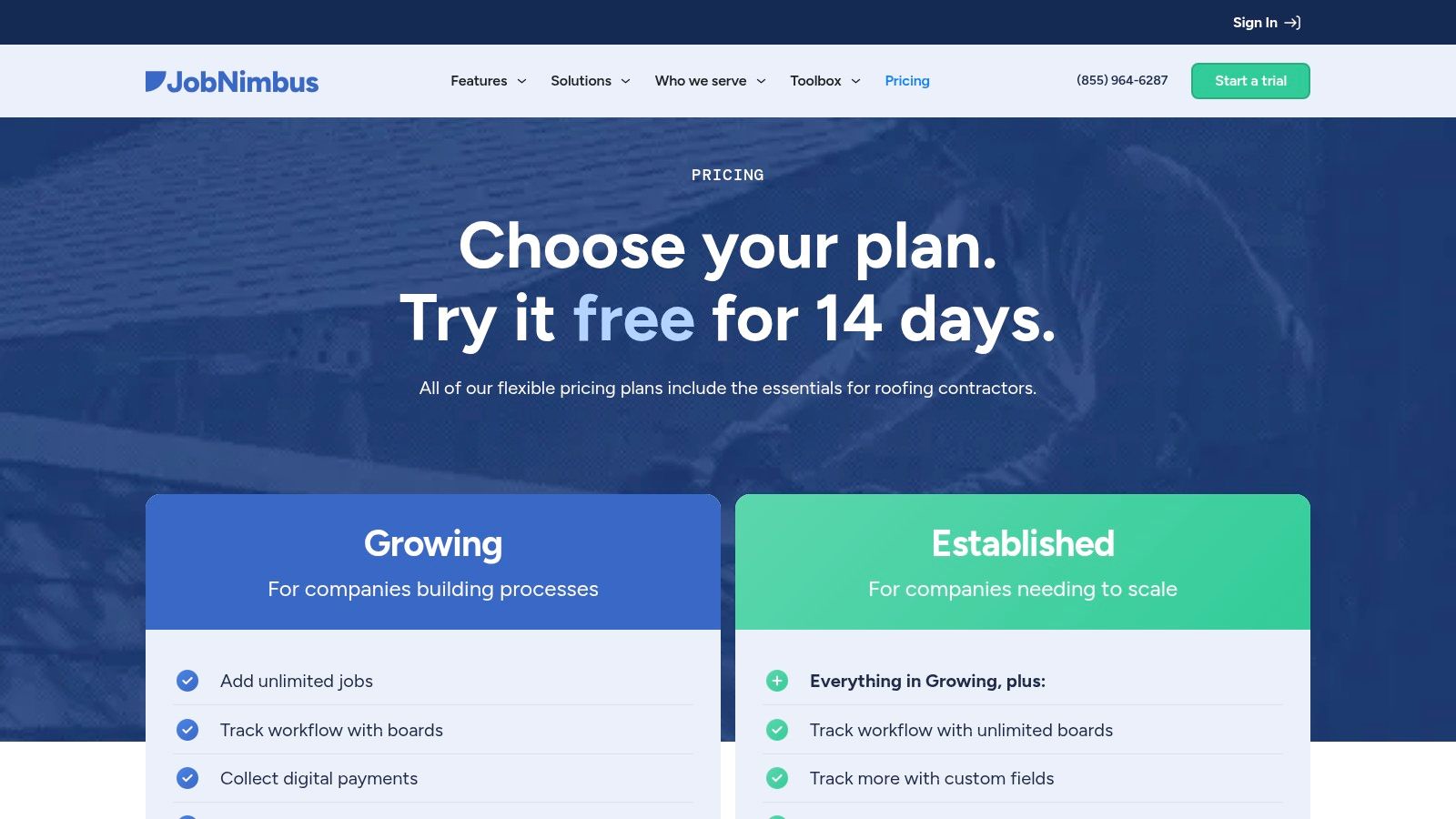
Key Takeaway: JobNimbus is the go-to CRM for roofing and exterior contractors seeking a system that integrates seamlessly with their essential industry tools, from suppliers to measurement software.
Key Features & How to Use Them
- Kanban Boards: Visually track jobs as they move through your pipeline. Create custom stages for your specific workflow, such as "Lead In," "Inspection Scheduled," "Estimate Sent," and "Job Won."
- Roofing Integrations: Connect your account with EagleView or HOVER to pull accurate measurements directly into your estimates. Link with suppliers like ABC Supply or SRS Distribution to streamline material ordering.
- Automations: Set up rules to automate repetitive tasks. For example, automatically create a follow-up task for a sales rep three days after an estimate is sent or send a customer an automated notification when their job status changes.
- Unlimited Jobs & Custom Fields: Store an unlimited number of jobs and customize fields to capture the specific data your business needs, like insurance claim numbers, shingle colors, or permit statuses.
9. AccuLynx
For roofing contractors, a generic CRM often requires extensive workarounds to fit the industry's unique workflows. AccuLynx is a specialized, all-in-one business management system designed specifically for roofers. It combines a powerful CRM with production management tools, creating a single source of truth from lead intake and material ordering to final invoicing. This focus on roofing-specific processes makes it a top contender for any contractor in that trade.
The platform’s standout feature is its deep integration with major roofing suppliers like ABC Supply and SRS Distribution. This allows contractors to view real-time material pricing and availability directly within the platform, streamlining job costing and ordering. By connecting sales, production, and accounting in one place, AccuLynx helps roofing companies improve accuracy and operational speed, making it one of the best CRM for contractors in this niche.
Key Takeaway: AccuLynx is the go-to platform for roofing contractors seeking to manage their entire business, from sales to production, within a single, industry-specific system. Its supplier integrations are a major differentiator for accurate job costing.
Key Features & How to Use Them
- Material Ordering & Supplier Integrations: Connect directly with leading suppliers to pull negotiated pricing into your estimates. This ensures your job costing is always accurate and simplifies the material ordering process.
- SmartDocs: Automate the creation of essential documents like estimates, material orders, and invoices using pre-built templates. This saves significant administrative time and reduces manual errors.
- Aerial Measurement Integrations: Integrate with services like EagleView and GAF QuickMeasure to pull accurate roof measurements directly into your job files, speeding up the estimation process.
- Customer Texting & Portal: Communicate with homeowners via text directly from the platform and give them access to a portal where they can view job progress, documents, and photos.
10. Buildertrend
For residential custom builders and remodelers, Buildertrend offers a comprehensive construction management platform that extends far beyond a typical CRM. It integrates pre-sale and sales activities directly into a powerful project management suite, creating a seamless workflow from initial lead tracking to final payment. This end-to-end system is designed to manage complex, multi-stage projects without the data silos that plague disconnected tools.
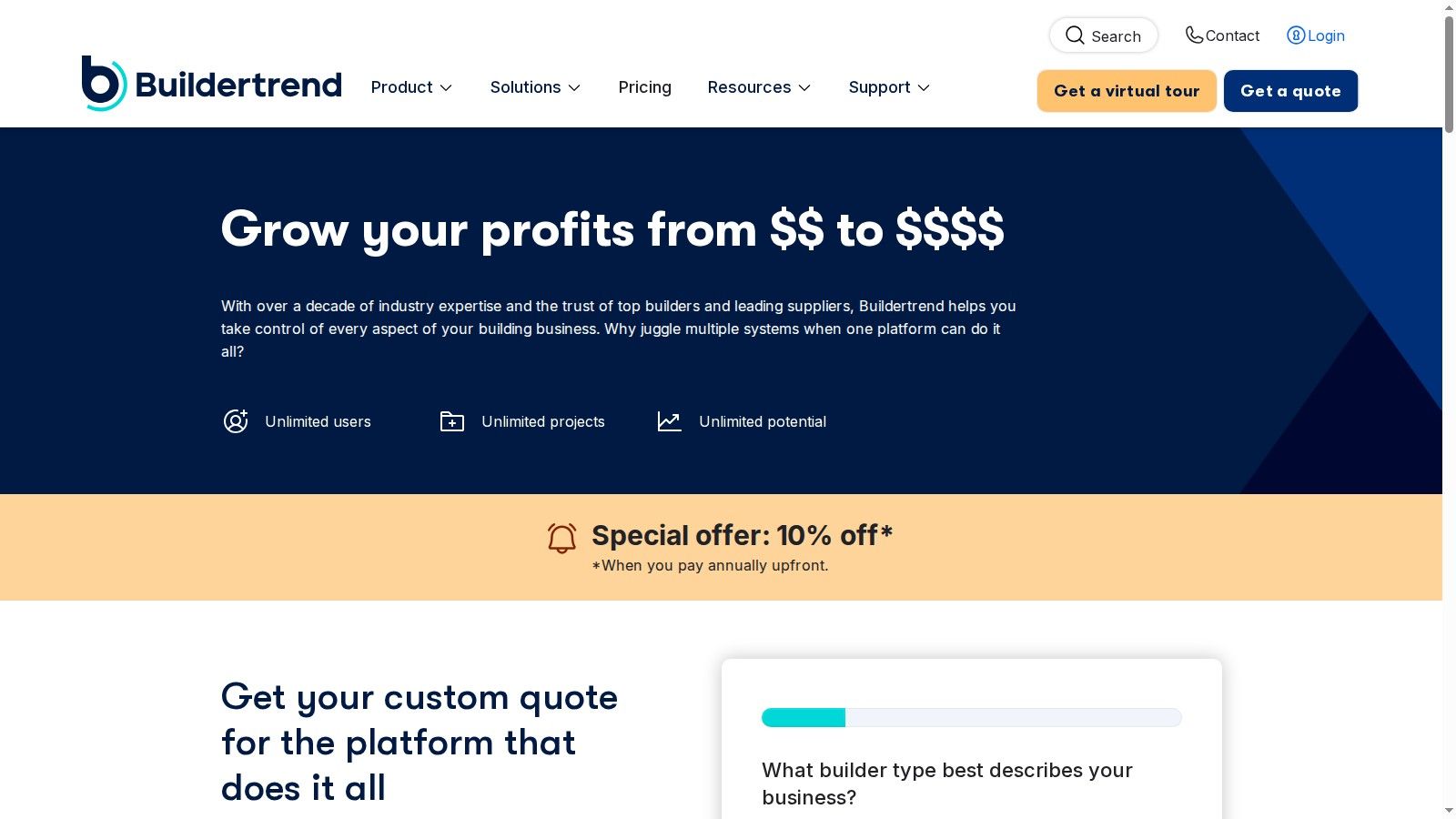
The platform shines in its ability to connect client communication, financial management, and on-site scheduling in one place. By centralizing everything from bids and change orders to client selections and online payments, Buildertrend helps contractors maintain control and transparency across their entire project portfolio. This makes it an ideal choice for growing firms managing multiple projects simultaneously who need a single source of truth.
Key Takeaway: Buildertrend is a complete business ecosystem for residential builders. It’s best suited for those who need an all-in-one tool to manage the entire client lifecycle, not just a standalone CRM for sales.
Key Features & How to Use Them
- Integrated CRM & Lead Management: Track prospects from initial inquiry through the bidding process. Use the built-in tools to create and send professional proposals and convert leads into active projects seamlessly.
- Client & Subcontractor Portals: Give clients a dedicated portal to view progress, make selections, and approve change orders. Use the subcontractor portal to streamline communication and improve your crew scheduling and dispatch processes.
- Comprehensive Financial Tools: Manage bids, estimates, purchase orders, and online payments (both credit card and ACH) within the platform to keep your project financials organized and accurate.
- Unlimited Users & Projects: The pricing model supports business growth by allowing unlimited projects and users, ensuring your entire team, from sales to field crews, can collaborate effectively.
11. Procore
For general and specialty contractors managing large-scale, complex projects, Procore offers a comprehensive construction management platform, not just a standalone CRM. It’s designed to unify all stakeholders, from the back office to the field, by centralizing project data, communication, and financials. While its primary function isn't sales, its ability to manage contacts and workflows makes it a powerful tool for contractors focused on deep project execution and long-term client relationships. This is a platform built for operational control at scale.
The platform's strength lies in its ecosystem. Procore integrates every facet of a construction project, from pre-construction bidding to financial closeout. Its predictable enterprise pricing, which includes unlimited users and data, is a significant advantage for large teams, removing the per-seat cost barrier that hinders growth with other CRMs. This makes it an ideal choice for established firms needing a single source of truth across their entire operation, rather than just a tool to manage leads.
Key Takeaway: Procore is the best choice for large contractors who need a powerful, all-in-one project management system where CRM functionalities are embedded within a broader operational framework. It’s overkill for sales-focused teams but perfect for enterprise-level project execution.
Key Features & How to Use Them
- Unified Project Management: Centralize all project documents, communications, and financial data in one place. Use this to maintain a complete history of client interactions and project progress.
- Unlimited Users and Data: Scale your team without worrying about escalating software costs. This is ideal for bringing subcontractors, clients, and internal teams into a single collaborative environment.
- Robust Integrations: Connect Procore with your existing accounting, bidding, and design software to create a seamless operational workflow from start to finish.
- Financial Management Tools: Manage budgets, track costs, and handle payments directly within the platform, tying client relationship data directly to project profitability.
12. BuildOps
For commercial MEP and service contractors, general-purpose CRMs often miss the mark, failing to handle the complexities of service agreements, multi-stage proposals, and the critical handoff from sales to operations. BuildOps is an all-in-one platform designed specifically for these commercial workflows, combining a powerful CRM with comprehensive field service management. It bridges the gap between winning a job and executing it flawlessly.
This platform provides deep pipeline visibility, from initial lead to final invoice, ensuring sales, operations, and finance are always in sync. Its focus on proposals, estimating, and forecasting makes it a strategic tool for larger service organizations aiming to scale efficiently. By integrating sales activities with manpower planning and dispatch, BuildOps helps commercial contractors manage resources and protect margins on complex jobs.
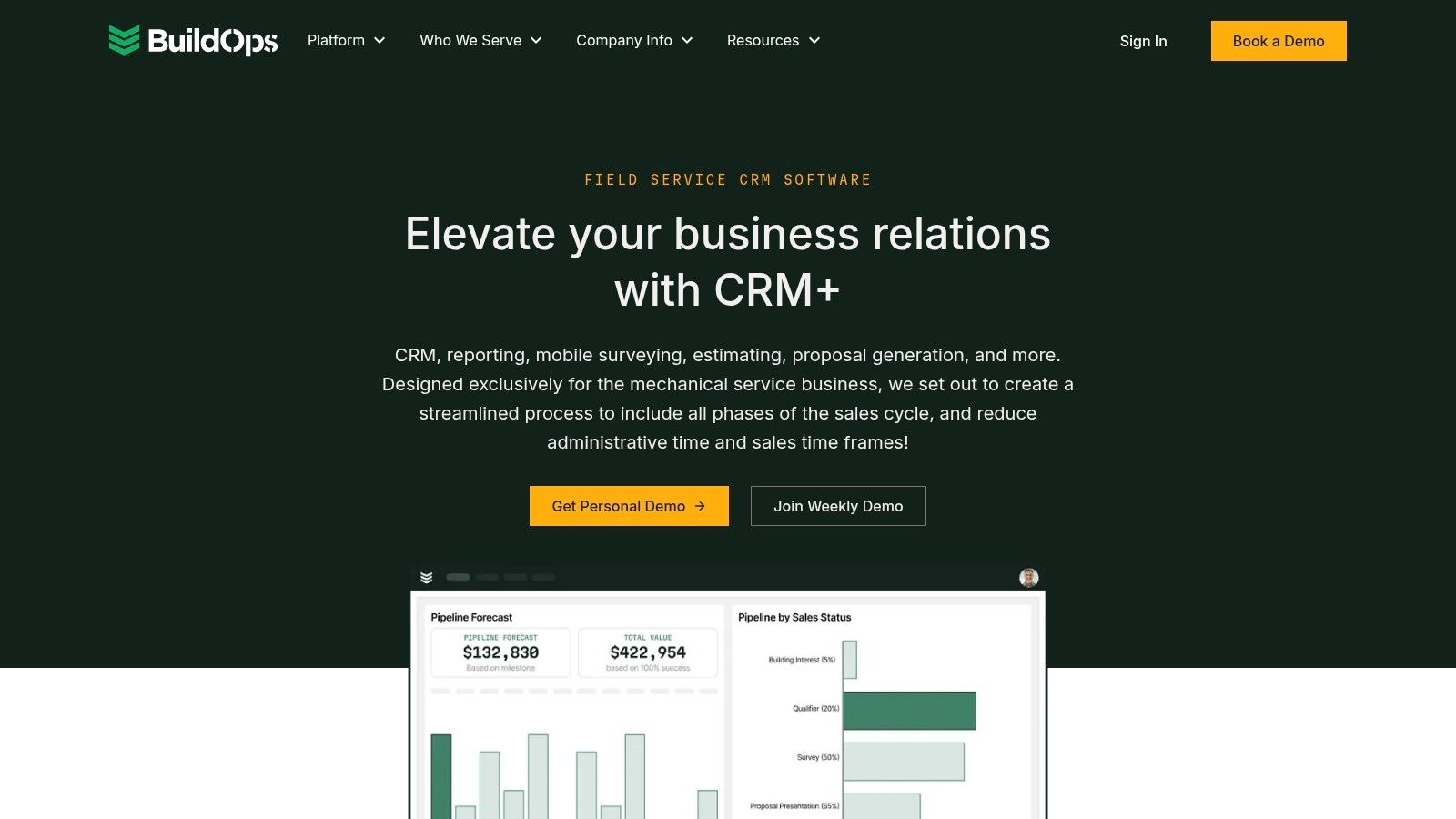
Key Takeaway: BuildOps is the best CRM for contractors in the commercial MEP and service sectors. It’s built to manage the entire customer lifecycle, from sophisticated proposals to preventative maintenance contracts and dispatch.
Key Features & How to Use Them
- Pipeline Tracking & Forecasting: Use the real-time dashboards to track sales performance against quotas and forecast future revenue and manpower needs accurately.
- Quotes, Proposals & Estimating: Create detailed, multi-option proposals directly within the system. Mobile survey tools allow technicians to capture site data that feeds directly into estimates, improving accuracy.
- Sales & Operations Sync: Leverage the seamless integration to ensure that when a bid is won, all job details, equipment information, and customer history are immediately available to the operations team.
- Mobile Surveys: Equip your sales team and technicians with mobile tools to conduct on-site surveys, capturing photos and notes that streamline job handoffs and reduce errors.
Top 12 Contractor CRM Comparison
| Product | Core features ✨ | UX / Quality ★ | Value proposition & Price 💰 | Target audience 👥 |
|---|---|---|---|---|
| MoveJoy 🏆 | AI 24/7 call answering, auto-quoting & live calendar booking, CRM integrations, review/referral automation ✨ | ★★★★★ — ~2s response, near‑100% answer rate, ~98% booking | Lower cost vs receptionists/call centers; tiered plans with included minutes + pay‑as‑you‑go; free trial 💰 | Trades & field‑service (movers), SMBs → enterprise 👥 |
| G2 – Construction CRM category | Marketplace: reviews, rankings, filters, vendor links ✨ | ★★★★ — real user reviews & benchmarking | Free to use; ideal for shortlisting and validation 💰 | Contractors researching CRM options 👥 |
| ServiceTitan | Enterprise FSM + CRM: call booking, dispatch, pricebook, marketing attribution ✨ | ★★★★☆ — deep trade functionality & analytics | Quote-based; premium pricing but high ROI for multi‑tech shops 💰 | Growing / multi‑technician home‑service companies 👥 |
| Jobber | Quotes → schedule → invoice, automations, marketplace integrations ✨ | ★★★★ — fast onboarding, strong mobile apps | Transparent plans & free trial; add-ons may raise cost 💰 | Owner‑operators and growing home‑service teams 👥 |
| Housecall Pro | Scheduling/dispatch, estimates, Instapay payouts, app ecosystem ✨ | ★★★★ — mobile‑first, easy to learn | Tiered pricing; payment features strong (Instapay) 💰 | Mobile home‑service contractors 👥 |
| Service Fusion | Scheduling, quotes, invoicing, integrated voice/text, QuickBooks ✨ | ★★★ — predictable plans; some features add‑on | Unlimited users per plan; month‑to‑month billing option 💰 | Growing teams needing predictable per‑plan costs 👥 |
| FieldPulse | CRM, scheduling, mobile work orders, project mgmt, API ✨ | ★★★ — flexible modules for SMBs | Quote/demo pricing; modular add‑ons available 💰 | Small → midsize contractors, multi‑location teams 👥 |
| JobNimbus | Roofing CRM: Kanban, supplier/measurement integrations, payments ✨ | ★★★★ — strong roofing workflows & integrations | Pricing via sales; robust ecosystem for exteriors 💰 | Roofing & exterior contractors 👥 |
| AccuLynx | Roofing production CRM, material ordering, SmartDocs, photo integrations ✨ | ★★★★ — supplier pricing & US support | Quote-based; add‑ons affect TCO 💰 | Roofing contractors focused on job costing 👥 |
| Buildertrend | End‑to‑end residential: lead CRM, client portals, project mgmt ✨ | ★★★★ — scales for multi‑project remodelers | Custom quotes; built for multi‑project firms 💰 | Remodelers & custom builders 👥 |
| Procore | Project execution, cost & resource mgmt, integrations, enterprise support ✨ | ★★★★★ — enterprise‑grade, robust implementation | Enterprise pricing by quote; unlimited users 💰 | Large GCs and specialty contractors 👥 |
| BuildOps | Commercial MEP CRM: pipeline, estimating, mobile surveys, forecasting ✨ | ★★★★ — strong reporting & sales‑ops sync | Quote-based; built for commercial workflows 💰 | Commercial MEP and service contractors 👥 |
Stop Managing Leads and Start Booking More Jobs
Choosing from this list of the best CRMs for contractors can feel overwhelming, but the goal is simple: find the system that removes operational friction and helps you book more jobs, faster. For years, the standard approach was to use software as a digital filing cabinet to organize customer data. Today, that’s not enough. The modern contractor CRM is an active growth engine, not a passive database. It should automate the tedious, time-sensitive tasks that directly impact your revenue, like answering every call, sending instant quotes, and securing jobs before competitors even have a chance to respond.
The core challenge for most moving company owners isn't a lack of leads; it's the bottleneck between a lead’s first call and a booked job. A missed call during a busy day or a quote delayed by a few hours is a lost opportunity. Your potential customers are shopping for speed and convenience. If you can’t provide an immediate answer or a quick quote, they will find someone who can. This is where the right technology transforms your business from reactive to proactive.
Key Takeaways: From Managing to Automating
As you evaluate your options, shift your mindset from "Which CRM organizes my contacts best?" to "Which platform wins me more jobs with less effort?" Here are the crucial takeaways to guide your decision:
- Automation is Your Best Sales Rep: A system that provides 24/7 call answering and automated booking isn't just a tool; it's a tireless employee who never misses a lead. This is especially critical for capturing after-hours or weekend inquiries that would otherwise go straight to voicemail.
- Speed Wins the Job: The single biggest competitive advantage you can have is speed. A CRM that enables instant quote generation and follow-up is essential. The first mover to provide a professional quote is often the one who gets hired.
- Integration is Non-Negotiable: Your CRM should not be an isolated island. Look for solutions that integrate seamlessly with your existing tools like QuickBooks for accounting, Google Calendar for scheduling, and your moving software. This creates a single source of truth and eliminates double-entry, saving you hours of administrative work.
- Focus on ROI, Not Just Features: Don't get lost in a long list of features you'll never use. Calculate the return on investment. If a platform costs a few hundred dollars a month but helps you book just one extra job you would have otherwise missed, it has already paid for itself.
Your Next Steps: A Practical Framework for Selection
Selecting and implementing the best CRM for your moving business requires a strategic approach. Before you sign up for a demo, take these steps:
- Identify Your Biggest Bottleneck: Is it missed calls during the spring rush? Slow quoting? Disorganized dispatch? Be honest about your single biggest point of failure in your sales process. This is the primary problem your new CRM must solve.
- Match the Tool to Your Scale: A solo operator with one truck doesn't need the complexity of an enterprise-level system. Conversely, a rapidly growing company with ten crews will quickly outgrow a simpler tool. Choose a platform that fits your current size but has the capacity to scale with you.
- Prioritize User Adoption: The most powerful software is useless if your team won’t use it. Look for an intuitive interface, a mobile app that works well for your crews, and a system that simplifies, rather than complicates, daily tasks for your dispatchers and office staff.
Ultimately, the goal is to implement a system that makes your phone ring and fills your calendar. Once your CRM is set up to capture and convert leads efficiently, you can focus on what comes next. To truly stop just managing leads and start consistently booking more jobs, explore some effective lead generation strategies for contractors. A powerful CRM paired with a steady stream of high-quality leads is the formula for sustainable growth.
Ready to turn missed calls into booked jobs automatically? MoveJoy acts as your AI-powered receptionist, answering every call 24/7 and integrating directly into your scheduling system to capture and convert leads you’re currently losing. See how you can stop chasing leads and start letting the jobs come to you by visiting MoveJoy.